
1 Month Subscription
One-time · 1 month
- One-time payment
- 20,000+ live channels
- 90,000+ movies & series
- Anti-buffering servers
- TV guide (EPG)
- Instant activation
- 24/7 chat support
What is IPTV? It stands for Internet Protocol Television: live channels and on-demand video delivered over your internet connection instead of an antenna, satellite dish or cable line. This guide explains how it works, what you need to watch it and how it compares with cable and the streaming apps you already know.
 Beginner guide
IPTV (Internet Protocol Television) is television delivered as data over an internet connection. Instead of tuning a broadcast signal, an app on your TV, phone or computer requests a channel from a server and plays it as a stream. Most IPTV services combine three things: live TV channels, a library of on-demand movies and series, and catch-up for recently aired shows.
What is IPTV doing behind the screen? Four quick steps take a channel from the studio to your sofa.
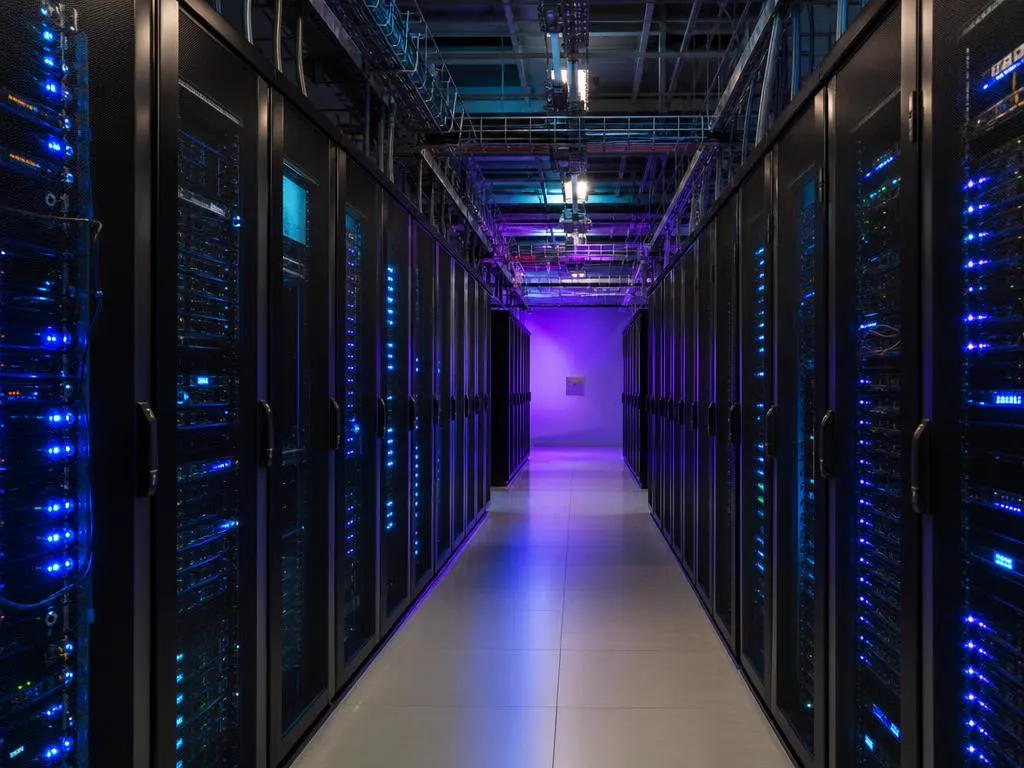
Each TV channel is compressed into a digital video stream, usually H.264 or H.265, and sent to the provider's servers.
When you pick a channel, the player app sends a request to the server using your login details.

The stream reaches you as a continuous feed (MPEG-TS) or as small segments (HLS) that your app stitches together seamlessly.
Separate TV guide data (EPG) tells the app what's on now and next, so you can browse like cable.
| IPTV | Cable or satellite | Streaming apps | |
|---|---|---|---|
| How it arrives | Over your internet connection | Coax cable or a dish | Over your internet connection |
| Live channels | Yes, with a TV guide | Yes, with a TV guide | Few or none |
| On demand | Movies and series libraries | Limited, often paid | The main feature |
| Equipment | Any device with a player app | A rented box in each room | Any device with the app |
| Commitment | Varies; ours is one-time payment | Often long contracts | Usually monthly |
What is IPTV made of? Three kinds of viewing, usually together in one app.
Linear channels playing in real time, just like cable, with a now-and-next guide.
Movies and series you start whenever you like, with posters and seasons.
Replay a show that aired earlier, on channels that support it.
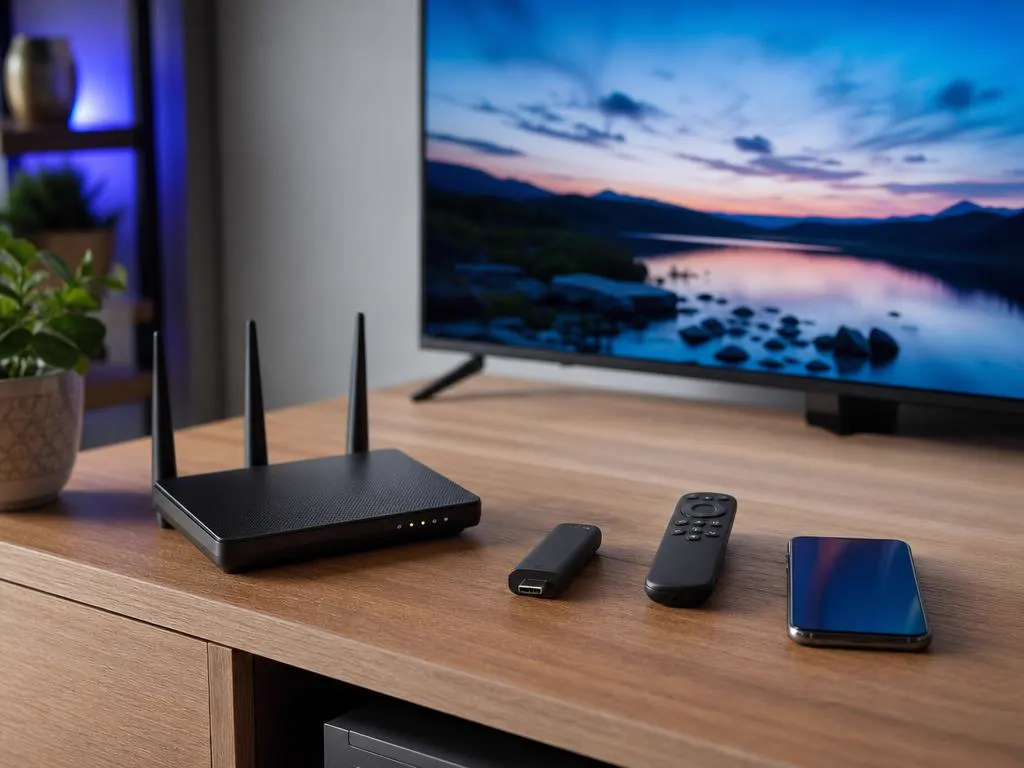
You don't need a dish, a technician or a set-top box. If you can stream a video, you can watch IPTV, and our TV streaming service guide shows how the options compare.
Technically, telecom IPTV runs on a provider's private network (TV from your phone or internet company), while services you sign into over the open internet are often called OTT. In everyday use, people call both IPTV.
IPTV itself is just a delivery technology. Whether a particular service is legal depends on whether it has the rights to the channels it offers, and on the laws where you live.
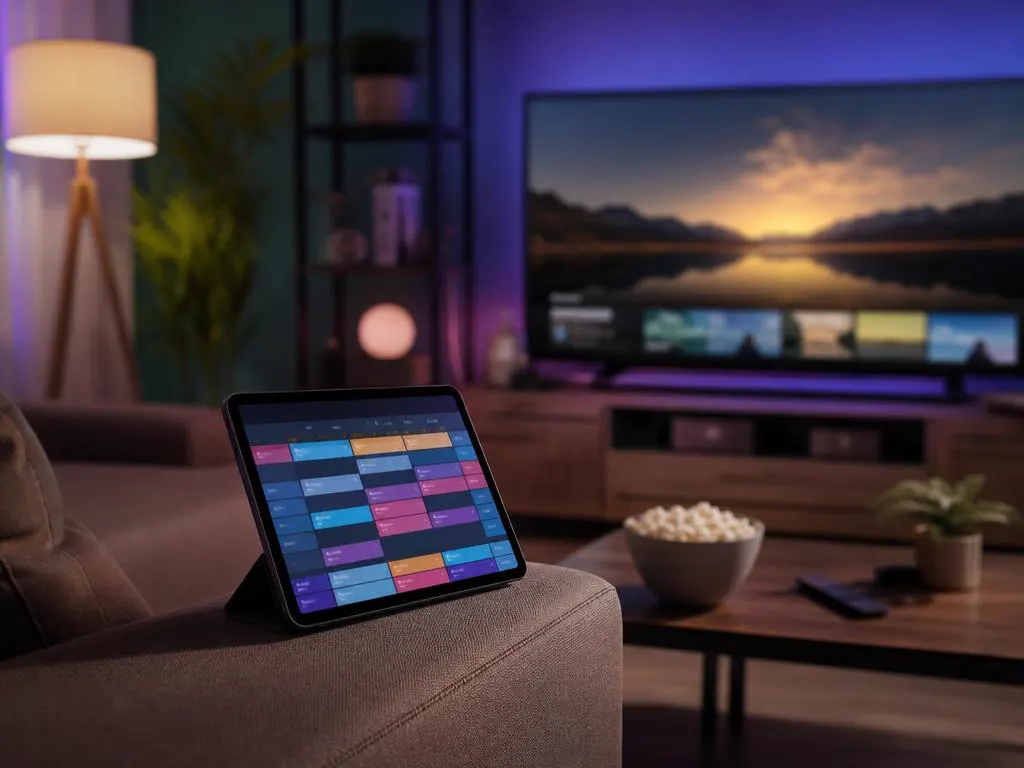
A few words come up again and again when you set up an IPTV service. Here's what they mean.
Have an M3U link but your app wants Xtream Codes? Use our free M3U to Xtream converter.
Choose how many devices you'll watch on, then 1, 3, 6 or 12 months. Your login arrives by email in minutes.
1 Month Subscription
One-time · 1 month
3 Months Subscription
One-time · 3 months$8.67/mo
6 Months Subscription
One-time · 6 months$6.50/mo
12 Months Subscription
One-time · 12 months$5.75/mo
1 Month Subscription
One-time · 1 month
3 Months Subscription
One-time · 3 months$12.00/mo
6 Months Subscription
One-time · 6 months$11.50/mo
12 Months Subscription
One-time · 12 months$9.92/mo
1 Month Subscription
One-time · 1 month
3 Months Subscription
One-time · 3 months$15.33/mo
6 Months Subscription
One-time · 6 months$14.83/mo
12 Months Subscription
One-time · 12 months$12.42/mo
1 Month Subscription
One-time · 1 month
3 Months Subscription
One-time · 3 months$18.67/mo
6 Months Subscription
One-time · 6 months$19.83/mo
12 Months Subscription
One-time · 12 months$14.08/mo
Secure checkout · One-time payment, no contract · Login details by email in minutes
Live channels, just like cable.

On-demand films with one click.

Your channels, wherever you are.
Pick a plan, get your login by email in minutes and watch live TV, movies and series on every screen at home.

This website is operated by an independent IPTV provider. IPTV Smarters Pro is developed by WHMCS Smarters; we are not affiliated with or endorsed by the developer. This guide is general information, not legal advice.