
1 Month Subscription
One-time · 1 month
- One-time payment
- 20,000+ live channels
- 90,000+ movies & series
- Anti-buffering servers
- TV guide (EPG)
- Instant activation
- 24/7 chat support
IPTV buffering almost always comes from one of four places: your internet speed, the Wi-Fi between router and TV, the streaming device itself, or the provider's servers. This guide helps you find which one in a few minutes, then walks through ten fixes in the order that solves the most problems first.
 Fix it fast
Ask two questions. Does every channel buffer, or just some? And does it happen all the time, or only in the evening? Every channel all the time points to your network or device. Some channels, or only at peak times, points to the provider. Run a speed test on the TV or stick itself, not your phone, to see the real speed where you watch.
| What you watch | Minimum per screen | Comfortable |
|---|---|---|
| SD channels | 3 Mbps | 5 Mbps |
| HD channels | 8 Mbps | 10 to 15 Mbps |
| 4K channels | 20 Mbps | 25 Mbps or more |
| Several screens | Add each screen together | Leave 20% headroom |
Speed tests on a phone next to the router can look perfect while the TV across the house gets a fraction of it.
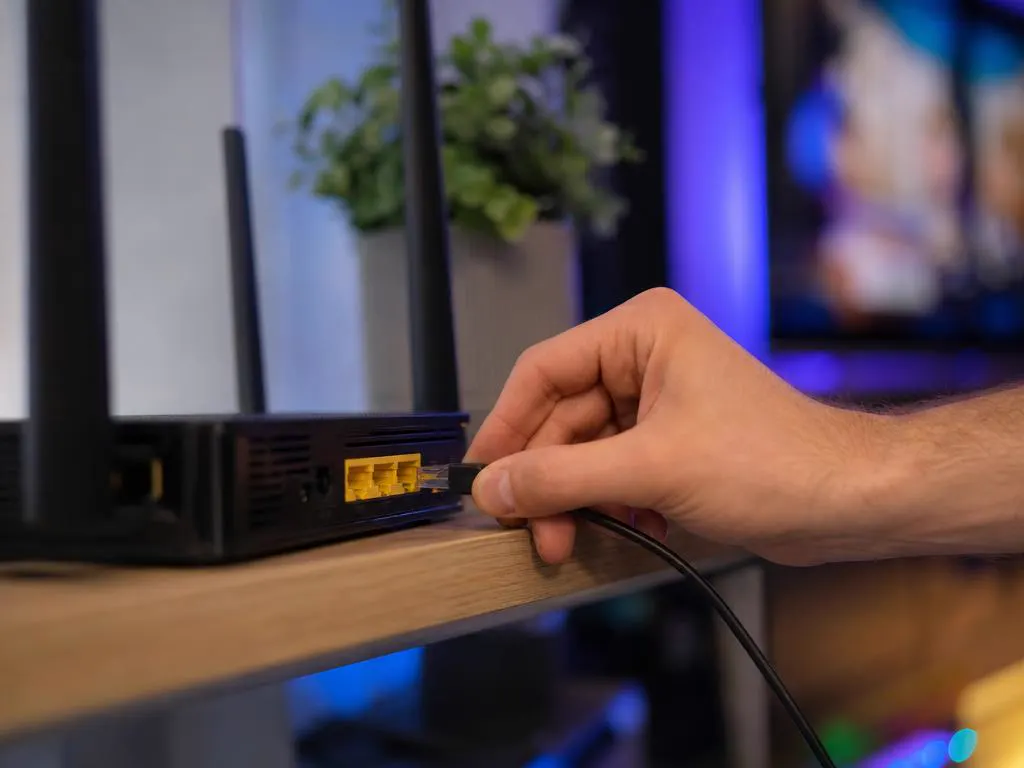
Unplug the router and streaming device for 30 seconds, then power the router first.
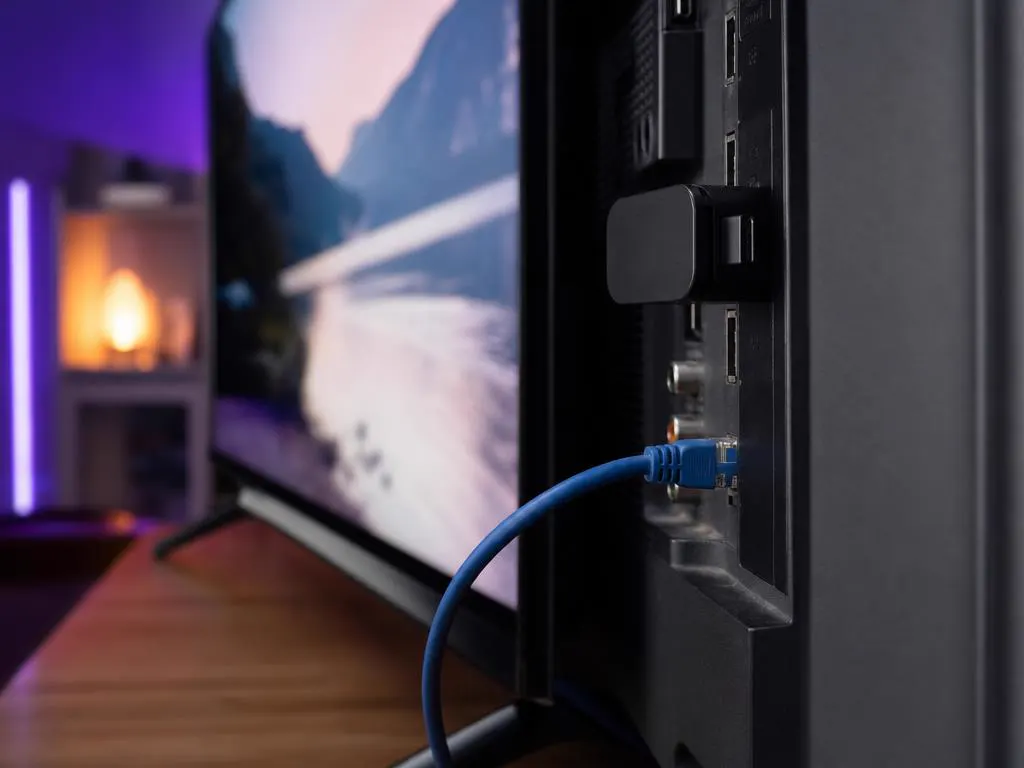
A cable from router to TV or stick is the single biggest fix for buffering.
If you can't run a cable, use the 5 GHz network and move the router into the open.
On Android TV and Fire TV, clear the player app's cache in the device settings.
In the app settings, switch between MPEG-TS and HLS and test again.
Close background apps and keep at least 1 GB of storage free.
Stop large downloads, cloud backups and console updates while you watch.
If your internet provider throttles streams, a fast VPN can help; otherwise it only adds delay.
Choose the HD version of a 4K channel on slower connections.
If only some channels buffer at peak times, the issue is on their side.

If everything works at noon but freezes during a big Sunday game, your home network probably isn't the problem. Underpowered providers run out of capacity when everyone watches at once. Our servers are load-balanced for those moments, which is why peak-time stability is the first thing we tell people to test.
Is the app itself down? Check hereLoad-balanced servers, HD and 4K where available. Choose your devices, then your plan length.
1 Month Subscription
One-time · 1 month
3 Months Subscription
One-time · 3 months$8.67/mo
6 Months Subscription
One-time · 6 months$6.50/mo
12 Months Subscription
One-time · 12 months$5.75/mo
1 Month Subscription
One-time · 1 month
3 Months Subscription
One-time · 3 months$12.00/mo
6 Months Subscription
One-time · 6 months$11.50/mo
12 Months Subscription
One-time · 12 months$9.92/mo
1 Month Subscription
One-time · 1 month
3 Months Subscription
One-time · 3 months$15.33/mo
6 Months Subscription
One-time · 6 months$14.83/mo
12 Months Subscription
One-time · 12 months$12.42/mo
1 Month Subscription
One-time · 1 month
3 Months Subscription
One-time · 3 months$18.67/mo
6 Months Subscription
One-time · 6 months$19.83/mo
12 Months Subscription
One-time · 12 months$14.08/mo
Secure checkout · One-time payment, no contract · Login details by email in minutes

No spinning wheel.

Coverage where the TV is.

Even at peak time.
Switch to load-balanced servers built for peak times. Get your login by email in minutes and test it during the next big game.
This website is operated by an independent IPTV provider. IPTV Smarters Pro is developed by WHMCS Smarters; we are not affiliated with or endorsed by the developer. Settings names vary by device and app version. Prices shown in USD.