
1 Month Subscription
One-time · 1 month
- One-time payment
- 20,000+ live channels
- 90,000+ movies & series
- Anti-buffering servers
- TV guide (EPG)
- Instant activation
- 24/7 chat support
Your IPTV Smarters Pro download is free, but where you get it matters. This guide shows the safe, official way to install the player on Android, Fire TV, iPhone, iPad, Windows, Mac, Roku and Smart TVs, and how to spot look-alike apps and modified APK files before they reach your TV.
 Free player app
Download the app only from an official app store listing (Google Play, the Apple App Store, the Microsoft Store, the Roku Channel Store or your TV's app store) or from the developer's own website. Check that the publisher is WHMCS Smarters, the company behind IPTV Smarters Pro and Smarters Player Lite. The app is a player: it does not include any channels, so you sign in with details from your IPTV provider.
App names and availability change between stores and regions, so use this as a map, then confirm the publisher before you install.
| Device | Where to get it | Good to know |
|---|---|---|
| Android phones & tablets | Google Play, or the developer's website | Check the publisher name before tapping Install. Full steps in our Android guide. |
| Android TV & Google TV | Google Play on your TV | Search "Smarters" with the TV remote and compare the developer name. |
| Amazon Fire TV & Fire Stick | The Amazon Appstore where listed, or the Downloader app with the official link | See our Firestick setup guide and Downloader code guide. |
| iPhone, iPad & Apple TV | Apple App Store (Smarters Player Lite) | Lite is the developer's Apple-friendly version; see our iPhone and Apple TV guides. |
| Windows PC | Developer's website or Microsoft Store | Several Store listings use similar names; confirm the publisher. See the Windows guide. |
| Mac | App Store (Apple silicon Macs) or the developer's website | iPad apps run on M-series Macs; Intel Macs need the desktop build. See the Mac guide. |
| Roku | Roku Channel Store | See our Roku Smarters Player guide. |
| Samsung & LG Smart TVs | The TV's own app store, if listed for your model | Not every model or region has it; see our Samsung and LG guides. |
Not sure which app your provider supports? Any player that accepts Xtream Codes or M3U logins will work with our service.
Unofficial APK sites often repackage the app with ads, trackers or a hard-coded playlist. Red flags: a publisher name that isn't WHMCS Smarters, a version number that doesn't exist on the developer's site, requests for unusual permissions, or a download that promises "free channels."
A clean IPTV Smarters Pro download never comes with channels built in. If it does, uninstall it.
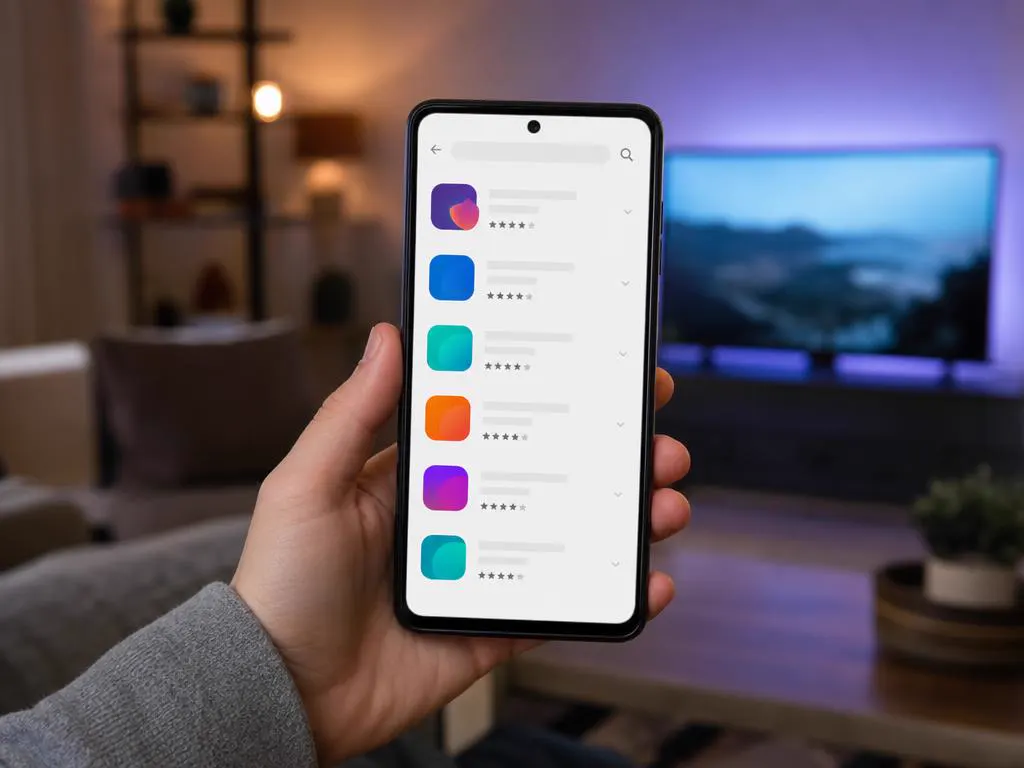
On your phone, tablet or Android TV, open Google Play and search for the app. Compare the publisher name with the developer's website.
Tap Install, wait for the download to finish, then open the app and accept the terms.
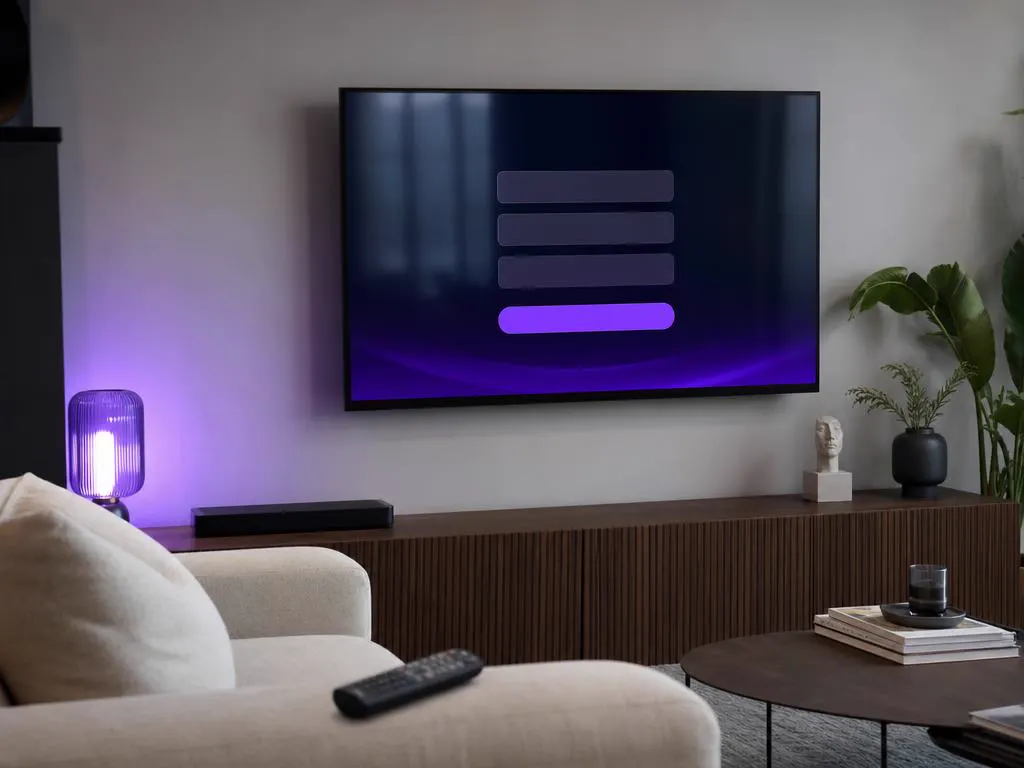
Pick Login with Xtream Codes API for the best experience (TV guide, movies and series categories), or load an M3U link.
Type the name, username, password and server URL from your activation email. Your channels load in a few seconds.
Have an M3U link instead of Xtream details? Our free M3U to Xtream converter splits it into the three login fields.
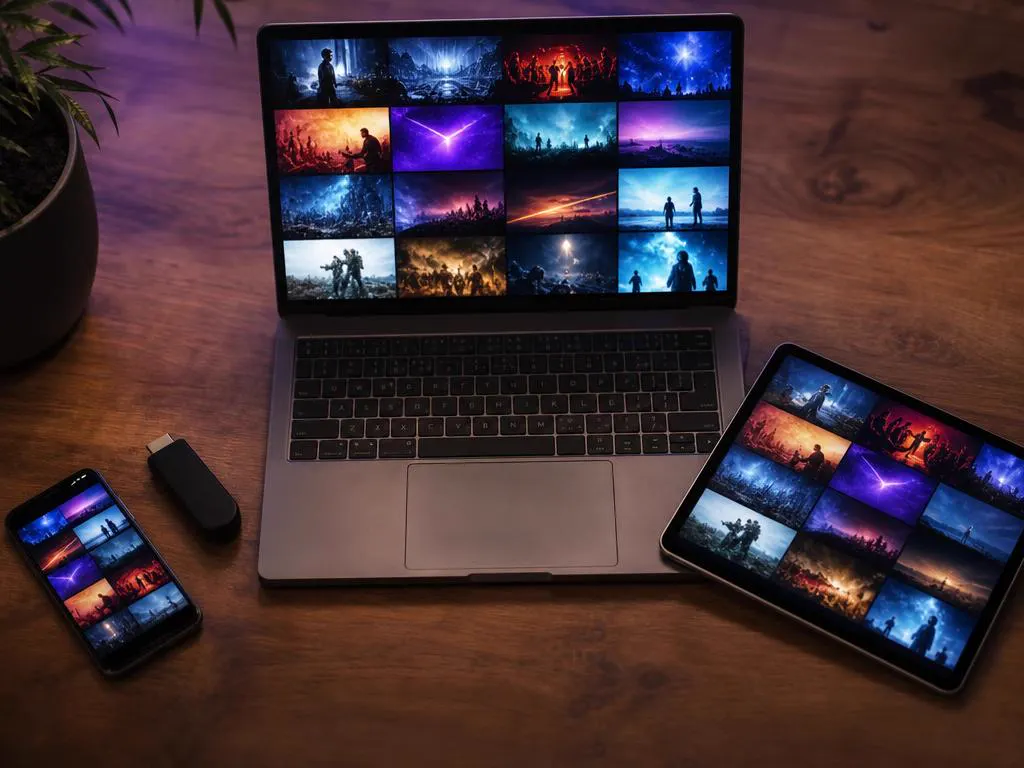
Install the player on every device you own and sign in with the same account. Your plan decides how many screens can stream at the same time, not how many devices can have the app.
Every plan includes Xtream Codes login details, delivered by email minutes after checkout.
1 Month Subscription
One-time · 1 month
3 Months Subscription
One-time · 3 months$8.67/mo
6 Months Subscription
One-time · 6 months$6.50/mo
12 Months Subscription
One-time · 12 months$5.75/mo
1 Month Subscription
One-time · 1 month
3 Months Subscription
One-time · 3 months$12.00/mo
6 Months Subscription
One-time · 6 months$11.50/mo
12 Months Subscription
One-time · 12 months$9.92/mo
1 Month Subscription
One-time · 1 month
3 Months Subscription
One-time · 3 months$15.33/mo
6 Months Subscription
One-time · 6 months$14.83/mo
12 Months Subscription
One-time · 12 months$12.42/mo
1 Month Subscription
One-time · 1 month
3 Months Subscription
One-time · 3 months$18.67/mo
6 Months Subscription
One-time · 6 months$19.83/mo
12 Months Subscription
One-time · 12 months$14.08/mo
Secure checkout · One-time payment, no contract · Login details by email in minutes
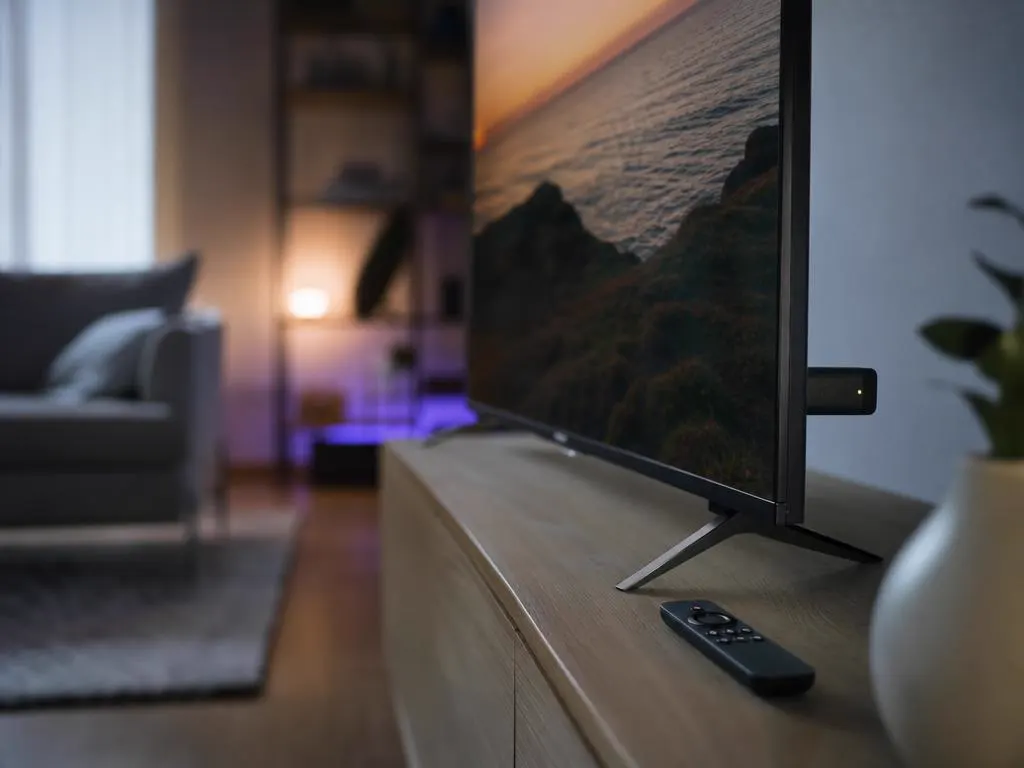
The most popular way to watch on the big screen.

Smarters Player Lite brings the same login to Apple devices.
Watch at your desk or on the road.
Get Xtream Codes login details in minutes and stream live TV, sports and movies in HD and 4K inside the app.

This website is operated by an independent IPTV provider. IPTV Smarters Pro and Smarters Player Lite are developed by WHMCS Smarters; we are not affiliated with or endorsed by the developer. App availability varies by store, device and region.