
1 Month Subscription
One-time · 1 month
- One-time payment
- 20,000+ live channels
- 90,000+ movies & series
- Anti-buffering servers
- TV guide (EPG)
- Instant activation
- 24/7 chat support
An IPTV Smarters M3U login uses one playlist link instead of a username, password and server URL. It's handy when your provider only sends an M3U link, or when you want to load a playlist file. Here's how to add it, how to get the TV guide working and what to do when a playlist won't load.
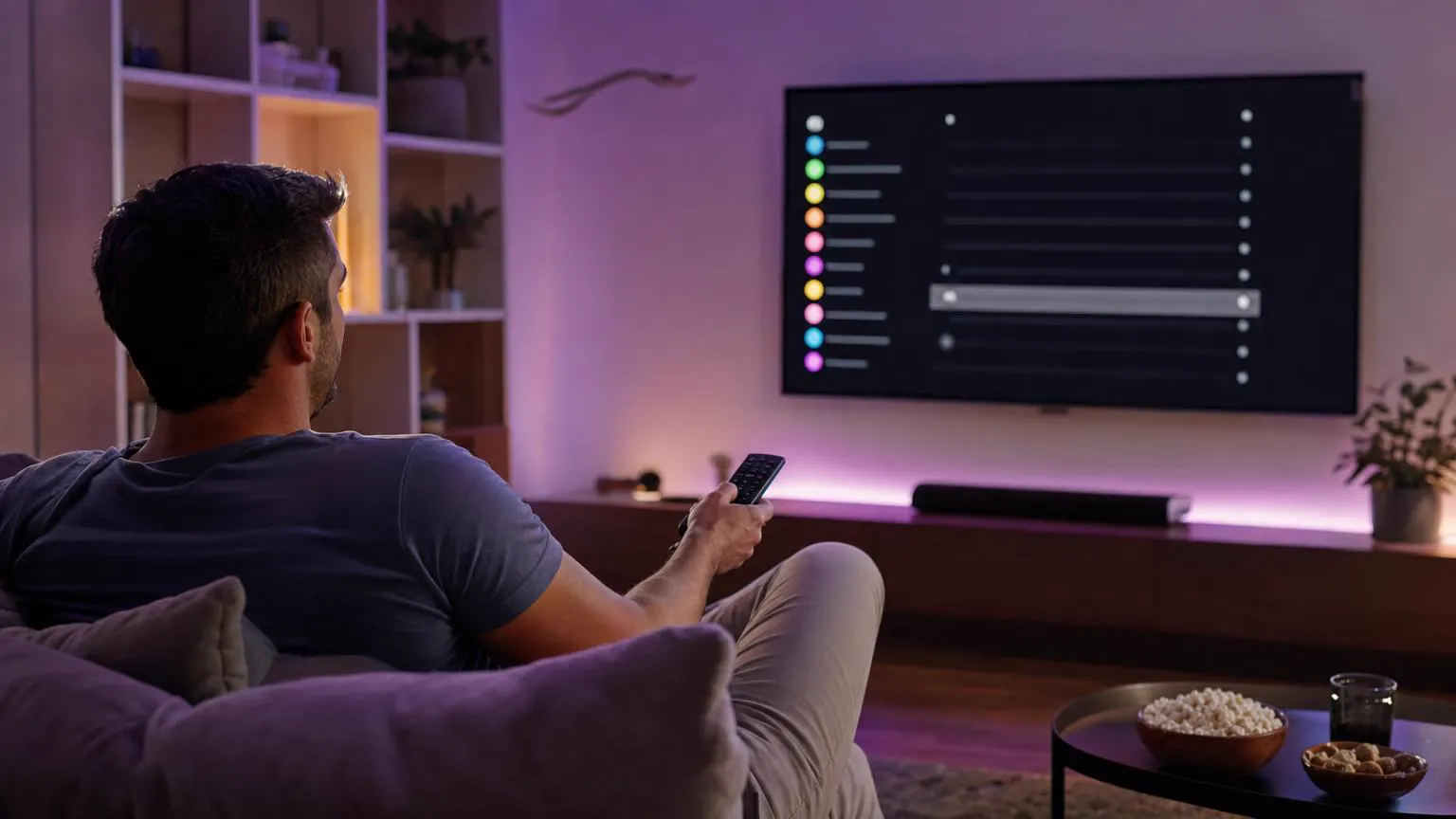 Playlist setup
An M3U playlist is a text list of channel links. In IPTV Smarters Pro you load it by choosing the playlist option (often labeled Load Your Playlist or File/URL), giving it a name and pasting the link. Most providers' M3U links look like http://example-server.com:8080/get.php?username=…&password=…&type=m3u_plus&output=ts.
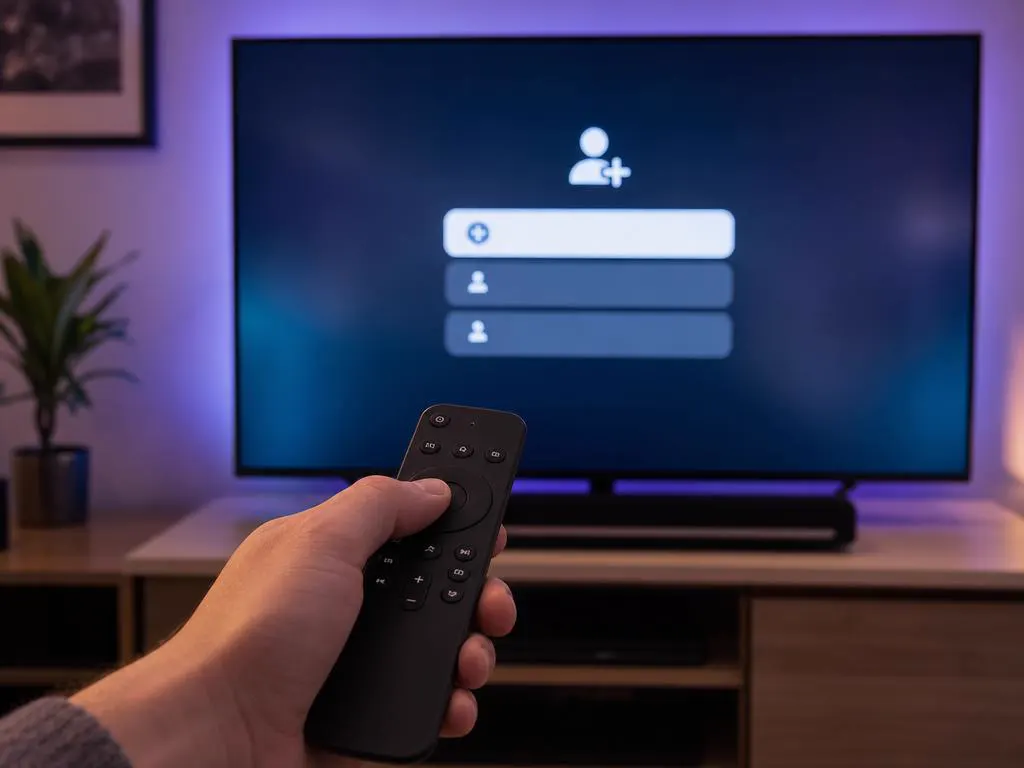
Launch IPTV Smarters Pro and choose to add a new user or playlist.
Select the M3U playlist option, then choose URL (a link) or File (a playlist saved on the device).

Type any playlist name, then paste or type the M3U URL exactly as your provider sent it.
Large playlists can take a minute to load the first time. Then open Live TV.
Typing a long link with a TV remote is painful. Our free M3U to Xtream converter turns it into three short login fields.

An M3U playlist doesn't always carry guide data. If your channels load but the guide is empty, add your provider's EPG link in the app's EPG or TV guide settings, then refresh the guide.
xmltv.php| M3U playlist | Xtream Codes | |
|---|---|---|
| You enter | One long link | Username, password and server URL |
| Typing on a TV | Slow and error-prone | Short fields |
| TV guide | Sometimes needs a separate EPG link | Usually loads automatically |
| Movies and series | May appear as plain lists | Organized with posters and seasons |
| Best when | You only have a playlist link or file | Your provider gives Xtream details |
Both use the same account. See our login guide for Xtream Codes, field by field.

Most playlist errors come from a mistyped link, an expired account or a playlist so large it times out on slower devices.
& separatorsEvery plan comes with Xtream Codes details for IPTV Smarters Pro. Choose your devices, then your plan length.
1 Month Subscription
One-time · 1 month
3 Months Subscription
One-time · 3 months$8.67/mo
6 Months Subscription
One-time · 6 months$6.50/mo
12 Months Subscription
One-time · 12 months$5.75/mo
1 Month Subscription
One-time · 1 month
3 Months Subscription
One-time · 3 months$12.00/mo
6 Months Subscription
One-time · 6 months$11.50/mo
12 Months Subscription
One-time · 12 months$9.92/mo
1 Month Subscription
One-time · 1 month
3 Months Subscription
One-time · 3 months$15.33/mo
6 Months Subscription
One-time · 6 months$14.83/mo
12 Months Subscription
One-time · 12 months$12.42/mo
1 Month Subscription
One-time · 1 month
3 Months Subscription
One-time · 3 months$18.67/mo
6 Months Subscription
One-time · 6 months$19.83/mo
12 Months Subscription
One-time · 12 months$14.08/mo
Secure checkout · One-time payment, no contract · Login details by email in minutes

Categories at a glance.

Same playlist, smaller screen.
Desktop players too.
Choose a plan and get Xtream Codes details by email in minutes, ready for IPTV Smarters Pro on every device.

This website is operated by an independent IPTV provider. IPTV Smarters Pro is developed by WHMCS Smarters; we are not affiliated with or endorsed by the developer. Menu names vary between app versions.