
1 Month Subscription
One-time · 1 month
- One-time payment
- 20,000+ live channels
- 90,000+ movies & series
- Anti-buffering servers
- TV guide (EPG)
- Instant activation
- 24/7 chat support
The IPTV Smarters web player is a browser version of the Smarters interface that IPTV providers can host for their customers. Open the link your provider gives you, sign in, and watch live TV without installing anything. Here's how it works, how to stay safe, and the best alternatives on Windows and Mac.
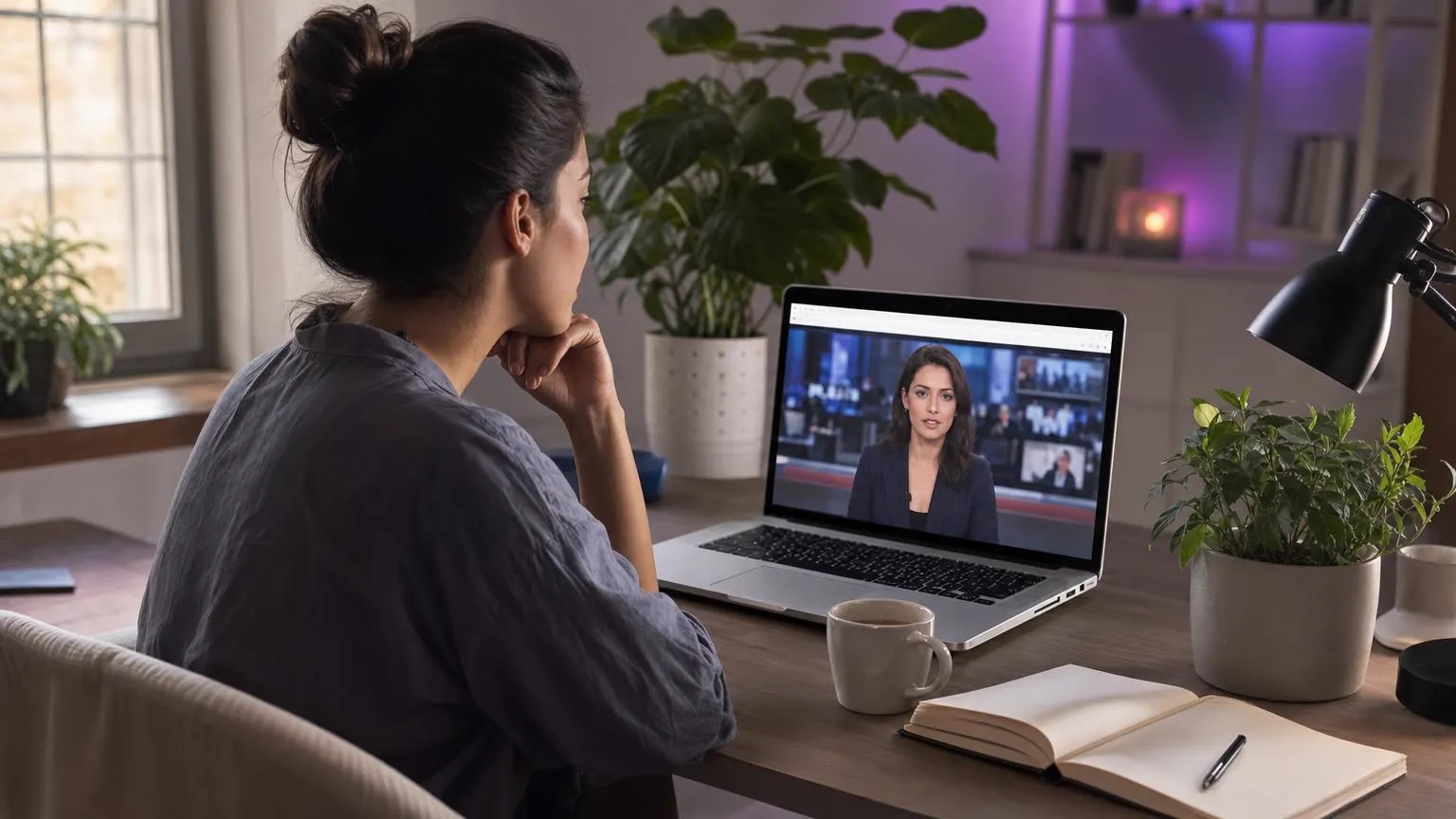 Browser
The developer offers a web player that IPTV providers can run on their own address. You open that address in Chrome, Edge, Firefox or Safari, sign in with your Xtream Codes details and browse Live TV, Movies and Series in the browser. The link always comes from your provider; it isn't a public site you search for.
Search results can include look-alike "web player" sites run by strangers. Typing your username and password into one hands your account to someone else. Use the address your provider sends you, and ask our support team if you're unsure whether a link is ours.
| Option | Install needed | Best for |
|---|---|---|
| IPTV Smarters web player (from your provider) | No | Work computers and quick viewing |
| IPTV Smarters Pro for Windows | Yes | The full app experience on a PC |
| IPTV Smarters Pro for Mac | Yes | The full app experience on a Mac |
| A media player with an M3U link | Yes | Viewers who already use a favorite player |

Browsers juggle many tabs and extensions, so a little care keeps live TV smooth and responsive, especially during big games.

Browser access depends on your provider. Message our support team and we'll tell you the best way to watch on your computer, whether that's a browser link or the desktop app.
Contact supportYour Xtream Codes details work in the browser, desktop apps and every other device. One-time payment.
1 Month Subscription
One-time · 1 month
3 Months Subscription
One-time · 3 months$8.67/mo
6 Months Subscription
One-time · 6 months$6.50/mo
12 Months Subscription
One-time · 12 months$5.75/mo
1 Month Subscription
One-time · 1 month
3 Months Subscription
One-time · 3 months$12.00/mo
6 Months Subscription
One-time · 6 months$11.50/mo
12 Months Subscription
One-time · 12 months$9.92/mo
1 Month Subscription
One-time · 1 month
3 Months Subscription
One-time · 3 months$15.33/mo
6 Months Subscription
One-time · 6 months$14.83/mo
12 Months Subscription
One-time · 12 months$12.42/mo
1 Month Subscription
One-time · 1 month
3 Months Subscription
One-time · 3 months$18.67/mo
6 Months Subscription
One-time · 6 months$19.83/mo
12 Months Subscription
One-time · 12 months$14.08/mo
Secure checkout · One-time payment, no contract · Login details by email in minutes

The news on in a tab.

Nothing to install.
A second screen anywhere.
Choose a plan, get your login by email in minutes and watch in the browser, the desktop apps and on every TV.

This website is operated by an independent IPTV provider. IPTV Smarters Pro and its web player are developed by WHMCS Smarters; we are not affiliated with or endorsed by the developer. Browser access depends on your provider.