
1 Month Subscription
One-time · 1 month
- One-time payment
- 20,000+ live channels
- 90,000+ movies & series
- Anti-buffering servers
- TV guide (EPG)
- Instant activation
- 24/7 chat support
4K IPTV looks stunning when every link in the chain is ready: a 4K TV, a 4K streaming device, a steady 25 Mbps connection and channels broadcast in Ultra HD. This guide shows what you need, how to set it up and how to keep it smooth, plus an honest word about 8K.
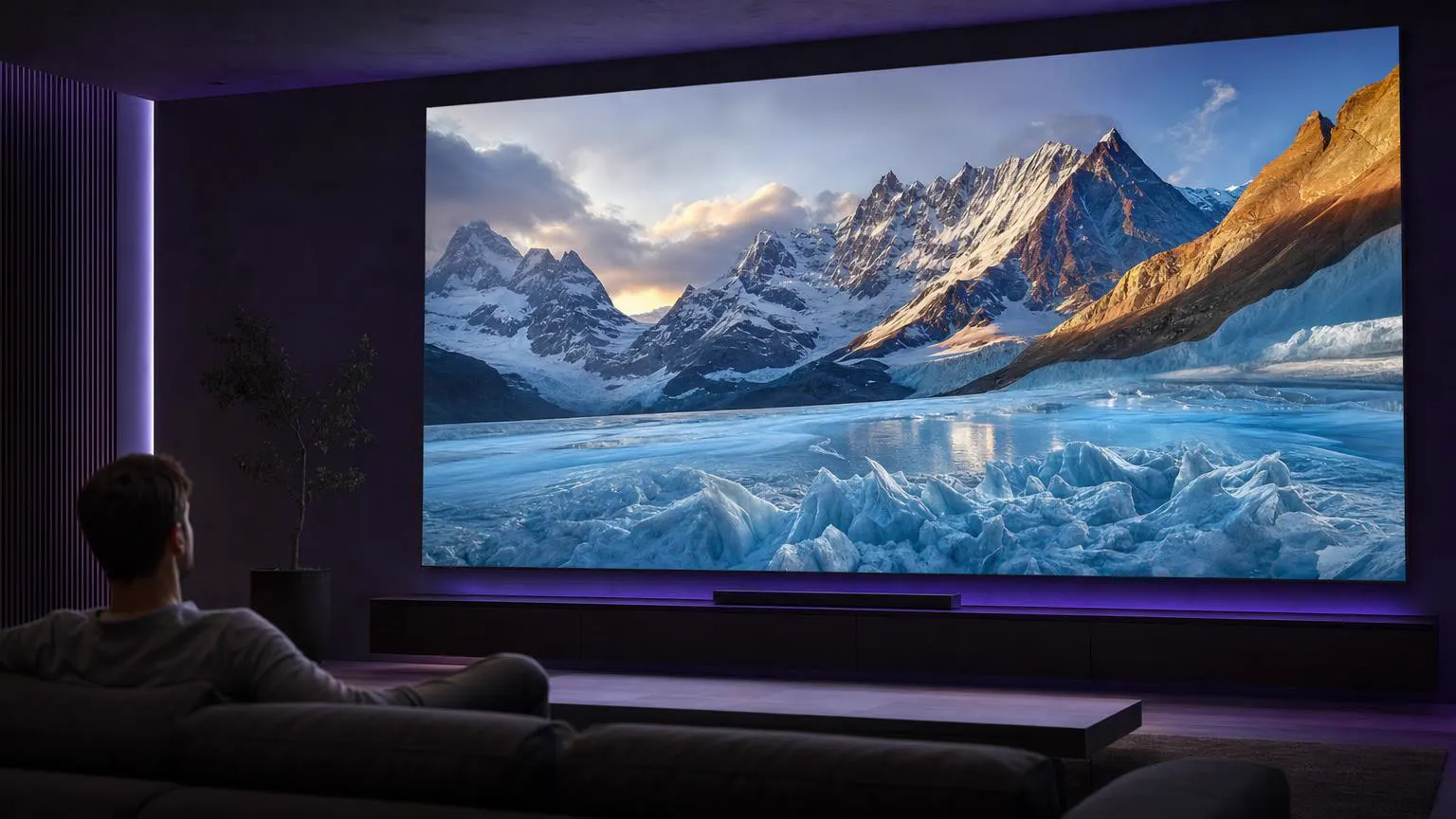 Ultra HD
4K IPTV is live TV and on-demand video streamed in Ultra HD, four times the pixels of Full HD. It's most often available for big sports events, nature documentaries and films. To see it, every part of your setup needs to support 4K, and channels must actually be broadcast in 4K; many channels are still Full HD.
| Link in the chain | What to check | Why it matters |
|---|---|---|
| TV | A 4K (UHD) TV, ideally with HDR | Without a 4K panel you'll only ever see HD. |
| Streaming device | Fire TV Stick 4K or 4K Max, Fire TV Cube, a 4K Android TV box, Apple TV 4K or a 4K smart TV app | The device must decode 4K HEVC smoothly. |
| HDMI | A high-speed HDMI cable and a 4K-capable HDMI port | Older ports can cap the signal at 1080p. |
| Internet | About 25 Mbps for each 4K screen | Less bandwidth means the stream drops quality or buffers. |
| Connection | Ethernet, or 5 GHz Wi-Fi close to the router | 4K is the first thing to suffer on weak Wi-Fi. |
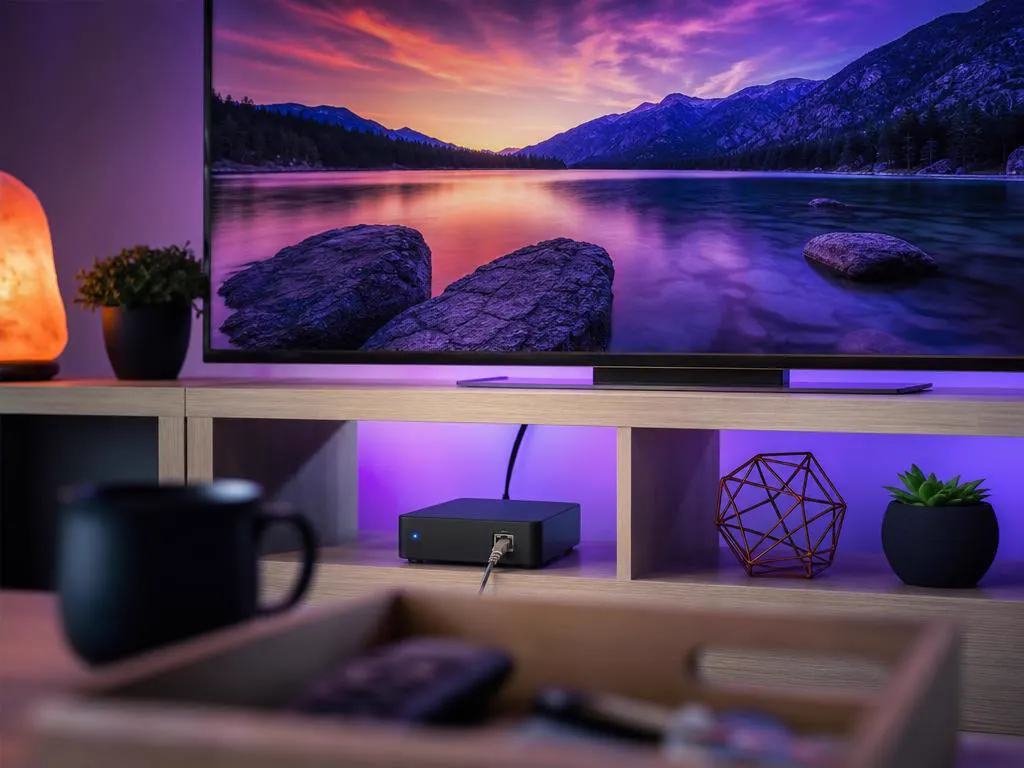
4K uses roughly three times the data of Full HD, so small network problems show up first in Ultra HD. These habits keep the picture steady.
8K TVs exist, but almost nothing is broadcast in 8K yet, and very few streaming devices can decode it. Be skeptical of any provider advertising "8K channels." A great 4K setup will look better in practice than an 8K promise.
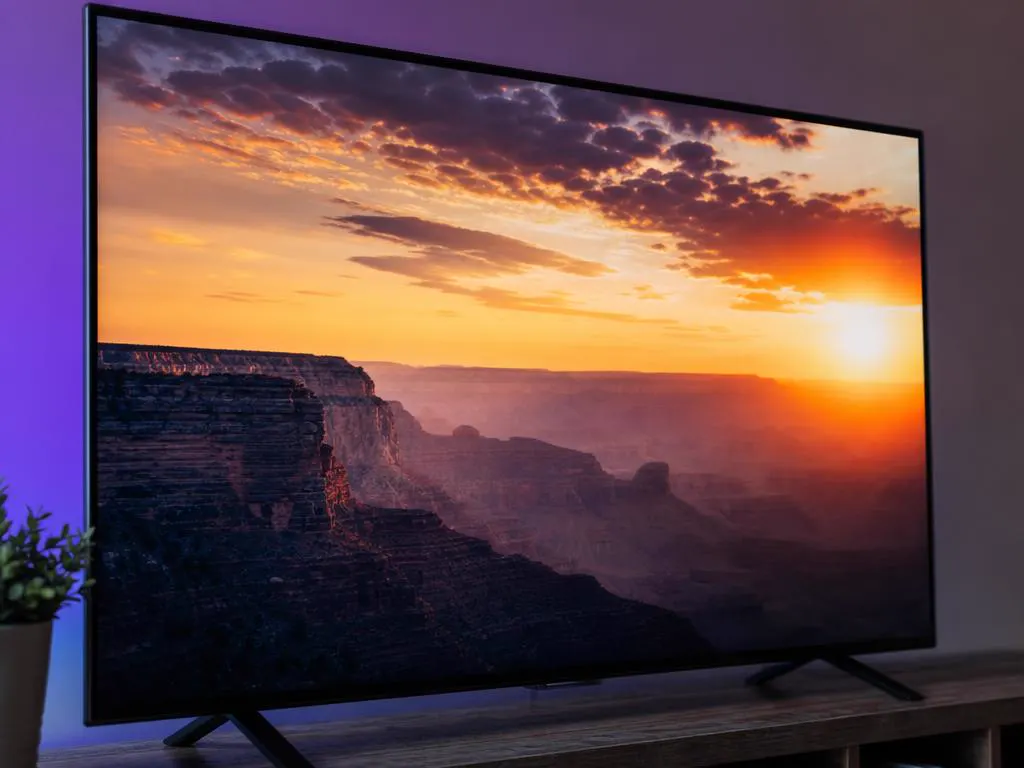
High dynamic range brightens highlights and deepens shadows, and on many TVs it's more noticeable than the jump from HD to 4K. Your TV and streaming device both need to support the same HDR format, such as HDR10 or Dolby Vision, and the broadcast must carry it.
Every plan includes 4K channels where the broadcast is available. Choose your devices, then your plan length.
1 Month Subscription
One-time · 1 month
3 Months Subscription
One-time · 3 months$8.67/mo
6 Months Subscription
One-time · 6 months$6.50/mo
12 Months Subscription
One-time · 12 months$5.75/mo
1 Month Subscription
One-time · 1 month
3 Months Subscription
One-time · 3 months$12.00/mo
6 Months Subscription
One-time · 6 months$11.50/mo
12 Months Subscription
One-time · 12 months$9.92/mo
1 Month Subscription
One-time · 1 month
3 Months Subscription
One-time · 3 months$15.33/mo
6 Months Subscription
One-time · 6 months$14.83/mo
12 Months Subscription
One-time · 12 months$12.42/mo
1 Month Subscription
One-time · 1 month
3 Months Subscription
One-time · 3 months$18.67/mo
6 Months Subscription
One-time · 6 months$19.83/mo
12 Months Subscription
One-time · 12 months$14.08/mo
Secure checkout · One-time payment, no contract · Login details by email in minutes

Every blade of grass.
Colors that pop.

Cinema at home.
Pick a plan, get your login by email in minutes and watch 4K channels where they're available on every screen.

This website is operated by an independent IPTV provider. IPTV Smarters Pro is developed by WHMCS Smarters; we are not affiliated with or endorsed by the developer. 4K availability depends on the broadcast, your device and your connection. Prices shown in USD.