
1 Month Subscription
One-time · 1 month
- One-time payment
- 20,000+ live channels
- 90,000+ movies & series
- Anti-buffering servers
- TV guide (EPG)
- Instant activation
- 24/7 chat support
Getting IPTV for Firestick right comes down to three choices: the app you install, how you install it, and the service you sign in to. This guide compares popular IPTV apps for Fire TV, shows the safe way to install them and explains what a Firestick-friendly IPTV service looks like.
 Fire TV guide
Yes. Most Fire TV devices run Fire OS, which is based on Android, so popular IPTV players work well on them. You install a player app (from the Amazon Appstore or with the Downloader app), then sign in with the Xtream Codes details from your IPTV service. The stick handles HD and, on 4K models, 4K streams.
All of these accept the same Xtream Codes login, so you can try more than one.
| App | Login types | Cost | Best for |
|---|---|---|---|
| IPTV Smarters Pro | Xtream Codes, M3U | Free | An easy all-rounder with live TV, movies and series |
| TiviMate | Xtream Codes, M3U | Free, with a paid premium tier | Viewers who live in the TV guide |
| Other Xtream or M3U players | Varies | Varies | Anyone who already has a favorite player |
Our full IPTV Smarters Pro Firestick guide covers setup and settings step by step.
Update the software and free up storage in Settings, so the app installs and runs smoothly.
Get it from the Amazon Appstore if it's listed, or use the Downloader app with the developer's official link. Our Downloader code guide shows how.
Choose the Xtream Codes login and type the username, password and server URL from your email.
Open Live TV, pick a category and press OK on a channel.
A Fire TV Stick is a small computer with a remote instead of a keyboard. The best IPTV for Firestick households respects that: short, easy-to-type logins, streams the stick decodes smoothly and a TV guide that loads quickly.
Some newer Fire TV models run Amazon's Vega OS instead of the Android-based Fire OS, and they can't install Android apps from outside the Appstore. Check Settings → My Fire TV → About before you buy a new stick for IPTV, or choose a model that runs Fire OS.
Choose how many sticks or screens will watch at once, then your plan length. One-time payment.
1 Month Subscription
One-time · 1 month
3 Months Subscription
One-time · 3 months$8.67/mo
6 Months Subscription
One-time · 6 months$6.50/mo
12 Months Subscription
One-time · 12 months$5.75/mo
1 Month Subscription
One-time · 1 month
3 Months Subscription
One-time · 3 months$12.00/mo
6 Months Subscription
One-time · 6 months$11.50/mo
12 Months Subscription
One-time · 12 months$9.92/mo
1 Month Subscription
One-time · 1 month
3 Months Subscription
One-time · 3 months$15.33/mo
6 Months Subscription
One-time · 6 months$14.83/mo
12 Months Subscription
One-time · 12 months$12.42/mo
1 Month Subscription
One-time · 1 month
3 Months Subscription
One-time · 3 months$18.67/mo
6 Months Subscription
One-time · 6 months$19.83/mo
12 Months Subscription
One-time · 12 months$14.08/mo
Secure checkout · One-time payment, no contract · Login details by email in minutes
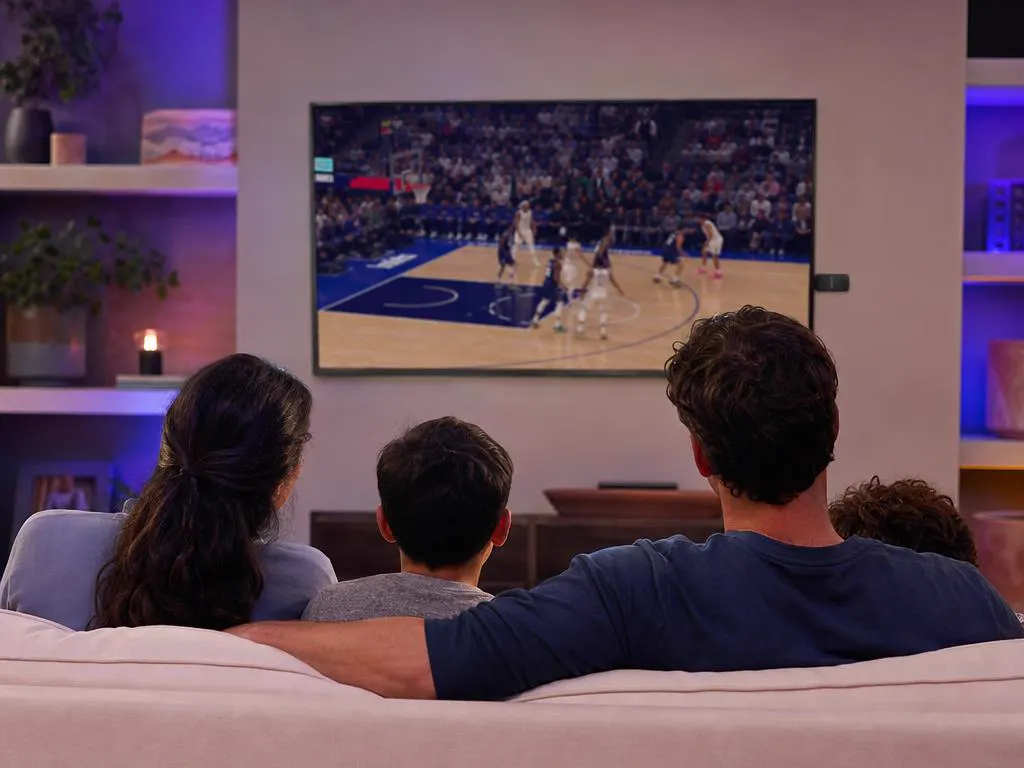
The main TV, sorted.

A second stick for a second room.

The news on in the background.
Choose a plan, get your login by email in minutes and stream live TV, sports and movies on every Fire TV in your home.
This website is operated by an independent IPTV provider and is not affiliated with Amazon, WHMCS Smarters (developer of IPTV Smarters Pro) or the developers of other apps mentioned. Fire TV and Firestick are trademarks of Amazon. App availability varies by device and region.