
1 Month Subscription
One-time · 1 month
- One-time payment
- 20,000+ live channels
- 90,000+ movies & series
- Anti-buffering servers
- TV guide (EPG)
- Instant activation
- 24/7 chat support
Getting IPTV for iPhone and iPad is simple: install a player from the App Store, sign in with your Xtream Codes details and start watching. This guide covers the app to choose, how to send the picture to your TV with AirPlay and how to keep mobile data under control.
 iPhone & iPad
Smarters Player Lite, the Apple version of the Smarters player, is the easiest choice: free in the App Store, with Xtream Codes login, live TV, movies, series and a TV guide. Other App Store players that accept Xtream Codes or M3U links work too. iOS only installs apps from the App Store, so avoid any site offering an IPTV app "for iPhone" outside it.
| App | Login types | Best for |
|---|---|---|
| Smarters Player Lite | Xtream Codes, M3U | The simplest setup, matching IPTV Smarters Pro on other devices |
| Other App Store IPTV players | Varies | People who prefer a different layout or features |
Full details on the Apple version in our Smarters Player Lite guide.
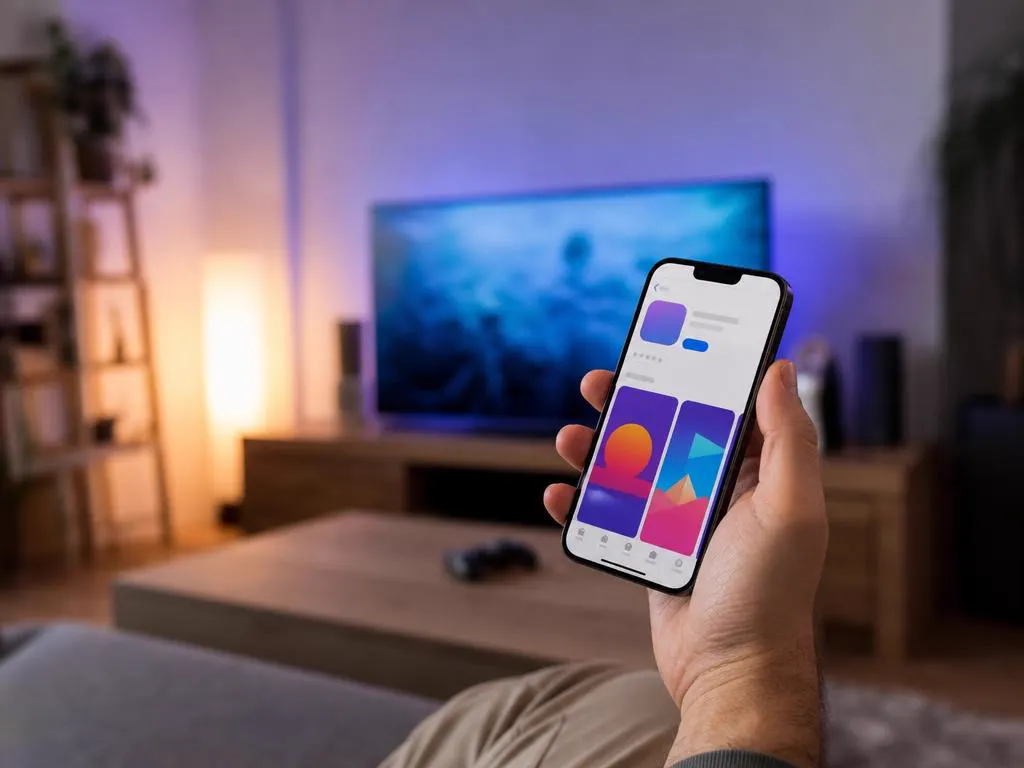
Open the App Store, search for Smarters Player Lite and check the developer before you tap Get.
Choose Xtream Codes login and type your username, password and server URL.
Open Live TV, pick a category and tap a channel. Turn the phone sideways for full screen.

Apple TV and many recent smart TVs from Samsung, LG, Sony and others support AirPlay. Open Control Center, tap Screen Mirroring and choose your TV, or use the AirPlay button in the player where it's available.

Live TV on cellular data adds up quickly: HD uses about 3 GB an hour. A few settings keep you within your plan.
Choose how many devices will watch at once, then your plan length. One-time payment.
1 Month Subscription
One-time · 1 month
3 Months Subscription
One-time · 3 months$8.67/mo
6 Months Subscription
One-time · 6 months$6.50/mo
12 Months Subscription
One-time · 12 months$5.75/mo
1 Month Subscription
One-time · 1 month
3 Months Subscription
One-time · 3 months$12.00/mo
6 Months Subscription
One-time · 6 months$11.50/mo
12 Months Subscription
One-time · 12 months$9.92/mo
1 Month Subscription
One-time · 1 month
3 Months Subscription
One-time · 3 months$15.33/mo
6 Months Subscription
One-time · 6 months$14.83/mo
12 Months Subscription
One-time · 12 months$12.42/mo
1 Month Subscription
One-time · 1 month
3 Months Subscription
One-time · 3 months$18.67/mo
6 Months Subscription
One-time · 6 months$19.83/mo
12 Months Subscription
One-time · 12 months$14.08/mo
Secure checkout · One-time payment, no contract · Login details by email in minutes

The perfect personal screen.
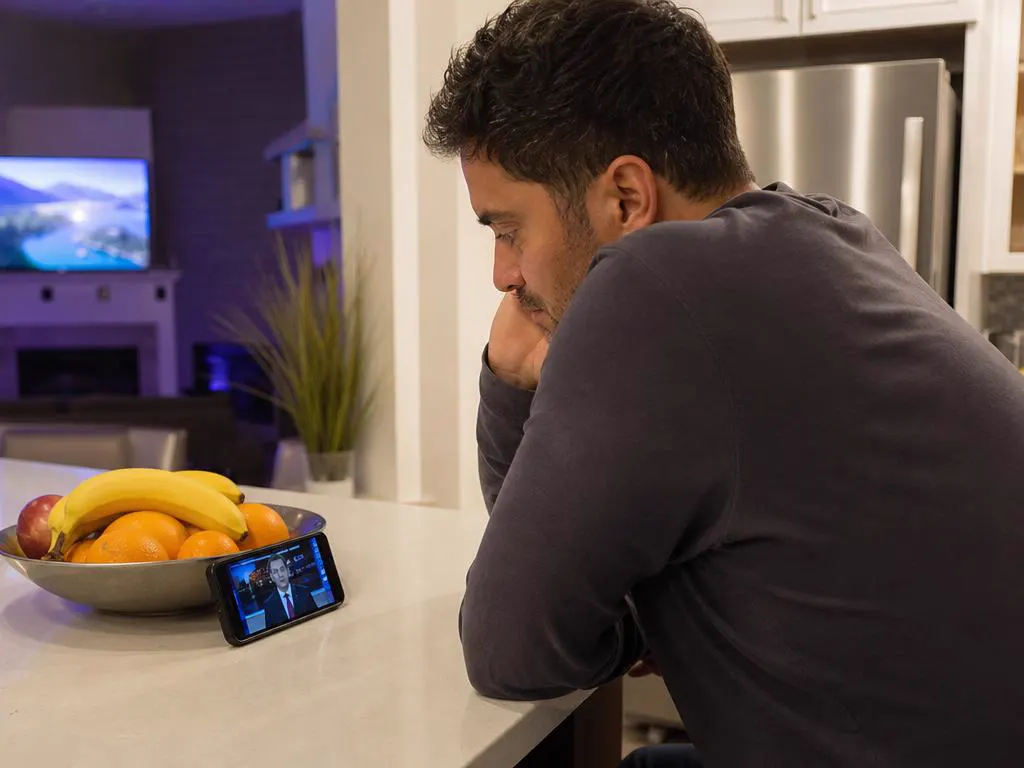
News while you cook.

The big-screen option.
Pick a plan, get your login by email in minutes and watch on your iPhone, iPad, Apple TV and every other screen.

This website is operated by an independent IPTV provider and is not affiliated with Apple or with WHMCS Smarters, the developer of Smarters Player Lite and IPTV Smarters Pro. iPhone, iPad, Apple TV and AirPlay are trademarks of Apple Inc.