
1 Month Subscription
One-time · 1 month
- One-time payment
- 20,000+ live channels
- 90,000+ movies & series
- Anti-buffering servers
- TV guide (EPG)
- Instant activation
- 24/7 chat support
IPTV for Roku is trickier than on other devices because Roku only installs apps from its own Streaming Store. That still leaves three good options: a compatible player from the store, mirroring from your phone or computer, or a small streaming stick in a spare HDMI port. Here's how each one works and which to pick.
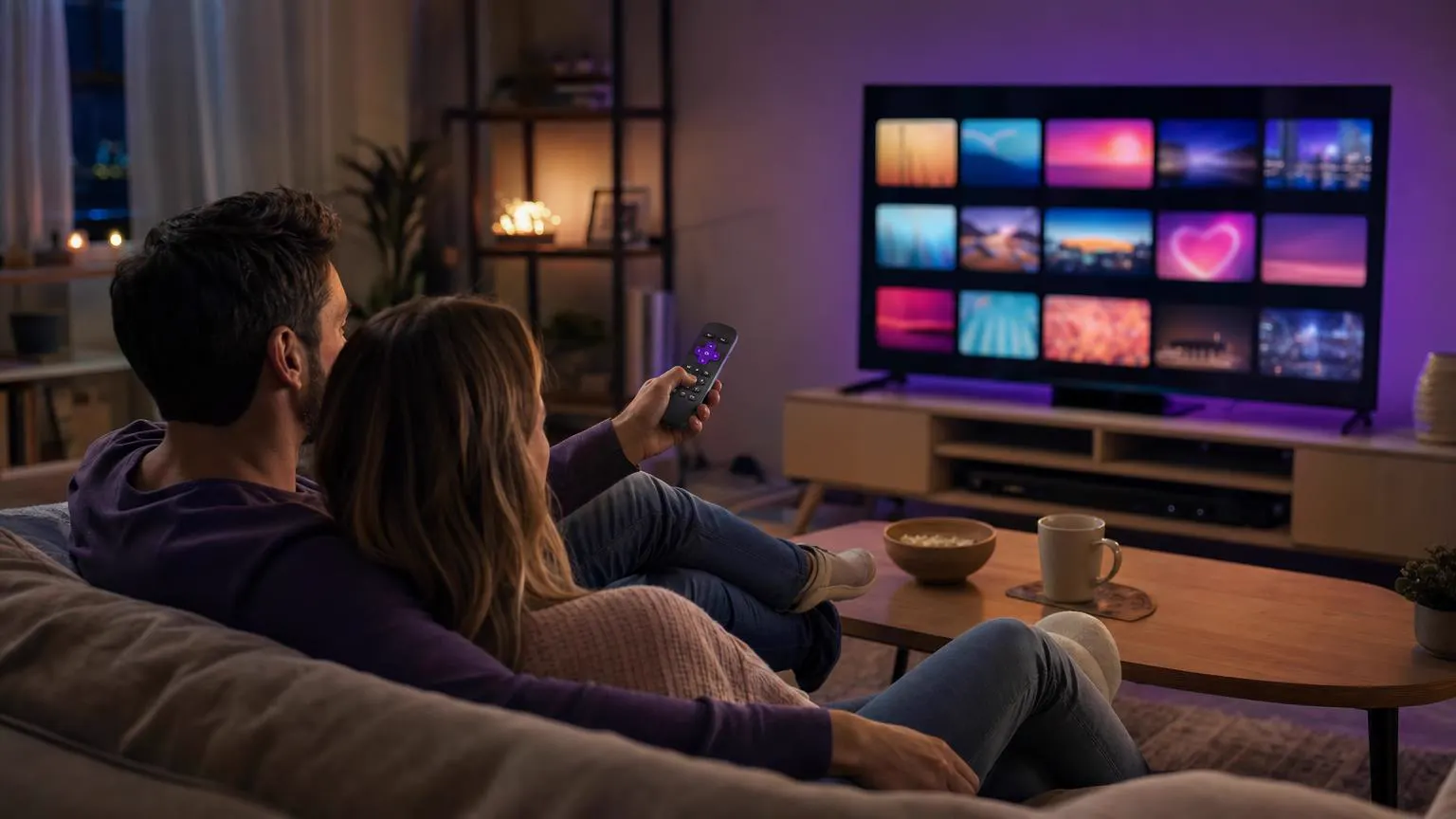 Roku TV guide
Yes, with limits. Roku doesn't allow apps from outside its Streaming Store, so you can't install Android players like IPTV Smarters Pro. Search the store for a compatible IPTV player first; on many models and regions a Smarters player is listed. If not, mirror your phone's screen or plug in an inexpensive Android TV or Fire TV stick.
| Option | Best for | Picture | Trade-offs |
|---|---|---|---|
| A player from the Roku Streaming Store | The simplest living-room setup | HD and 4K | Listings vary by Roku model, software and country. |
| Screen mirroring from a phone or PC | Occasional viewing | Depends on your Wi-Fi | Your phone stays busy, and quality can drop. |
| A streaming stick in a spare HDMI port | Full app features and the TV guide | HD and 4K | One extra small device to buy. |
Our Roku Smarters Player guide shows how to find and add the store player.
Mirroring is the quickest way to try IPTV for Roku without buying anything new.
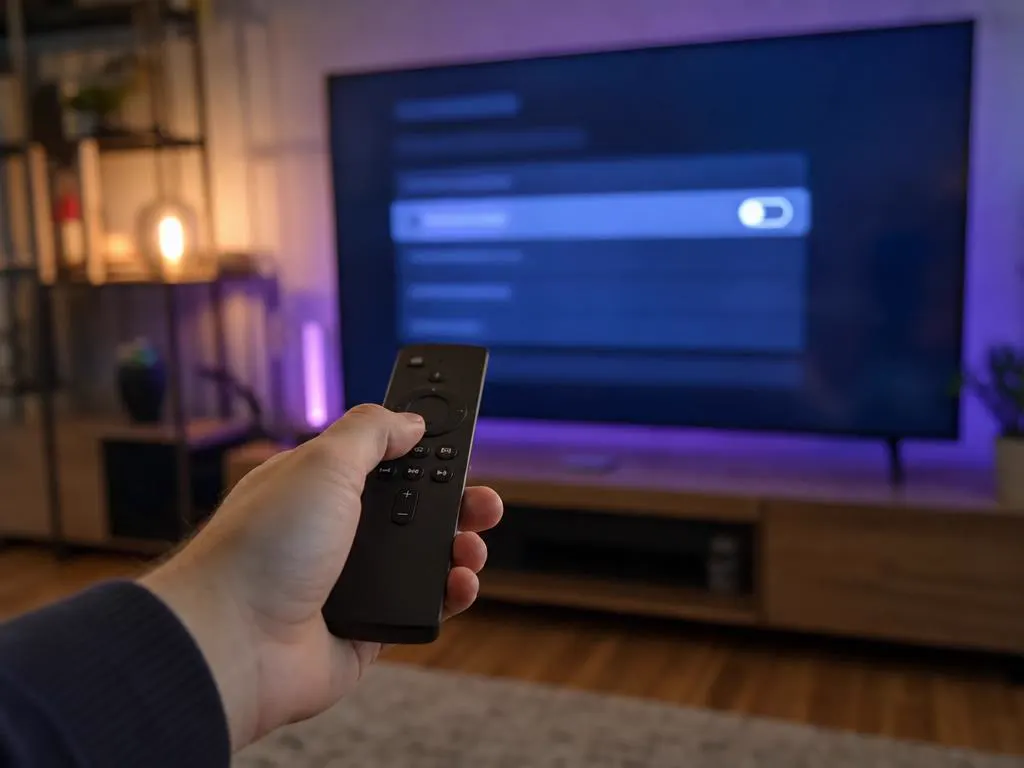
Go to Settings → System → Screen mirroring and set the mode to Prompt or Always allow.
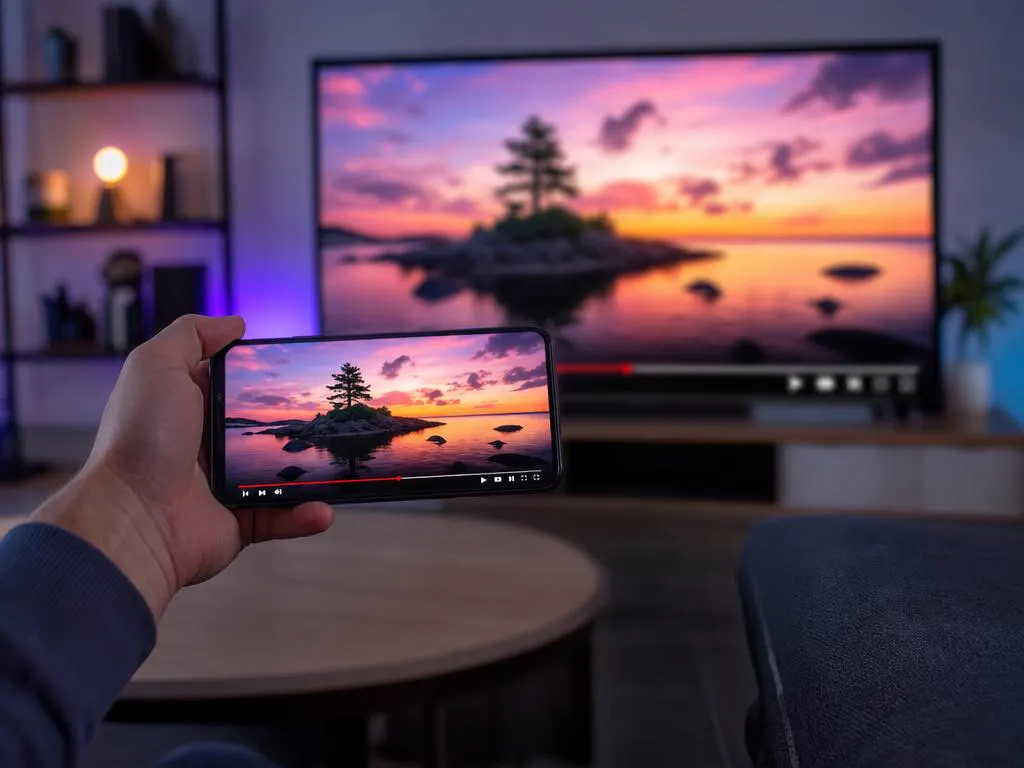
Swipe down for Quick Settings and tap Smart View, Screen Cast or Cast, then choose your Roku.
Start a channel on the phone; it appears on the TV. Keep the phone plugged in.
Many 4K Roku models support AirPlay. Open Control Center, tap Screen Mirroring and pick the Roku.
Roku runs its own operating system and only installs apps that pass through its Streaming Store, which keeps devices simple and secure. Roku's developer mode exists so developers can test their own channels; it isn't a way to install third-party IPTV apps.
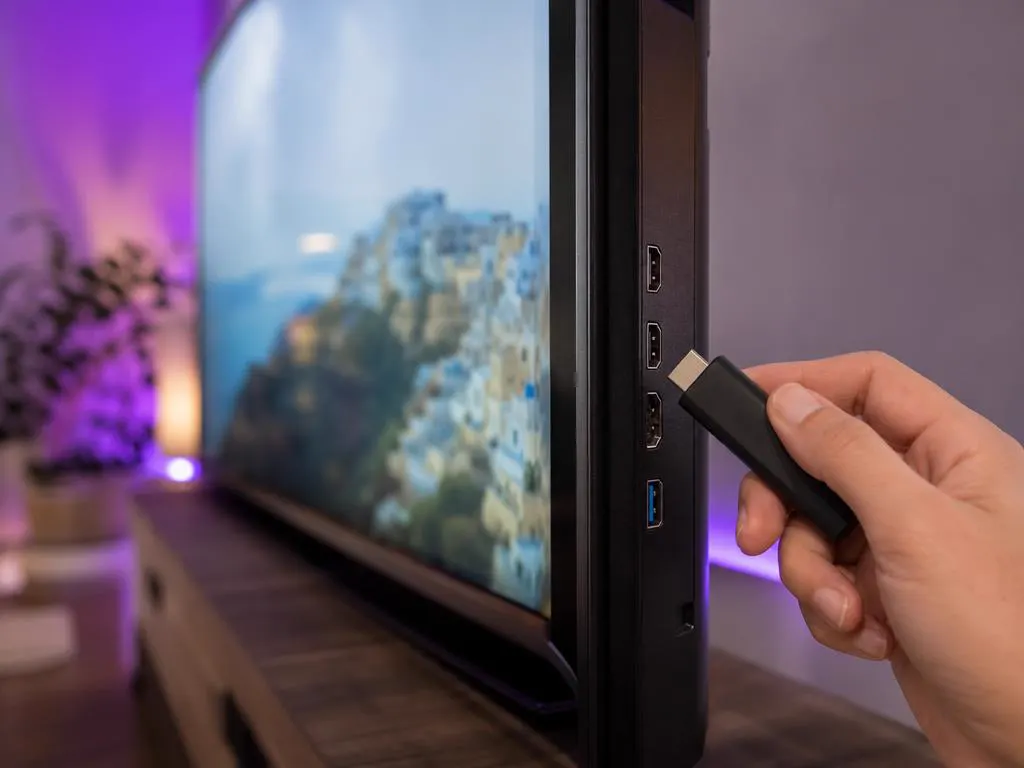
If the store player isn't listed for your Roku, or you want the full IPTV Smarters Pro experience with multi-screen and catch-up, a small streaming stick is the cleanest fix. Plug it into a spare HDMI port, switch inputs with the Roku remote and you're set.
The same login works for every IPTV for Roku option: a store player, a mirrored phone or a streaming stick. One-time payment.
1 Month Subscription
One-time · 1 month
3 Months Subscription
One-time · 3 months$8.67/mo
6 Months Subscription
One-time · 6 months$6.50/mo
12 Months Subscription
One-time · 12 months$5.75/mo
1 Month Subscription
One-time · 1 month
3 Months Subscription
One-time · 3 months$12.00/mo
6 Months Subscription
One-time · 6 months$11.50/mo
12 Months Subscription
One-time · 12 months$9.92/mo
1 Month Subscription
One-time · 1 month
3 Months Subscription
One-time · 3 months$15.33/mo
6 Months Subscription
One-time · 6 months$14.83/mo
12 Months Subscription
One-time · 12 months$12.42/mo
1 Month Subscription
One-time · 1 month
3 Months Subscription
One-time · 3 months$18.67/mo
6 Months Subscription
One-time · 6 months$19.83/mo
12 Months Subscription
One-time · 12 months$14.08/mo
Secure checkout · One-time payment, no contract · Login details by email in minutes
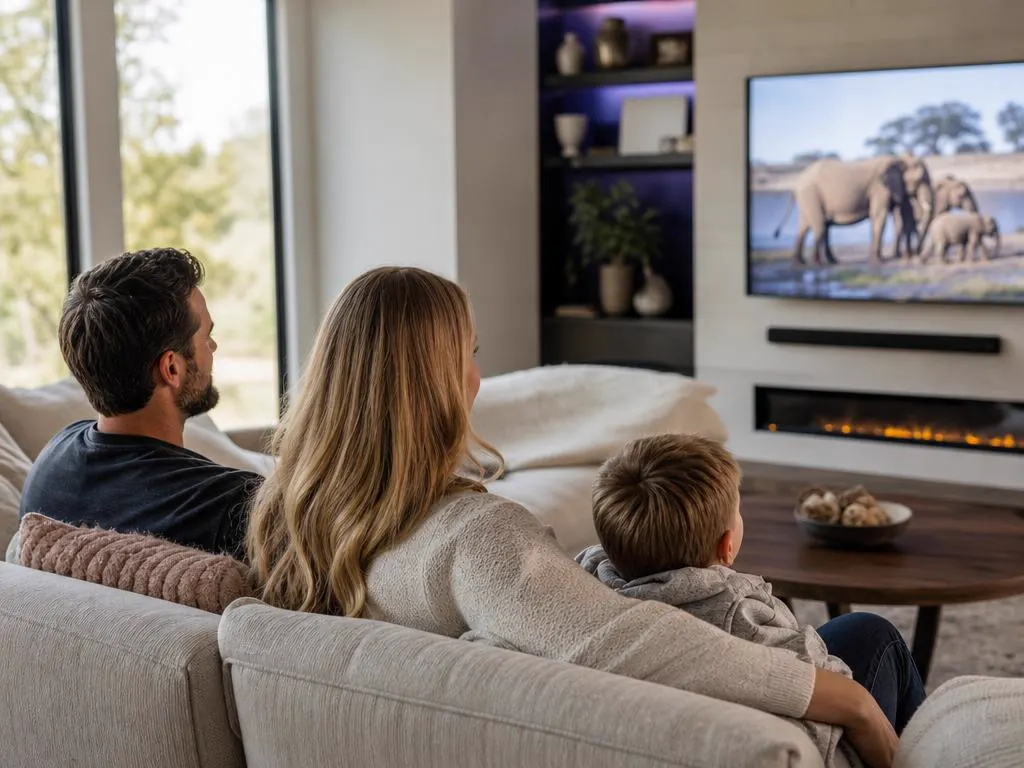
The main TV, made smarter.
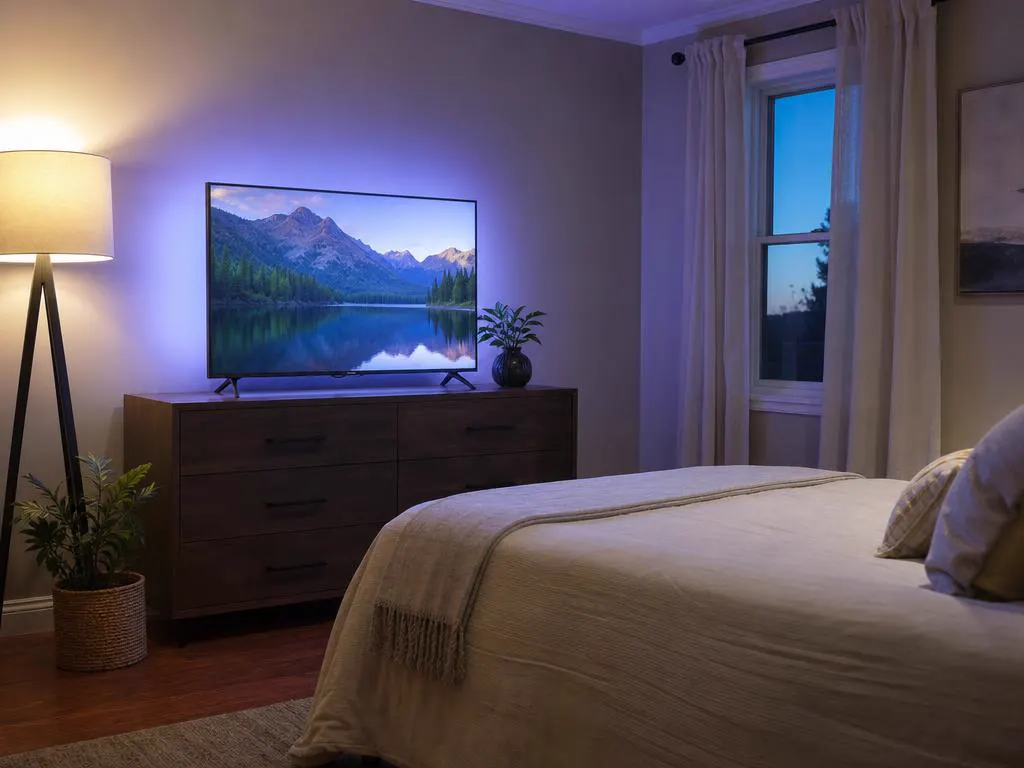
Mirroring for occasional viewing.

A stick for the full experience.
Choose a plan, get your login by email in minutes and pick the Roku option that suits your home.

This website is operated by an independent IPTV provider and is not affiliated with Roku or with WHMCS Smarters, the developer of IPTV Smarters Pro. Roku is a trademark of Roku, Inc. App availability varies by model and region.