
1 Month Subscription
One-time · 1 month
- One-time payment
- 20,000+ live channels
- 90,000+ movies & series
- Anti-buffering servers
- TV guide (EPG)
- Instant activation
- 24/7 chat support
Searching the App Store for IPTV Smarters Pro for iPhone? The developer's Apple version is called Smarters Player Lite. It signs in with the same details you use on Android or Fire TV and plays your live TV, movies and series. Here's how to install it, sign in and get the most out of it on iPhone and iPad.
 Apple version
Yes, under a different name. On Apple devices the developer publishes Smarters Player Lite. Search for it in the App Store, check that the developer is WHMCS Smarters and install it. It accepts Xtream Codes and M3U logins, so the details from your IPTV provider work exactly as they do on Android.
| IPTV Smarters Pro (Android) | Smarters Player Lite (iPhone & iPad) | |
|---|---|---|
| Where to get it | Google Play or the developer's site | Apple App Store |
| Login types | Xtream Codes, M3U | Xtream Codes, M3U |
| Live TV, movies and series | Yes | Yes |
| Interface | Designed for Android phones, tablets and TVs | Adapted for iOS and iPadOS |
| Your plan | Same account | Same account, within your device limit |
The same steps work on iPad. Open your activation email in Mail before you start, so you can copy each detail.
On Apple devices, the IPTV Smarters Pro app is listed as Smarters Player Lite. Same developer, same login.
Open the App Store, tap Search and type Smarters Player Lite.
The developer under the name should be WHMCS Smarters. Tap Get and confirm with Face ID, Touch ID or your Apple Account password.
When the download circle completes, tap Open, or find the new icon on your Home Screen.
Read and accept the terms of use. If iOS asks for local network access, allow it only if you want to cast to a TV; watching on the phone works either way.
Tap Login with Xtream Codes API. It brings in live channels, the guide, movies and series in one go.
In Mail, touch and hold each value, tap Copy, then paste it into the matching field. The name can be anything, such as iPhone.
iOS capitalizes the first letter of a field automatically. If your username or password starts with a lowercase letter, check it before you continue.
The app verifies your login and downloads your lists. Stay on Wi-Fi for this first load if you can.
On the dashboard, use the guide refresh option so channels show what's on now and next. Repeat it whenever listings look out of date.
Open Live TV, choose a category and tap a channel. To watch on the TV, use the AirPlay button if the player shows one, or Screen Mirroring in Control Center.
Screens are illustrations, not captures of the real app. Labels can differ slightly by iOS and app version. Unsure what goes in a field? Our login guide explains each one.
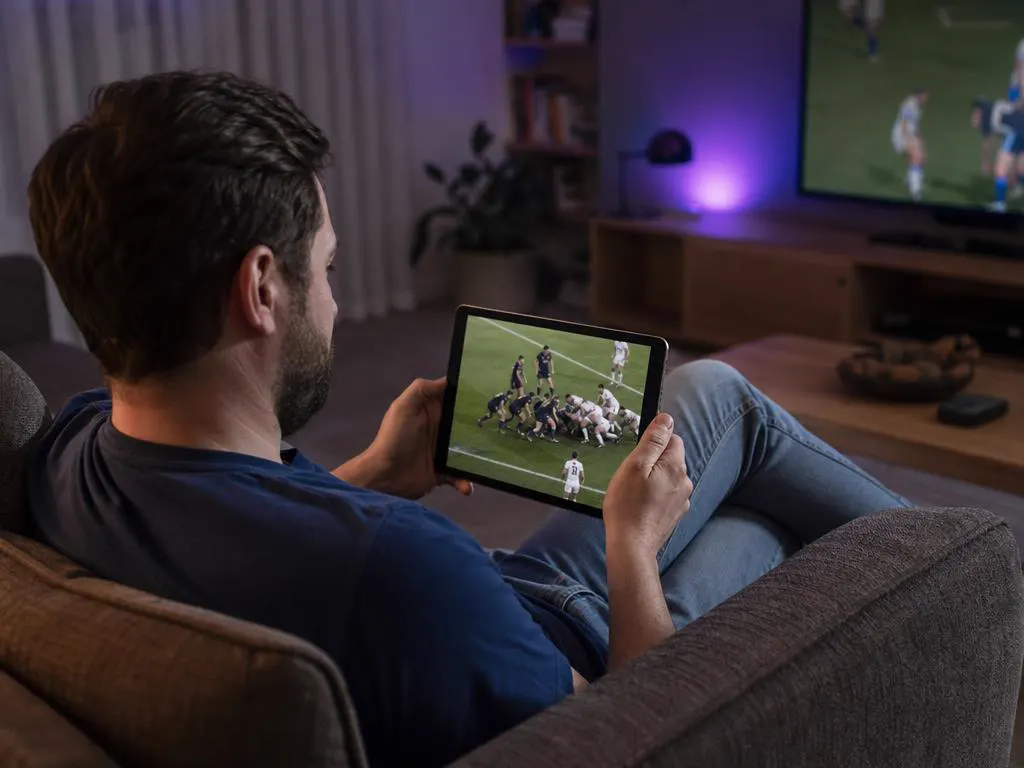
The same app runs on iPad, where the bigger screen makes the TV guide and the movie library easier to browse. Sign in with the same details you use on your iPhone.

Use AirPlay to send the picture to an Apple TV or an AirPlay-compatible smart TV, or install the same app directly on Apple TV for the smoothest experience.
IPTV Smarters Pro for Apple TVChoose how many devices will watch at once, then your plan length. One-time payment.
1 Month Subscription
One-time · 1 month
3 Months Subscription
One-time · 3 months$8.67/mo
6 Months Subscription
One-time · 6 months$6.50/mo
12 Months Subscription
One-time · 12 months$5.75/mo
1 Month Subscription
One-time · 1 month
3 Months Subscription
One-time · 3 months$12.00/mo
6 Months Subscription
One-time · 6 months$11.50/mo
12 Months Subscription
One-time · 12 months$9.92/mo
1 Month Subscription
One-time · 1 month
3 Months Subscription
One-time · 3 months$15.33/mo
6 Months Subscription
One-time · 6 months$14.83/mo
12 Months Subscription
One-time · 12 months$12.42/mo
1 Month Subscription
One-time · 1 month
3 Months Subscription
One-time · 3 months$18.67/mo
6 Months Subscription
One-time · 6 months$19.83/mo
12 Months Subscription
One-time · 12 months$14.08/mo
Secure checkout · One-time payment, no contract · Login details by email in minutes

Catch the game on the way home.
One more episode.

News from home.
Choose a plan, get your login by email in minutes and sign in on your iPhone, iPad and every other screen.

This website is operated by an independent IPTV provider and is not affiliated with Apple or with WHMCS Smarters, the developer of IPTV Smarters Pro and Smarters Player Lite. App names and availability vary by region.