
1 Month Subscription
One-time · 1 month
- One-time payment
- 20,000+ live channels
- 90,000+ movies & series
- Anti-buffering servers
- TV guide (EPG)
- Instant activation
- 24/7 chat support
LG Smart TVs run webOS, so Android apps won't install on them directly. IPTV for LG TV still comes together easily: an IPTV player from the LG Content Store, a small streaming stick, or AirPlay from an iPhone on recent models. Here's how each option works, how IPTV fits next to LG Channels, and how the Magic Remote makes setup faster.
 webOS guide
Yes. Open the LG Content Store, search for an IPTV player that supports Xtream Codes or M3U, install it and sign in. If your model doesn't list one you like, a Fire TV or Android TV stick in a spare HDMI port runs IPTV Smarters Pro with every feature.
| Option | Best for | Good to know |
|---|---|---|
| IPTV player from the LG Content Store | No extra hardware | Some players charge a small activation fee after a trial. |
| Fire TV or Android TV stick | Full IPTV Smarters Pro features | Plug into a spare HDMI port and switch inputs. |
| AirPlay or Screen Share | Occasional viewing from a phone | AirPlay works on many 2018-and-later LG models. |
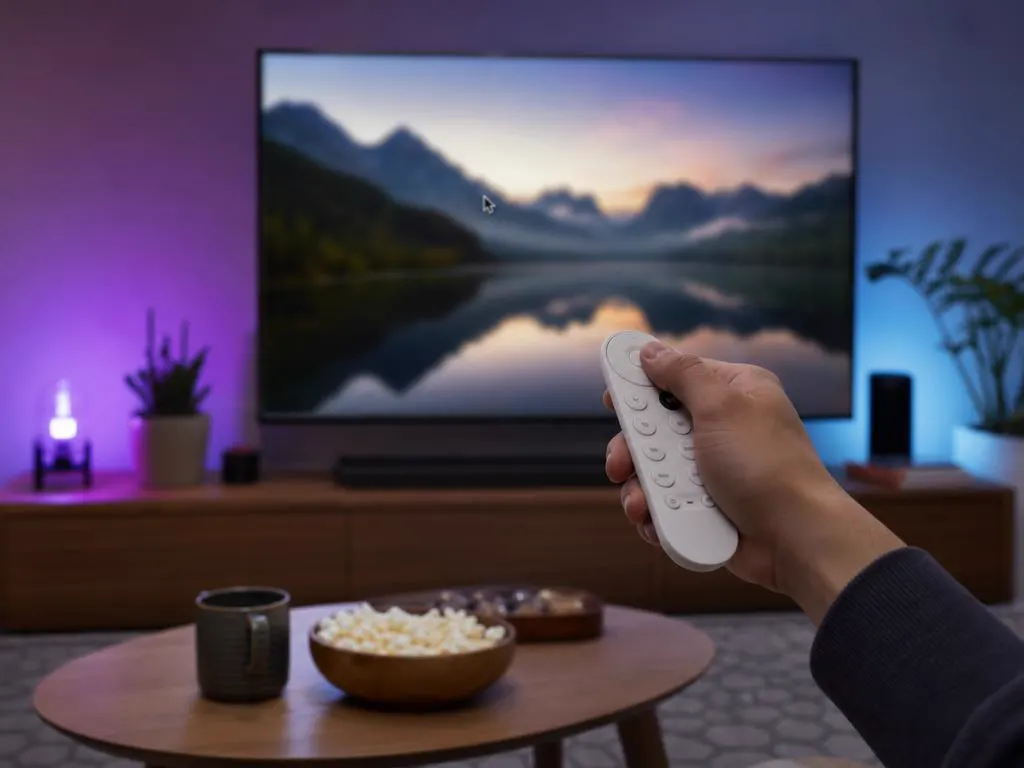
LG's Magic Remote works like a mouse pointer, so typing a username, password and server URL is far quicker than with arrow keys. Point, click each letter, and you're signed in within a minute or two.
LG Channels is LG's free, ad-supported service built into its TVs. It's a handy extra, but it doesn't include most mainstream live channels, local news or big sports. IPTV covers those with a full live lineup, a TV guide, catch-up and on-demand movies and series.
One login works in an LG store player, on a stick or from your phone. One-time payment.
1 Month Subscription
One-time · 1 month
3 Months Subscription
One-time · 3 months$8.67/mo
6 Months Subscription
One-time · 6 months$6.50/mo
12 Months Subscription
One-time · 12 months$5.75/mo
1 Month Subscription
One-time · 1 month
3 Months Subscription
One-time · 3 months$12.00/mo
6 Months Subscription
One-time · 6 months$11.50/mo
12 Months Subscription
One-time · 12 months$9.92/mo
1 Month Subscription
One-time · 1 month
3 Months Subscription
One-time · 3 months$15.33/mo
6 Months Subscription
One-time · 6 months$14.83/mo
12 Months Subscription
One-time · 12 months$12.42/mo
1 Month Subscription
One-time · 1 month
3 Months Subscription
One-time · 3 months$18.67/mo
6 Months Subscription
One-time · 6 months$19.83/mo
12 Months Subscription
One-time · 12 months$14.08/mo
Secure checkout · One-time payment, no contract · Login details by email in minutes
Deep blacks, live TV.
A second screen, sorted.
AirPlay on recent models.
Pick a plan, get your login by email in minutes and stream live TV, sports and movies on your LG and every other screen.

This website is operated by an independent IPTV provider and is not affiliated with LG Electronics or with WHMCS Smarters, the developer of IPTV Smarters Pro. LG, webOS, Magic Remote and LG Channels are trademarks of LG Electronics. App availability varies by model and region.