
1 Month Subscription
One-time · 1 month
- One-time payment
- 20,000+ live channels
- 90,000+ movies & series
- Anti-buffering servers
- TV guide (EPG)
- Instant activation
- 24/7 chat support
Formuler boxes come with MyTVOnline, a player built for live TV with a fast, cable-style guide. There's nothing to download: connect your login, let the guide load and you're watching. This guide covers both sign-in methods, plus recording, favorites and the settings that matter.
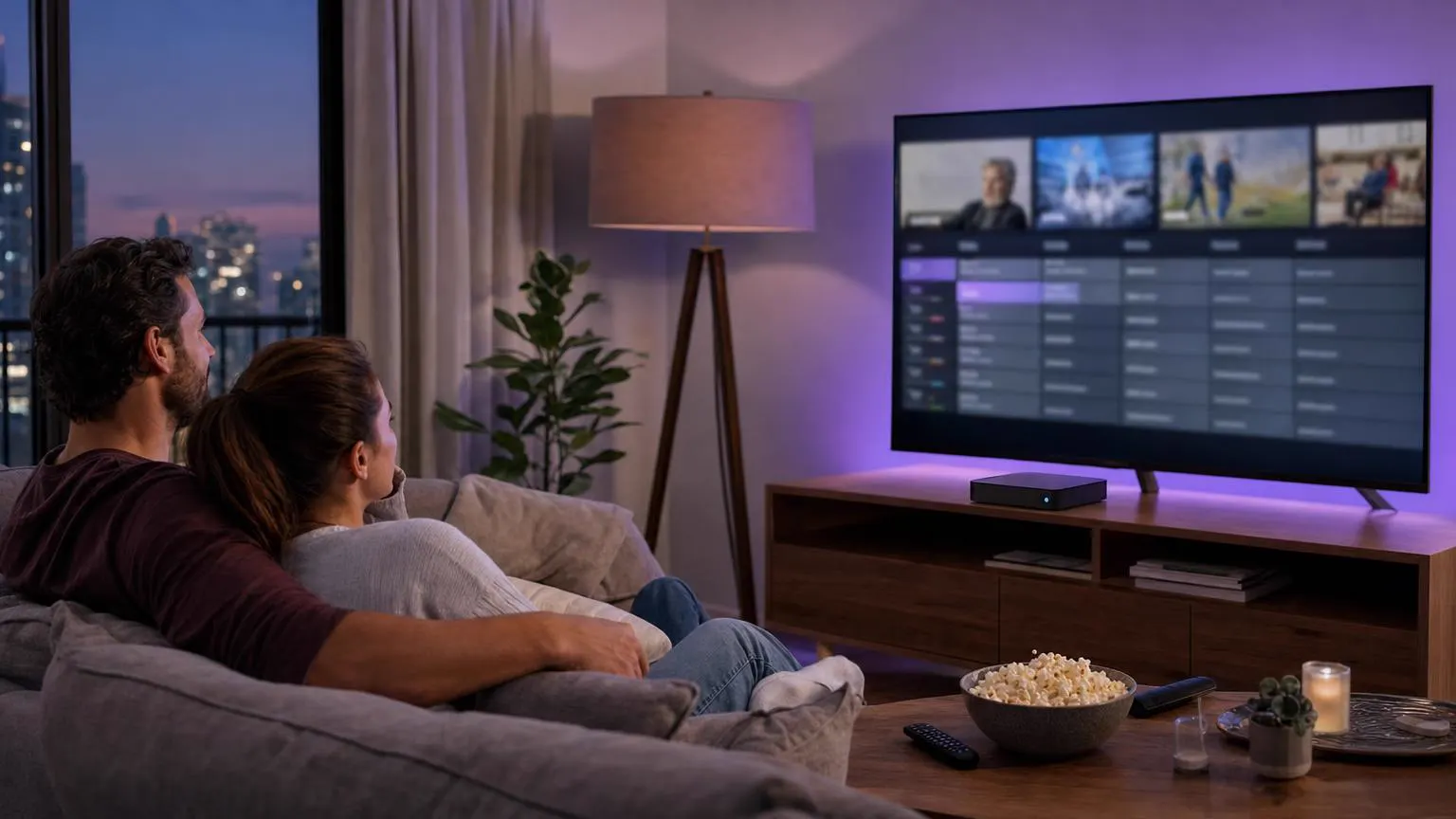 Formuler ready
MyTVOnline is the IPTV player Formuler builds into its Z-series boxes. It has no channels of its own: you connect it to your IPTV plan, and it shows live channels, a full TV guide and on-demand sections. Recent versions accept Xtream Codes details, the quickest method. Every version also supports the portal method, where we register the box's MAC address instead.
| Method | What you need | Best for |
|---|---|---|
| Xtream Codes in the built-in player | Username, password and server URL from your email | The fastest setup, with the guide and on-demand included |
| Portal in the built-in player | Your box's MAC address, registered by us | Older software versions, and a no-typing sign-in |
| IPTV Smarters Pro app | The same Xtream Codes details | Viewers who use Smarters on their other devices |
Every method uses the same plan, so you can switch later without paying again.
Shown with the Xtream Codes method, with the portal alternative in Part 2. Labels differ a little between versions 2 and 3 of the app.
Connect a network cable from your router to the box if you can. Formuler boxes stream 4K most reliably over a wired connection.
Open the box's Settings and look for the system or software update option. Install anything waiting, then let the box restart.
Select the built-in player's icon on the Formuler home screen. If you ever remove it, it can be reinstalled from Formuler's own app market on the box.
Version 3 calls these Connections; version 2 lists them under Content Sources or Add Portal. The steps are the same idea.
Press the menu button on the remote, open Connections and select Add.
Choose Xtream Codes from the connection types. Only see Portal? Your version uses the portal method: choose it, and in the next step enter the portal URL we email you after registering your MAC address.
Give the connection a name, then enter the server URL, username and password from your activation email. The remote's number pad speeds up the digits in the URL.
For the portal method, the box's MAC address is shown on the same screen. Send it to us through the contact form and we'll reply with your portal URL.
Select Connect. The first load fetches every channel group, the guide and the on-demand lists, so give it a minute or two.
Press the Guide or EPG button on the remote. If listings are empty, refresh the guide from the connection's options and check that the box's time zone is right.
Highlight a channel, press the menu button and add it to favorites. Your favorites group then opens first, ahead of hundreds of channels.
On models with recording, plug in a USB drive or SD card, then press the record button on a live channel or schedule a program from the guide.
Screens are illustrations, not captures of the Formuler interface. Menu names differ between software versions.
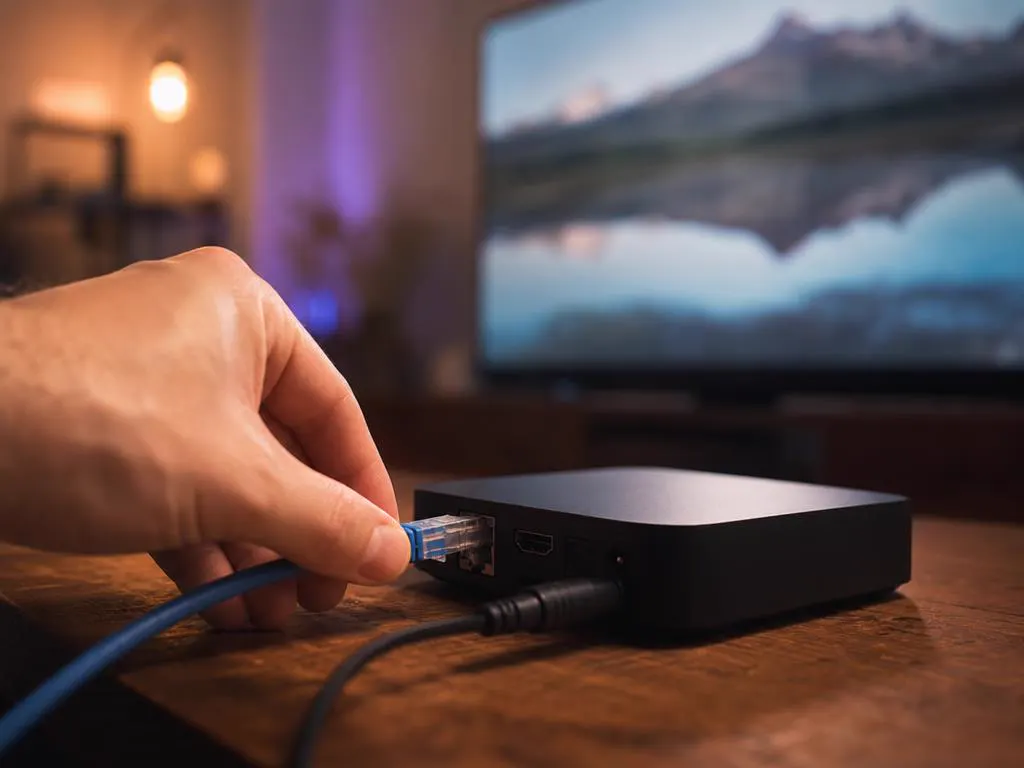
Formuler hardware is built for live TV, and a few settings get the most out of it, especially during busy evenings and big games.
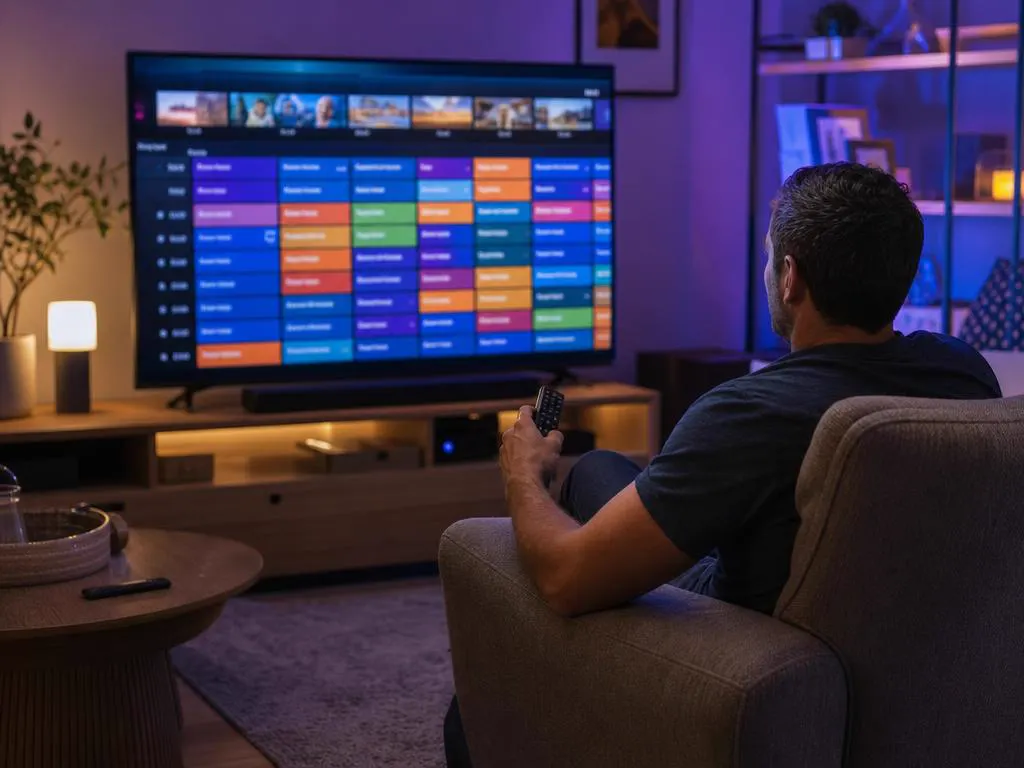
Formuler boxes run Android apps, so you can install IPTV Smarters Pro from the app store on the box and sign in with the same Xtream Codes details. Many households use the built-in player for live TV and the guide, and Smarters for movies and series.
Xtream Codes details or a portal registration, ready in minutes. One-time payment.
1 Month Subscription
One-time · 1 month
3 Months Subscription
One-time · 3 months$8.67/mo
6 Months Subscription
One-time · 6 months$6.50/mo
12 Months Subscription
One-time · 12 months$5.75/mo
1 Month Subscription
One-time · 1 month
3 Months Subscription
One-time · 3 months$12.00/mo
6 Months Subscription
One-time · 6 months$11.50/mo
12 Months Subscription
One-time · 12 months$9.92/mo
1 Month Subscription
One-time · 1 month
3 Months Subscription
One-time · 3 months$15.33/mo
6 Months Subscription
One-time · 6 months$14.83/mo
12 Months Subscription
One-time · 12 months$12.42/mo
1 Month Subscription
One-time · 1 month
3 Months Subscription
One-time · 3 months$18.67/mo
6 Months Subscription
One-time · 6 months$19.83/mo
12 Months Subscription
One-time · 12 months$14.08/mo
Secure checkout · One-time payment, no contract · Login details by email in minutes
Small enough to sit under any TV.
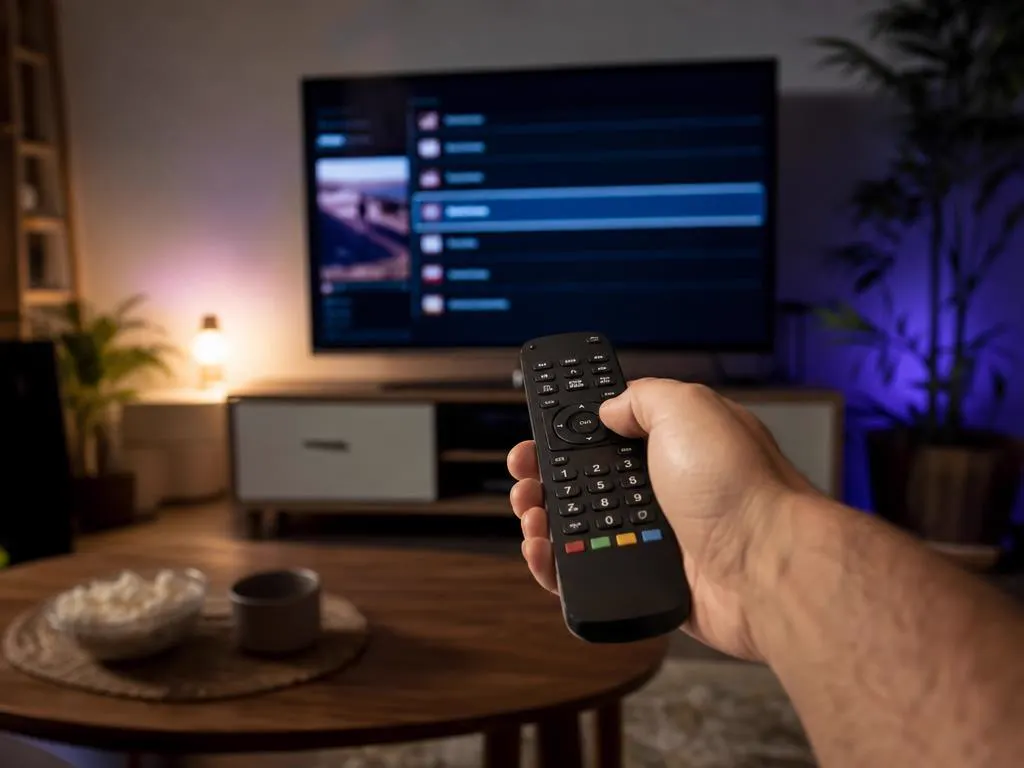
Number keys make typing a URL painless.
Choose a plan and get Xtream Codes details by email in minutes, or send us your MAC address for a portal.

This website is operated by an independent IPTV provider and is not affiliated with Formuler, the maker of MyTVOnline, or with WHMCS Smarters, the developer of IPTV Smarters Pro. All trademarks belong to their owners. Features vary by model and software version.