
1 Month Subscription
One-time · 1 month
- One-time payment
- 20,000+ live channels
- 90,000+ movies & series
- Anti-buffering servers
- TV guide (EPG)
- Instant activation
- 24/7 chat support
Many smart TVs from Sony, TCL, Hisense, Philips and others run Android TV or Google TV, which means IPTV Smarters Pro installs right on the TV, no stick needed. Here's how to install IPTV Smarters Pro for Android TV from the Play Store, sign in with your remote and set the TV up for smooth live channels.
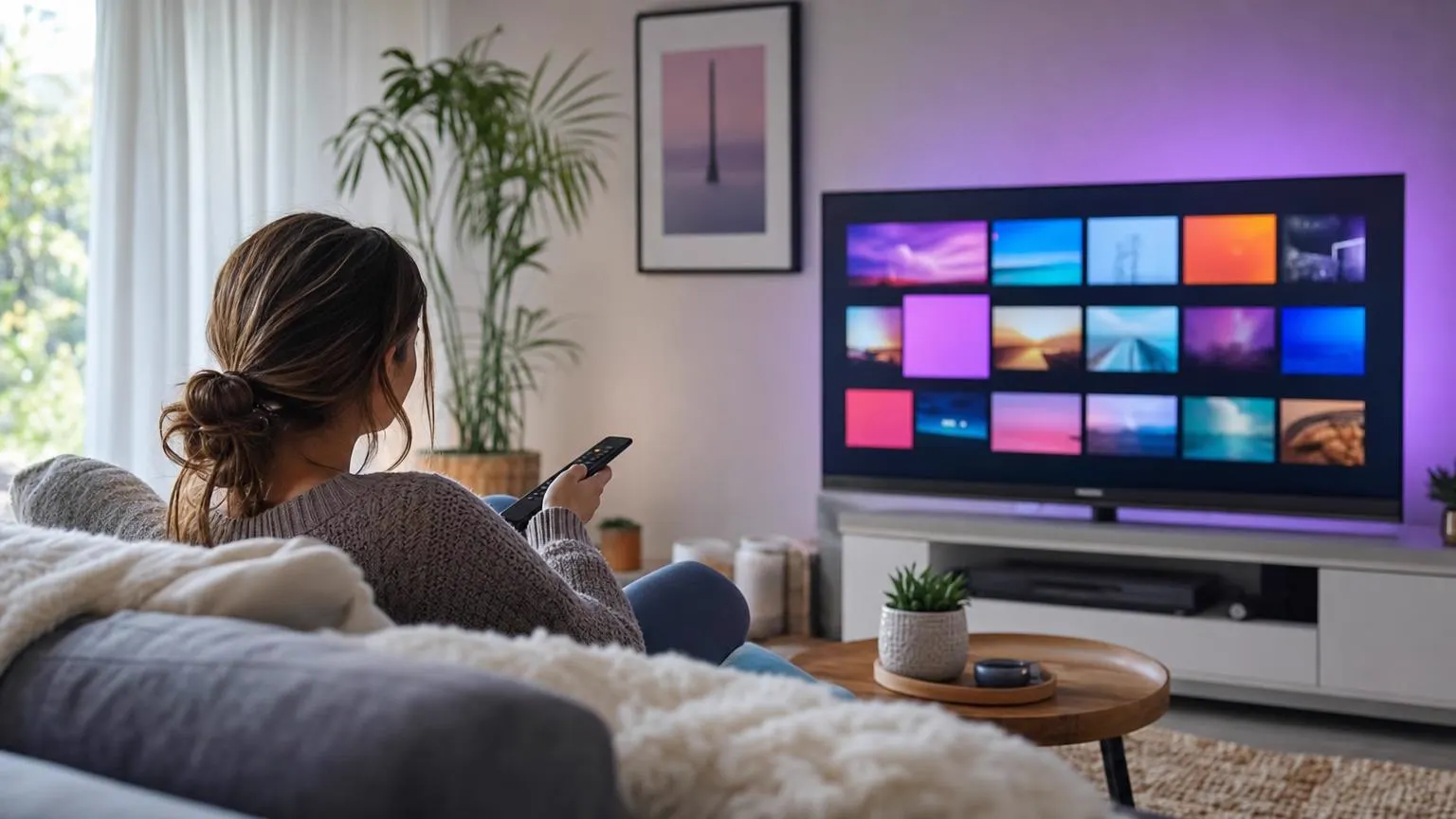 Smart TV
If your TV's home screen shows Google Play and rows of recommendations from Google, it runs Android TV or Google TV, and IPTV Smarters Pro installs directly. Samsung (Tizen) and LG (webOS) TVs don't; for those, see our Samsung and LG guides or use a streaming stick.
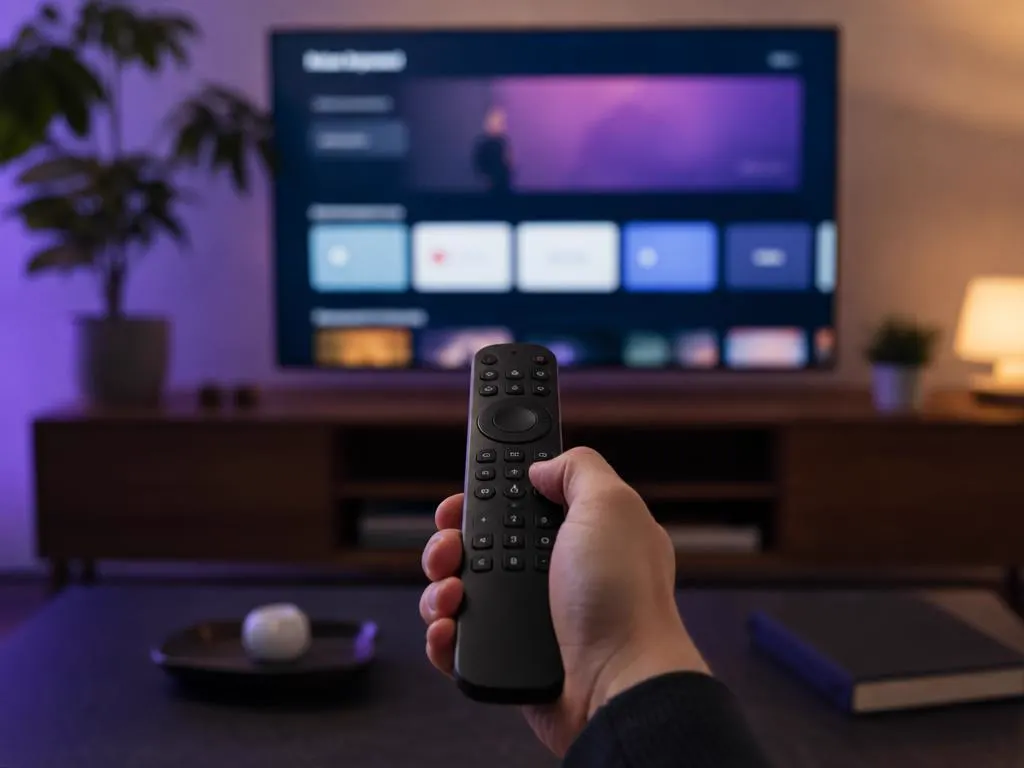
From the home screen, open Apps, then Google Play, or search with the remote's voice button.
Search for IPTV Smarters Pro and confirm the developer is WHMCS Smarters before installing.
Select Install, wait for it to finish, then open the app from Apps.
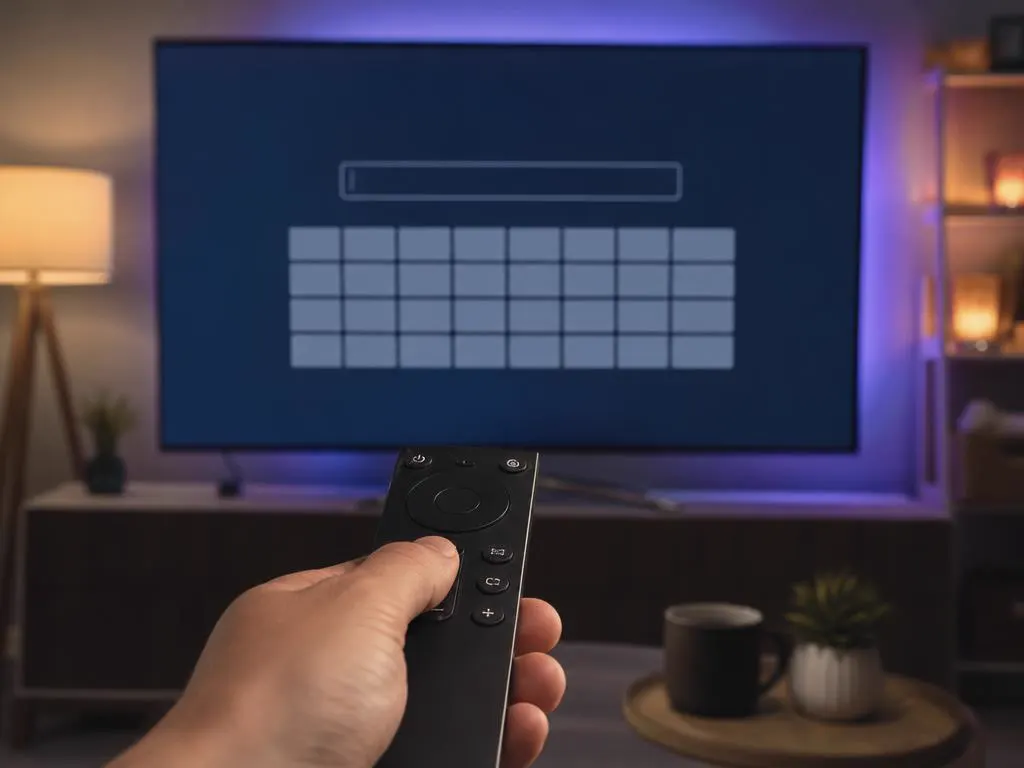
Choose Login with Xtream Codes API and type your details with the remote or voice keyboard.
Not listed on your TV's Play Store? Follow the APK steps in our Android guide.
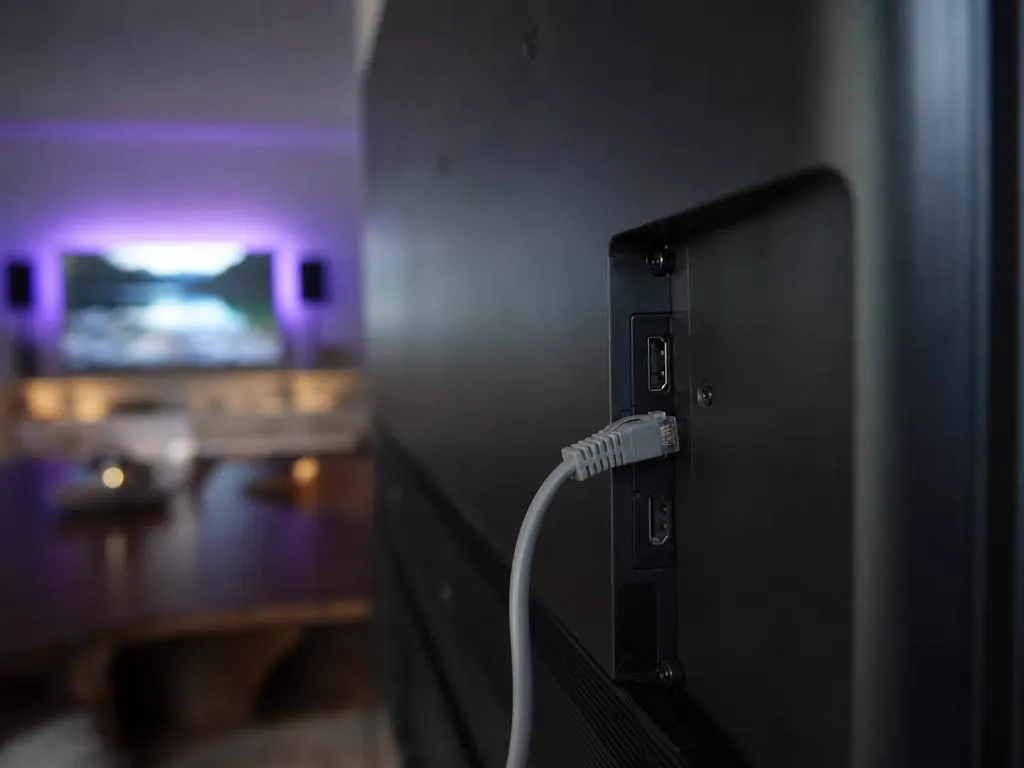
Smart TVs have less memory than a dedicated streaming box, so a little housekeeping keeps the app quick.
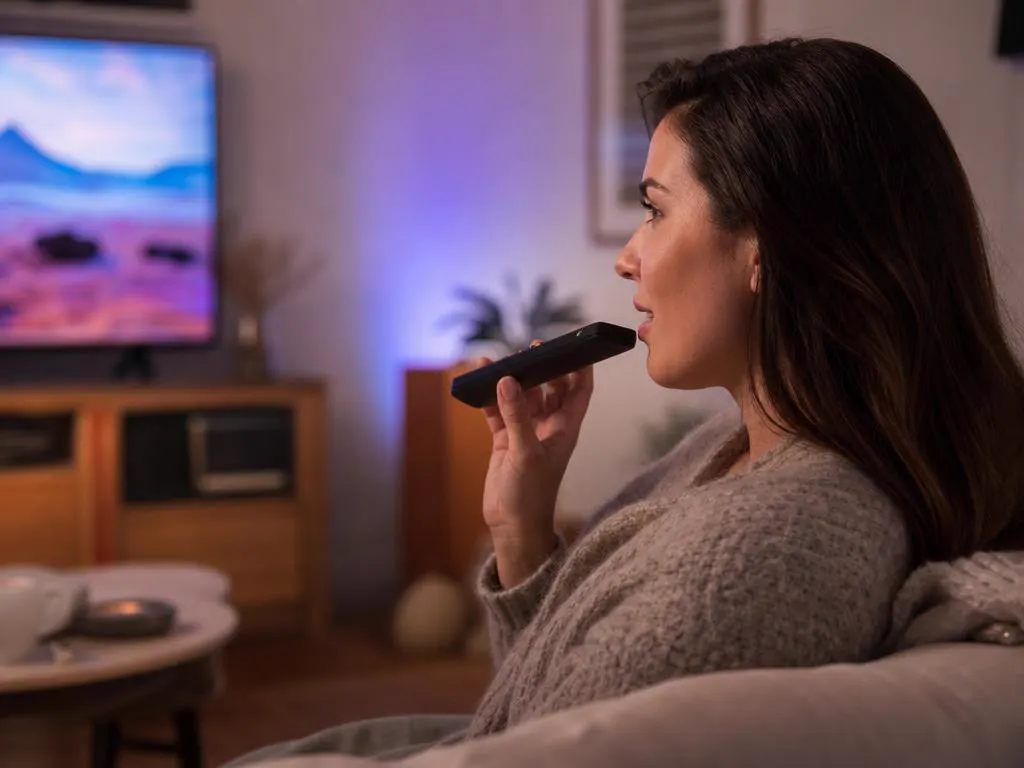
Most Android TV and Google TV remotes have a microphone button. Use voice search to find the app, and connect a phone with the Google TV app as a keyboard for typing your login.
One login works on your smart TV, phone and every other screen. One-time payment.
1 Month Subscription
One-time · 1 month
3 Months Subscription
One-time · 3 months$8.67/mo
6 Months Subscription
One-time · 6 months$6.50/mo
12 Months Subscription
One-time · 12 months$5.75/mo
1 Month Subscription
One-time · 1 month
3 Months Subscription
One-time · 3 months$12.00/mo
6 Months Subscription
One-time · 6 months$11.50/mo
12 Months Subscription
One-time · 12 months$9.92/mo
1 Month Subscription
One-time · 1 month
3 Months Subscription
One-time · 3 months$15.33/mo
6 Months Subscription
One-time · 6 months$14.83/mo
12 Months Subscription
One-time · 12 months$12.42/mo
1 Month Subscription
One-time · 1 month
3 Months Subscription
One-time · 3 months$18.67/mo
6 Months Subscription
One-time · 6 months$19.83/mo
12 Months Subscription
One-time · 12 months$14.08/mo
Secure checkout · One-time payment, no contract · Login details by email in minutes
Everything in the TV.
One login, every room.
Parental controls built in.
Choose a plan, get your login by email in minutes and sign in right on your Android TV or Google TV.
This website is operated by an independent IPTV provider and is not affiliated with Google, any TV maker or WHMCS Smarters, the developer of IPTV Smarters Pro. Android TV and Google TV are trademarks of Google LLC. App availability varies by model and region.