
1 Month Subscription
One-time · 1 month
- One-time payment
- 20,000+ live channels
- 90,000+ movies & series
- Anti-buffering servers
- TV guide (EPG)
- Instant activation
- 24/7 chat support
The IPTV Smarters Pro Android app runs on phones, tablets, Android TV, Google TV and most Android TV boxes. Install it from Google Play or the developer's website, sign in with your Xtream Codes details and you're watching live TV in about five minutes. This guide also covers the settings that make playback smoother.
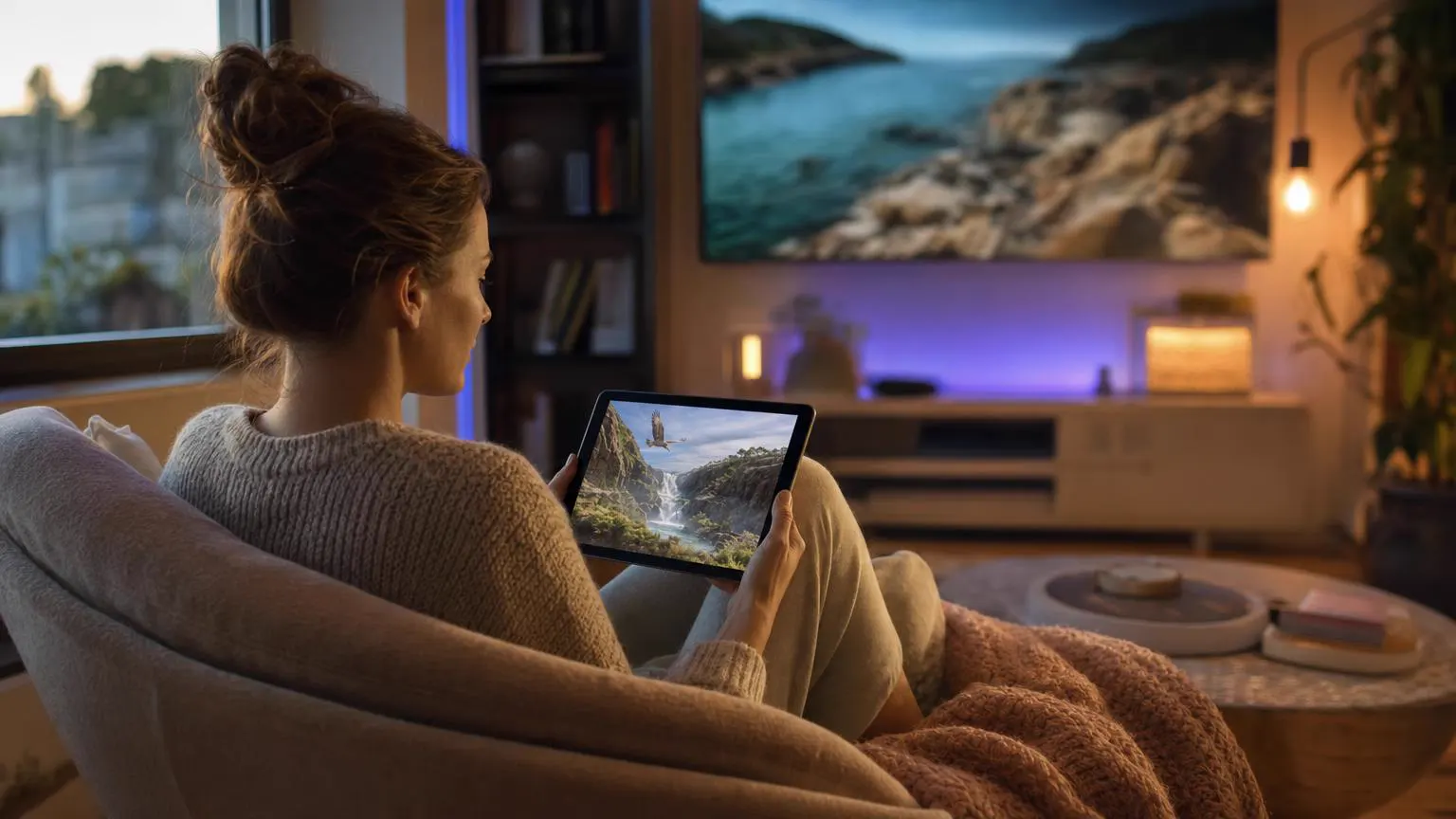 Android & Android TV
Yes. Android is where the app started, so you get the complete feature set: Live TV, Movies, Series, the TV guide, catch-up and, on supported tablets and TV boxes, multi-screen viewing. The app is free and has no channels of its own. You sign in with the Xtream Codes details or M3U link from your IPTV provider.
The same app adapts to each screen size, so the steps below work almost everywhere.
| Device | Where to install | Best for |
|---|---|---|
| Phones | Google Play or the developer's website | Watching on the go and checking scores fast. |
| Tablets | Google Play or the developer's website | Movies in bed and multi-screen sports on bigger displays. |
| Android TV & Google TV | Google Play on the TV | The living room, with full remote control. |
| Android TV boxes & sticks | Google Play, or the official APK if the store isn't available | Turning an older TV into a smart one. |
| Chromebooks | Google Play, on models that run Android apps | Laptop viewing without a separate desktop app. |
Shown on a phone. Tablets, Android TV and TV boxes use the same screens, just wider. Have your activation email open in another app.
Open the Play Store, tap the search bar at the top and type IPTV Smarters Pro.
Open the listing and look just under the app name: the developer should read WHMCS Smarters. Copycat apps reuse the name and colors, so this one check matters.
Tap Install. When the green button changes to Open, tap it.
Your activation email lists a username, a password and a server URL. The fourth field, the name, is yours to choose.
Read and accept the terms of use. If Android asks about notifications, either answer is fine; live TV works without them.
It's the first sign-in option and the one that brings in the TV guide, movies and series together.
Copy each value from the email and paste it into the matching field. Usernames and passwords are case-sensitive, and the URL keeps its http:// and port number.
Pasting sometimes picks up a space at the end. If sign-in fails, tap into each field and delete any trailing space.
The app checks your login, then downloads the channel, movie and series lists. On mobile data, give it a little longer than on Wi-Fi.
On the dashboard, tap Install EPG (or the guide refresh button in newer versions) so each channel shows what's on now and next.
Tap Live TV, choose a category and tap a channel. Turn the phone sideways for full screen.
Long-press a channel and choose Add to favorites. Your Favorites category then opens straight to the channels you watch most.
Screens are illustrations, not captures of the real app. Labels can differ slightly by app version. Only have an M3U link? Our free M3U to Xtream converter splits it into the login fields.
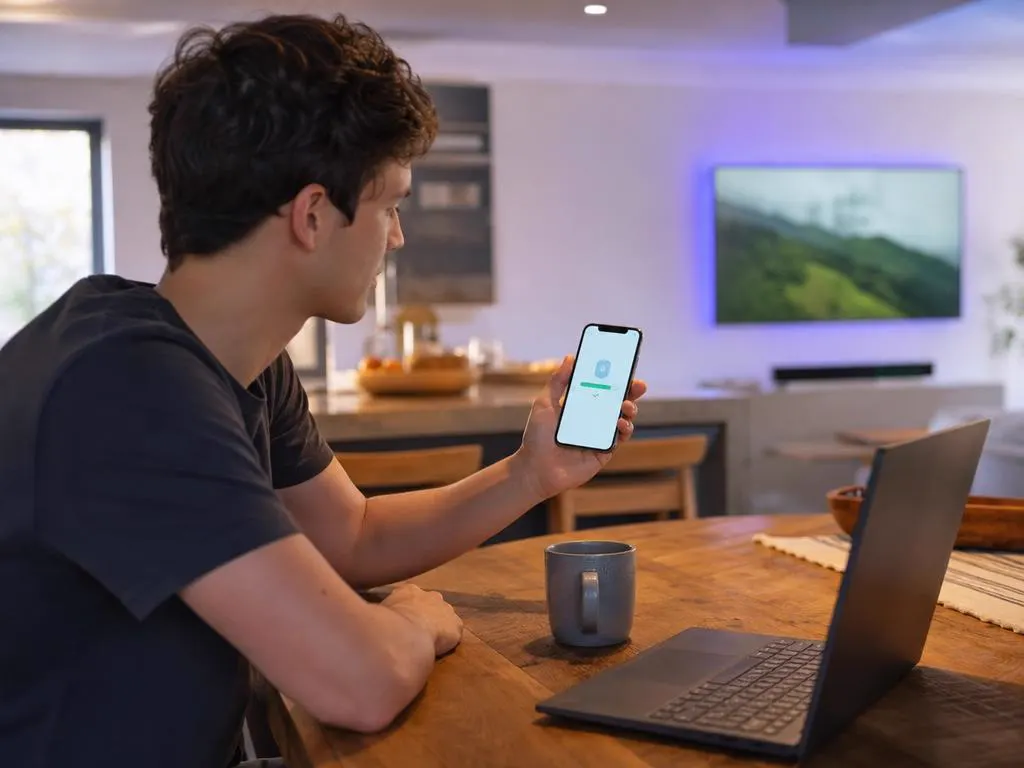
Some TV boxes don't include Google Play, and store listings vary by country. In that case, download the APK file from the developer's official website only. APK mirror sites often repackage the app with ads or trackers.
Google Play Protect may warn about apps from outside the store. Continue only if the file came from the developer's own site.
Most playback problems on Android come from the network or a full cache, not from the app. These five changes fix the majority of stutters and slow menus.
Channels by category with a now-and-next guide and a full grid view.
On-demand libraries with posters, seasons and episodes.
Replay recent shows on channels where your provider offers it.
Watch several channels at once on supported tablets and TV boxes.
PIN-lock categories so kids only see what's right for them.
Find a channel, movie or series by name in seconds.
Xtream Codes details that work on every Android screen, by email in minutes.
1 Month Subscription
One-time · 1 month
3 Months Subscription
One-time · 3 months$8.67/mo
6 Months Subscription
One-time · 6 months$6.50/mo
12 Months Subscription
One-time · 12 months$5.75/mo
1 Month Subscription
One-time · 1 month
3 Months Subscription
One-time · 3 months$12.00/mo
6 Months Subscription
One-time · 6 months$11.50/mo
12 Months Subscription
One-time · 12 months$9.92/mo
1 Month Subscription
One-time · 1 month
3 Months Subscription
One-time · 3 months$15.33/mo
6 Months Subscription
One-time · 6 months$14.83/mo
12 Months Subscription
One-time · 12 months$12.42/mo
1 Month Subscription
One-time · 1 month
3 Months Subscription
One-time · 3 months$18.67/mo
6 Months Subscription
One-time · 6 months$19.83/mo
12 Months Subscription
One-time · 12 months$14.08/mo
Secure checkout · One-time payment, no contract · Login details by email in minutes

Live games on your phone, on Wi-Fi or mobile data.

A tablet makes a perfect personal screen.
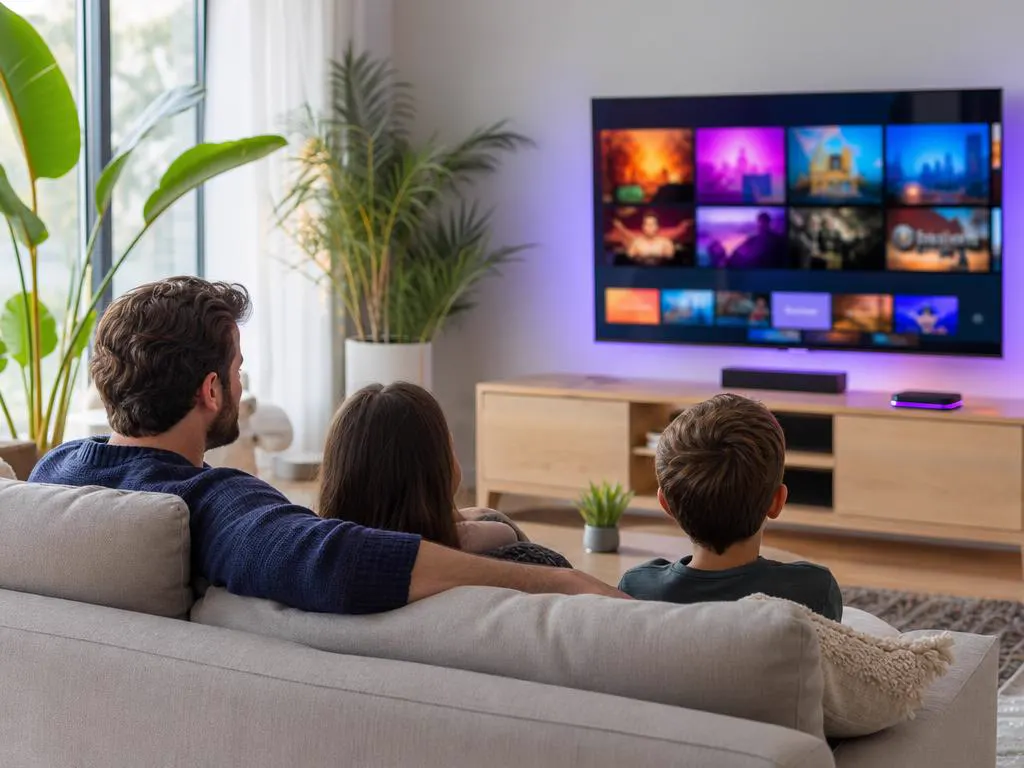
Android TV and TV boxes put everything on the big screen.
Pick a plan, get your login by email in minutes and stream live TV, sports and movies on every Android screen in your home.
This website is operated by an independent IPTV provider and is not affiliated with Google or with WHMCS Smarters, the developer of IPTV Smarters Pro. App availability varies by device and region.