
1 Month Subscription
One-time · 1 month
- One-time payment
- 20,000+ live channels
- 90,000+ movies & series
- Anti-buffering servers
- TV guide (EPG)
- Instant activation
- 24/7 chat support
The IPTV Smarters Pro Windows app turns any PC or laptop into a full live TV player, with channels, movies, series and the TV guide in one window. Here's where to get the official installer, how to handle Windows security prompts safely, and how to sign in with your Xtream Codes details.
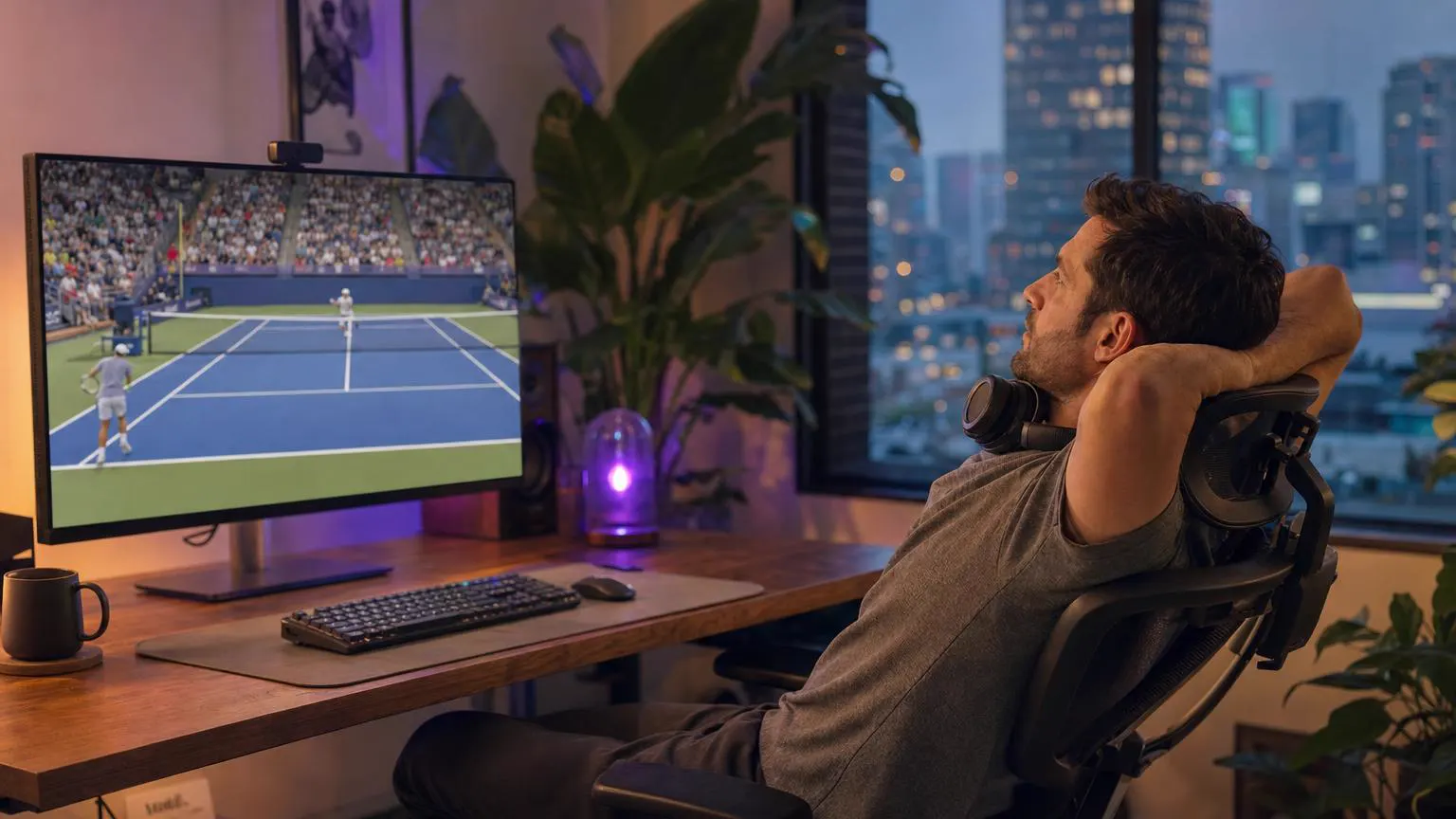 Windows desktop
Yes. The developer publishes a desktop version for Windows on its official website, and Smarters apps also appear in the Microsoft Store. Several Store listings use similar names, so confirm the publisher is WHMCS Smarters before you install. The app is free; you sign in with the details from your IPTV provider.
Go to the developer's official website and download the Windows version, an .exe installer. Skip third-party download sites, which often bundle extra software.
Open the file from your Downloads folder. If SmartScreen shows Windows protected your PC, confirm the file came from the developer's site, then select More info → Run anyway.
Follow the prompts, then launch the app from the Start menu or the desktop shortcut.
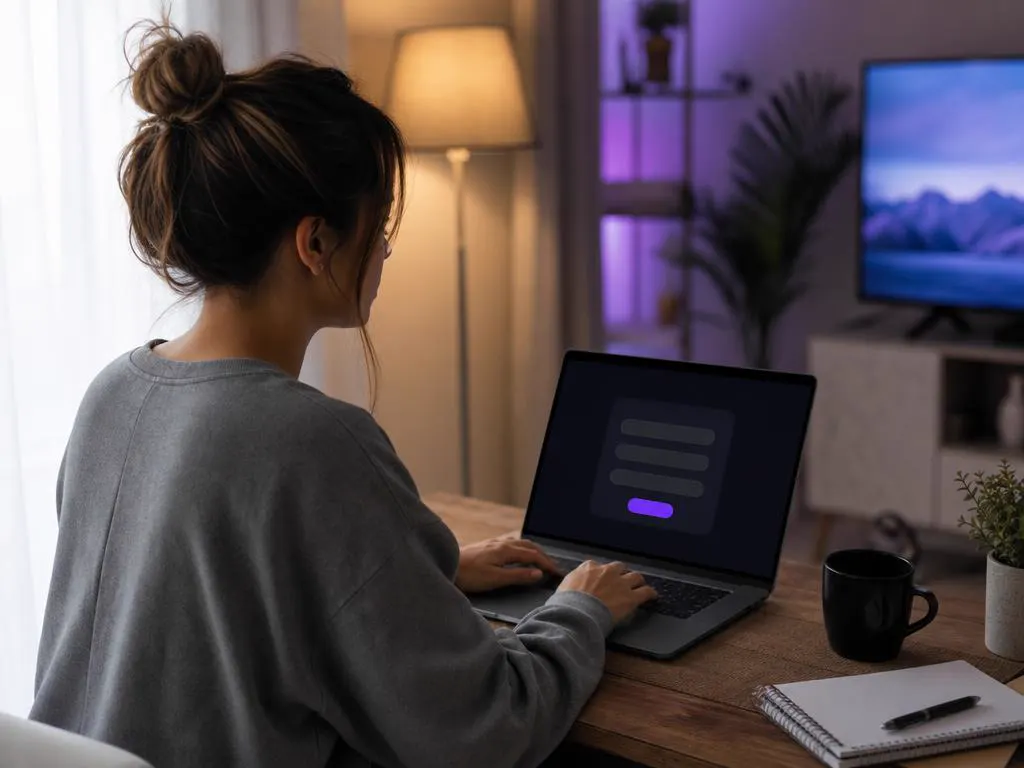
Choose Login with Xtream Codes API and enter your name, username, password and server URL. Our login guide explains each field.
SmartScreen warns about many small apps, so a prompt on its own isn't a red flag. What matters is where the file came from. Run it only if you downloaded it from the developer's official website.
If your antivirus flags the file, delete it and download it again from the official source. Never turn off your antivirus to install an IPTV player.
Our recommendations for smooth playback, not the developer's official minimums.
| Item | Recommended |
|---|---|
| Operating system | Windows 10 or Windows 11, fully updated |
| Internet | 10 Mbps for HD, 25 Mbps for 4K; Ethernet for the most stable picture |
| Memory | 4 GB of RAM or more |
| Display | Full HD or 4K monitor, or a TV connected by HDMI |
| Storage | A few hundred MB free for the app and its TV guide data |
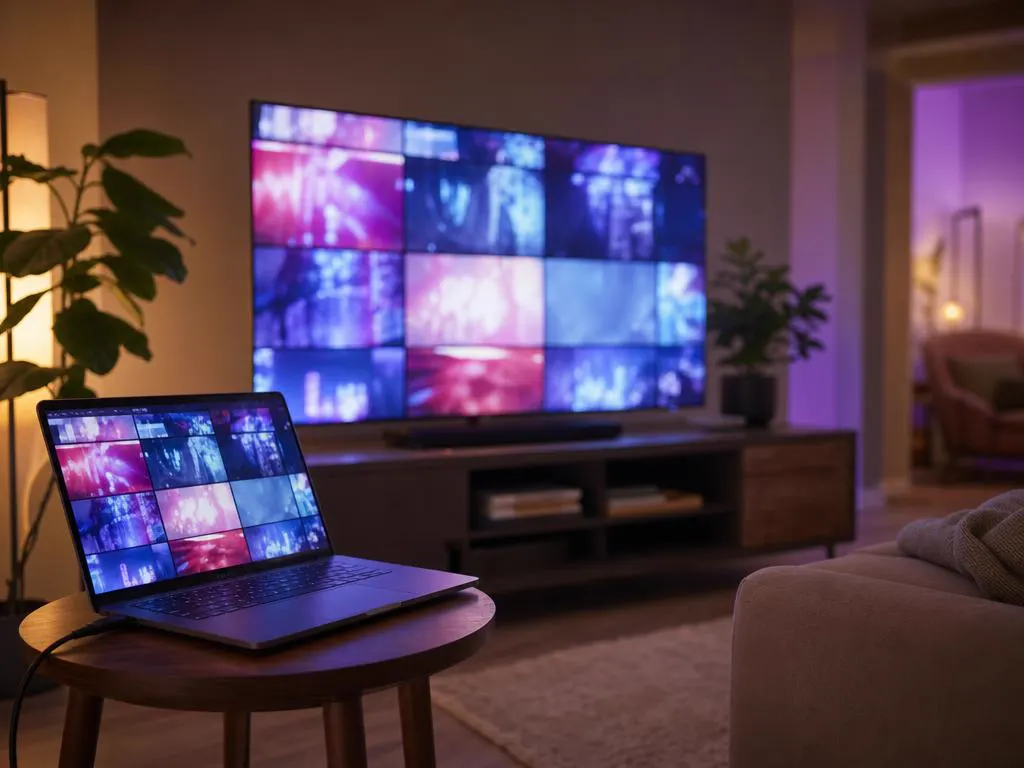
A laptop and one HDMI cable turn any TV into a big-screen player. It's a handy option for a guest room or a TV without smart features.

No. Older guides suggest running the Android app inside an emulator such as BlueStacks, but the native desktop app is lighter, starts faster and is easier to update.
Prefer a general media player? Any player that accepts Xtream Codes or an M3U link works with our service. Our free M3U to Xtream converter switches between the two formats.
IPTV Smarters Pro for MacXtream Codes details that work on your PC, TV and phone, by email in minutes.
1 Month Subscription
One-time · 1 month
3 Months Subscription
One-time · 3 months$8.67/mo
6 Months Subscription
One-time · 6 months$6.50/mo
12 Months Subscription
One-time · 12 months$5.75/mo
1 Month Subscription
One-time · 1 month
3 Months Subscription
One-time · 3 months$12.00/mo
6 Months Subscription
One-time · 6 months$11.50/mo
12 Months Subscription
One-time · 12 months$9.92/mo
1 Month Subscription
One-time · 1 month
3 Months Subscription
One-time · 3 months$15.33/mo
6 Months Subscription
One-time · 6 months$14.83/mo
12 Months Subscription
One-time · 12 months$12.42/mo
1 Month Subscription
One-time · 1 month
3 Months Subscription
One-time · 3 months$18.67/mo
6 Months Subscription
One-time · 6 months$19.83/mo
12 Months Subscription
One-time · 12 months$14.08/mo
Secure checkout · One-time payment, no contract · Login details by email in minutes

Keep the news or a game on while you work.

A laptop is a full TV in a small space.

Full-screen movies without a TV.
Pick a plan, get your login by email in minutes and stream live TV, sports and movies on your PC, laptop and TV.
This website is operated by an independent IPTV provider and is not affiliated with Microsoft or with WHMCS Smarters, the developer of IPTV Smarters Pro. App availability varies by store and region.