
1 Month Subscription
One-time · 1 month
- One-time payment
- 20,000+ live channels
- 90,000+ movies & series
- Anti-buffering servers
- TV guide (EPG)
- Instant activation
- 24/7 chat support
If you've set up an IPTV app, you've almost certainly seen the words Xtream Codes. Today the name describes a login format: a server URL, a username and a password that players like IPTV Smarters Pro use to load your channels, movies, series and TV guide. Here's how it works and how to get it right the first time.
 Login explained
It started as server software used by IPTV providers. The original software was discontinued in 2019, but its login format, often called the Xtream API, became the standard way players connect to a provider. Instead of one long playlist link, you enter three short details, and the app asks the server for channels, categories, movies, series and guide data whenever it needs them.
Most apps also ask for a name, which is just a label for the account on your device.
The provider's address with http:// or https:// and the port number.
Case-sensitive, exactly as your provider sent it.
Case-sensitive too. Type it rather than pasting it, to avoid hidden spaces.
The full walkthrough for IPTV Smarters Pro is in our login guide.
| Xtream login | M3U playlist | |
|---|---|---|
| What you enter | Server URL, username, password | One long link |
| Typing on a TV remote | Quick | Slow and error-prone |
| TV guide | Loads automatically in most apps | Often needs a separate EPG link |
| Movies and series | Organized with posters and seasons | Often one long list |
| Updates | New channels appear automatically | Reload the playlist to see changes |
Have an M3U link with a username and password inside? Our M3U to Xtream converter splits it into the three fields.
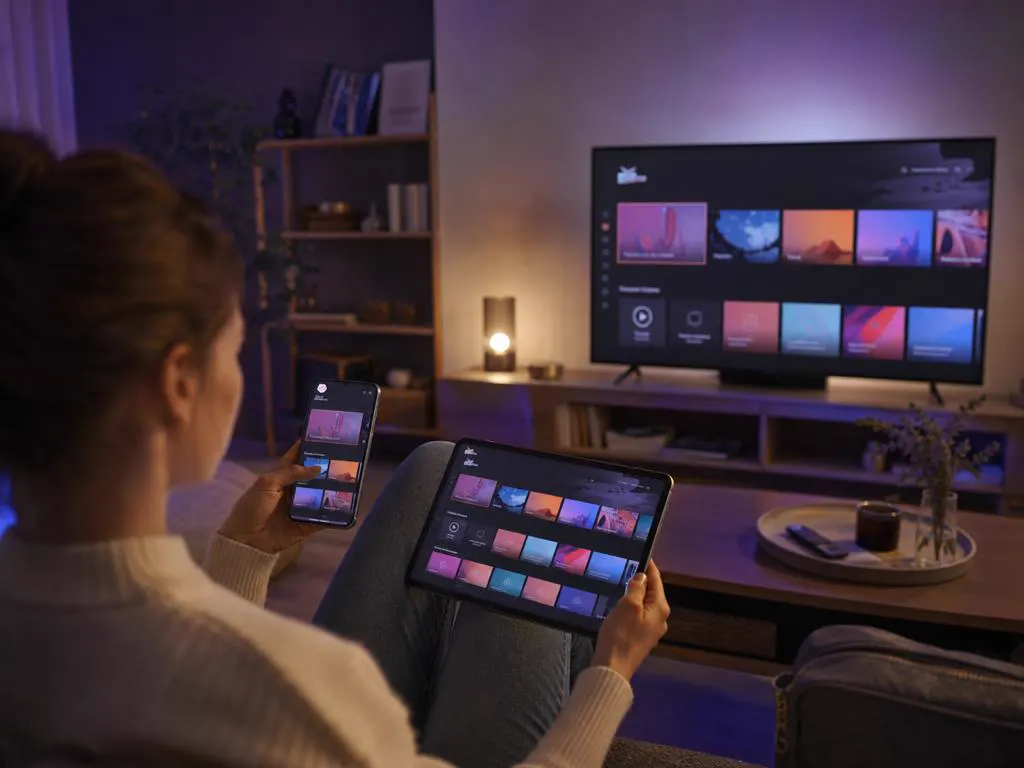
Almost every mainstream IPTV player accepts this login, so one set of details works across all your devices. Sign in once on each screen and your favorites, guide and categories follow the same account.
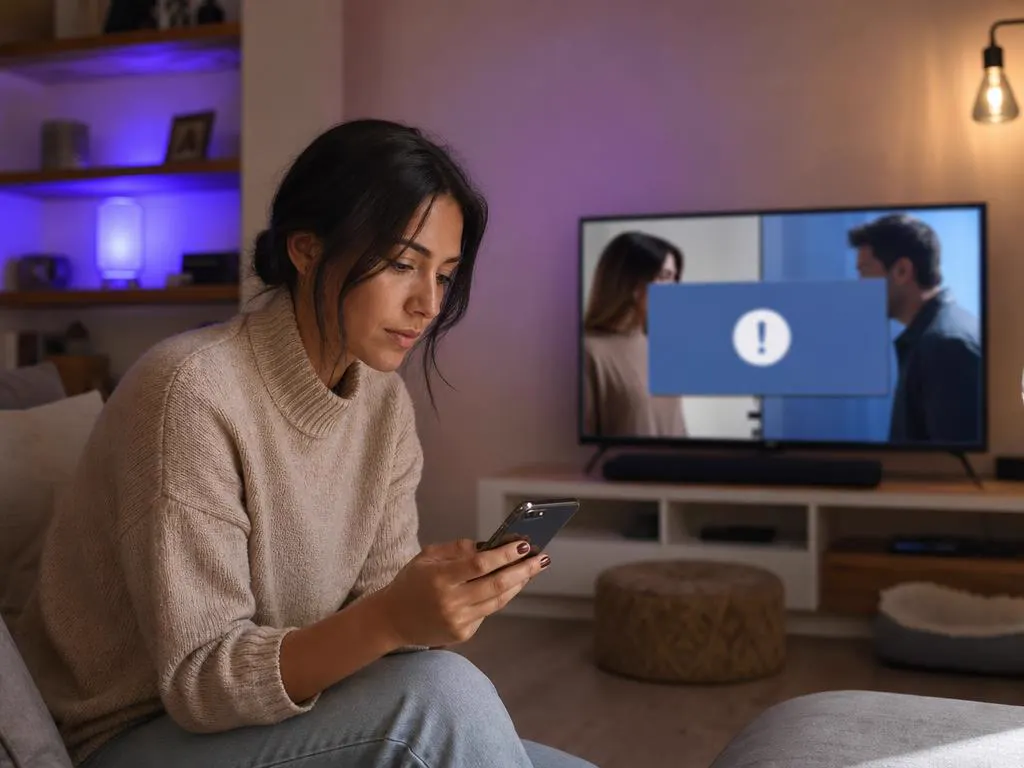
Almost every failed sign-in comes down to the URL format, a typo or an expired account. Work through these checks before contacting support.
http:// and the port, with nothing after the portEvery plan comes with your three login details by email in minutes. Choose your devices, then your plan length.
1 Month Subscription
One-time · 1 month
3 Months Subscription
One-time · 3 months$8.67/mo
6 Months Subscription
One-time · 6 months$6.50/mo
12 Months Subscription
One-time · 12 months$5.75/mo
1 Month Subscription
One-time · 1 month
3 Months Subscription
One-time · 3 months$12.00/mo
6 Months Subscription
One-time · 6 months$11.50/mo
12 Months Subscription
One-time · 12 months$9.92/mo
1 Month Subscription
One-time · 1 month
3 Months Subscription
One-time · 3 months$15.33/mo
6 Months Subscription
One-time · 6 months$14.83/mo
12 Months Subscription
One-time · 12 months$12.42/mo
1 Month Subscription
One-time · 1 month
3 Months Subscription
One-time · 3 months$18.67/mo
6 Months Subscription
One-time · 6 months$19.83/mo
12 Months Subscription
One-time · 12 months$14.08/mo
Secure checkout · One-time payment, no contract · Login details by email in minutes

Quick to type with a remote.

Same details, smaller screen.

Desktop apps too.
Choose a plan and your server URL, username and password arrive by email, ready for every app and device.

This website is operated by an independent IPTV provider. IPTV Smarters Pro is developed by WHMCS Smarters; we are not affiliated with or endorsed by the developer, or with the makers of other apps mentioned. Example login details are placeholders.