
1 Month Subscription
One-time · 1 month
- One-time payment
- 20,000+ live channels
- 90,000+ movies & series
- Anti-buffering servers
- TV guide (EPG)
- Instant activation
- 24/7 chat support
IPTV Smarters Pro for Apple TV comes as Smarters Player Lite, the developer's app for Apple devices. Install it straight from the App Store on your Apple TV, type your login with your iPhone's keyboard instead of the remote, and turn on two settings that make live TV look its best.
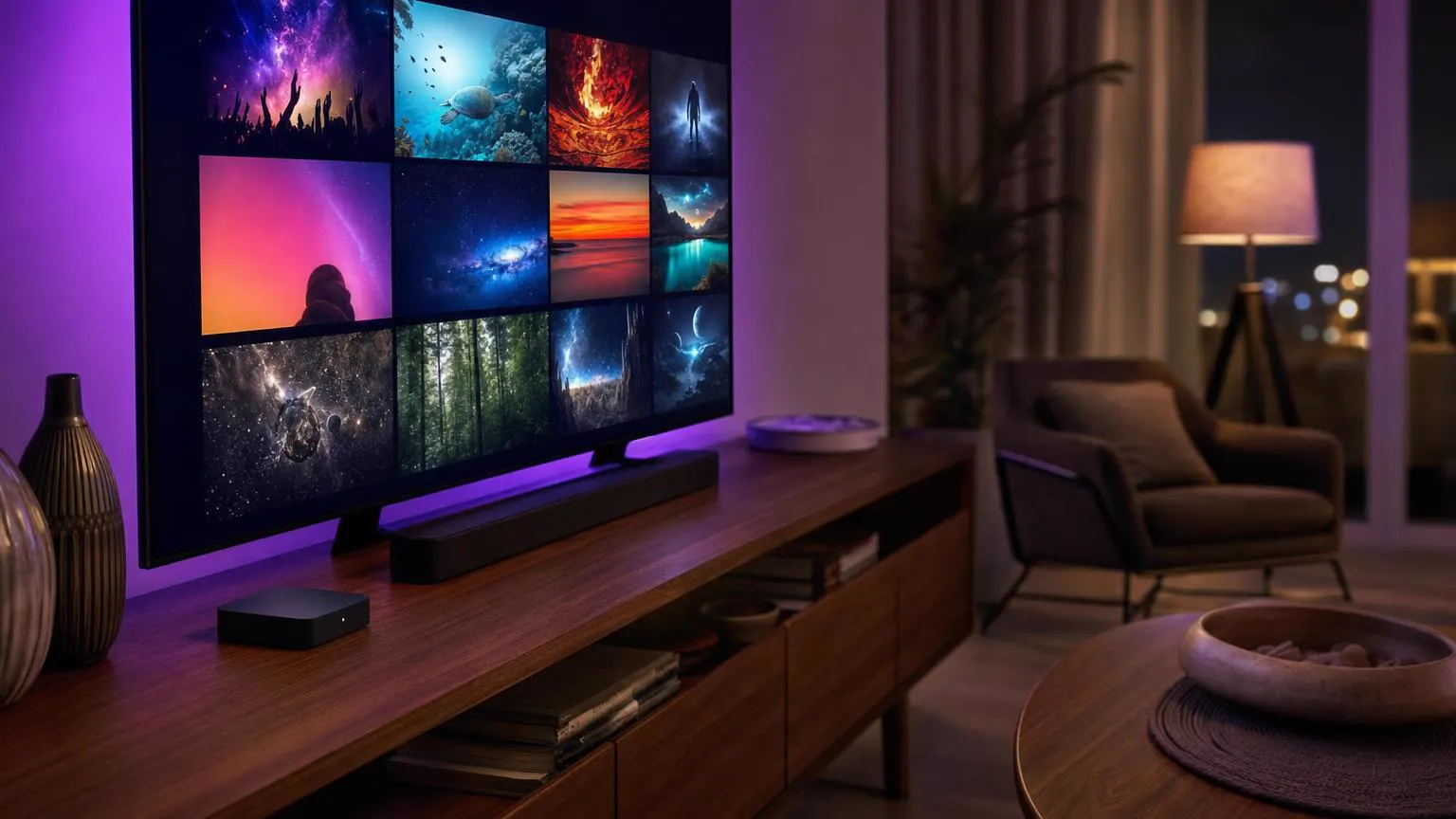 tvOS setup
Yes. On Apple TV the developer's app is Smarters Player Lite. Open the App Store on the Apple TV itself, search for it, check the developer is WHMCS Smarters and select Get. It signs in with the same Xtream Codes or M3U details as every other device.
From the Apple TV home screen to a live channel in about ten minutes. Keep your iPhone nearby: it makes typing the login much easier.
On the home screen, open the App Store, then move to Search in the top row.
Hold the microphone button on the Siri Remote and say Smarters Player Lite, or type it on the on-screen keyboard.
The listing should show WHMCS Smarters as the developer. Select Get; enter your Apple Account password if asked.
Open Smarters Player Lite from the home screen and accept the terms of use.
Select the Xtream Codes option. It loads the guide, movies and series along with live channels.
Select a field and your iPhone shows a Keyboard notification; tap it and type there. No notification? Open Control Center on the iPhone, tap the Apple TV Remote button and use its keyboard.
Both need the iPhone and Apple TV on the same Wi-Fi network.
The app checks your details and loads your channel, movie and series lists. Wait for the dashboard before pressing anything.
From the dashboard, run the guide refresh once so every channel shows its current and next program.
In the Apple TV's Settings → Video and Audio → Format, choose 4K SDR (or 1080p SDR on Apple TV HD). With Match Content on, HDR still turns on for streams that have it.
Back in the app, select Live TV, a category and a channel. Press the Back button to return to the channel list.
Screens are illustrations, not captures of the real app or tvOS. Labels can differ slightly by software version.
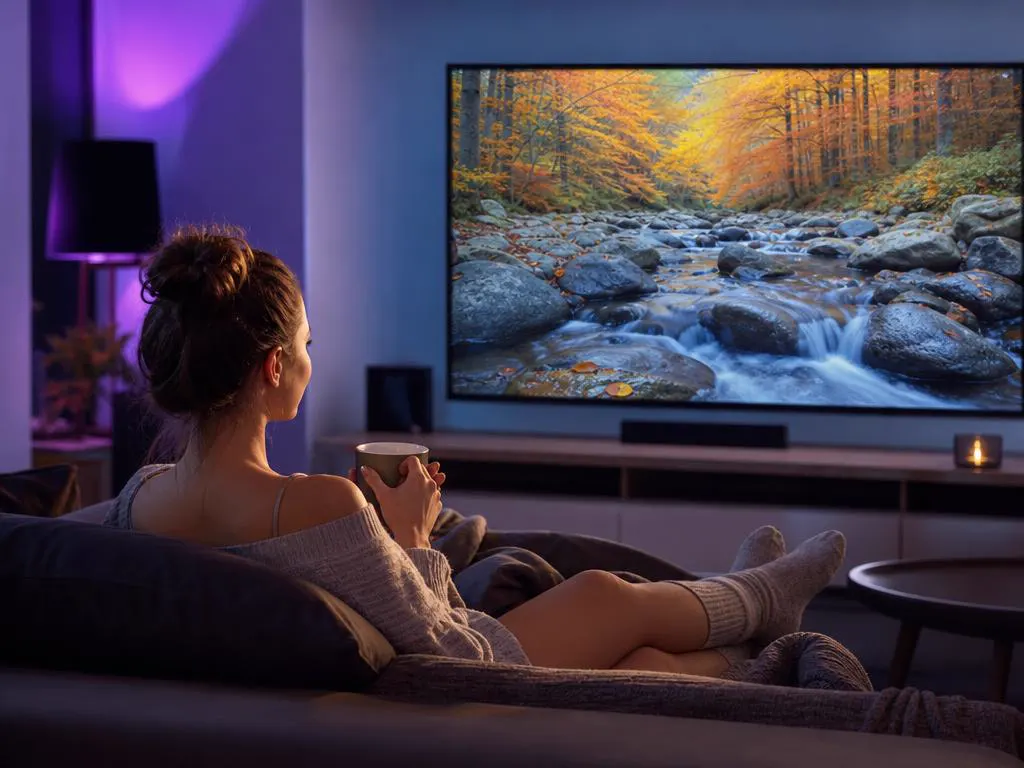
Apple TV can switch its output to match each stream, which makes sports smoother and keeps colors accurate.
| Model | Picture | Good to know |
|---|---|---|
| Apple TV HD | Full HD | Fine for HD channels on smaller TVs. |
| Apple TV 4K | 4K HDR | The best choice for 4K channels and big screens. |
| Apple TV 4K with Ethernet | 4K HDR | Wired connection for the steadiest live sports. |
One login works on your Apple TV, iPhone and every other screen. One-time payment.
1 Month Subscription
One-time · 1 month
3 Months Subscription
One-time · 3 months$8.67/mo
6 Months Subscription
One-time · 6 months$6.50/mo
12 Months Subscription
One-time · 12 months$5.75/mo
1 Month Subscription
One-time · 1 month
3 Months Subscription
One-time · 3 months$12.00/mo
6 Months Subscription
One-time · 6 months$11.50/mo
12 Months Subscription
One-time · 12 months$9.92/mo
1 Month Subscription
One-time · 1 month
3 Months Subscription
One-time · 3 months$15.33/mo
6 Months Subscription
One-time · 6 months$14.83/mo
12 Months Subscription
One-time · 12 months$12.42/mo
1 Month Subscription
One-time · 1 month
3 Months Subscription
One-time · 3 months$18.67/mo
6 Months Subscription
One-time · 6 months$19.83/mo
12 Months Subscription
One-time · 12 months$14.08/mo
Secure checkout · One-time payment, no contract · Login details by email in minutes

Big games, big screen.
Movies on demand.
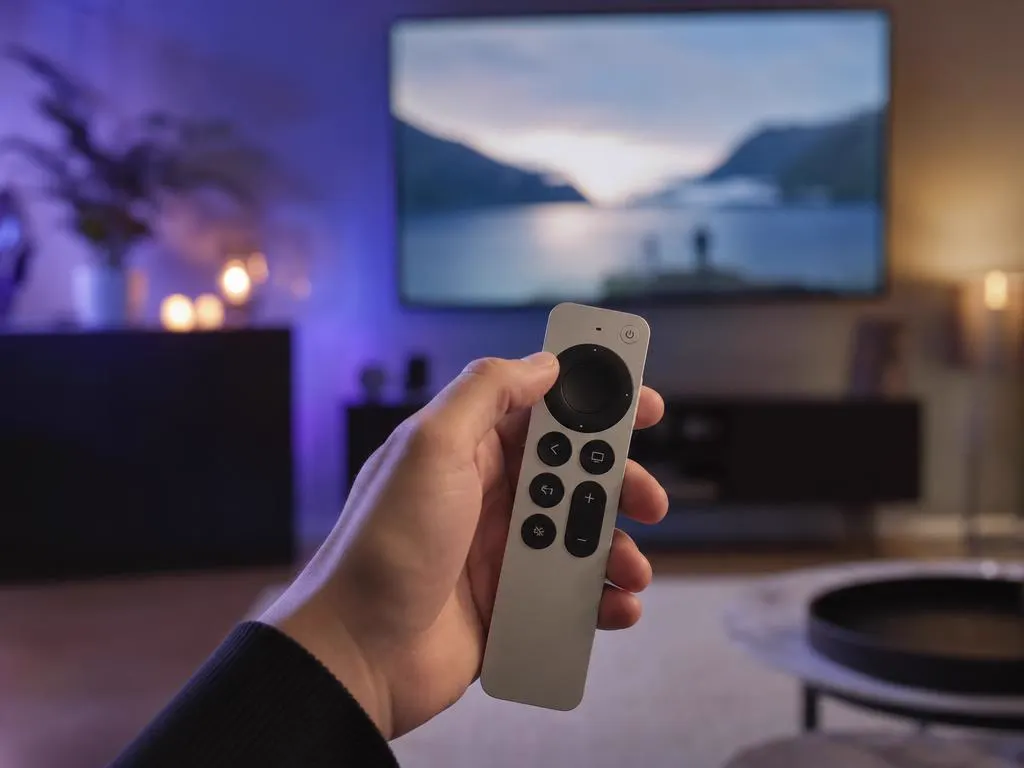
Easy to use for everyone.
Choose a plan, get your login by email in minutes and sign in on your Apple TV and every Apple device.
This website is operated by an independent IPTV provider and is not affiliated with Apple or with WHMCS Smarters, the developer of IPTV Smarters Pro and Smarters Player Lite. Apple TV and tvOS are trademarks of Apple Inc. Settings names vary by tvOS version.