
1 Month Subscription
One-time · 1 month
- One-time payment
- 20,000+ live channels
- 90,000+ movies & series
- Anti-buffering servers
- TV guide (EPG)
- Instant activation
- 24/7 chat support
Apple TV is one of the smoothest boxes for live IPTV: fast hardware, a clean interface and great picture settings. Getting IPTV for Apple TV means installing a player from the tvOS App Store and signing in with your login. Here's which apps to consider, when AirPlay makes sense and how to set the box up for the whole family.
 tvOS
tvOS
Install an IPTV player from the App Store on your Apple TV. Smarters Player Lite, from the developer of IPTV Smarters Pro, is the easiest choice, and other App Store players that accept Xtream Codes or M3U logins work too. Sign in with the details from your IPTV plan and you're watching in minutes.
| Option | Best for | Good to know |
|---|---|---|
| Smarters Player Lite (tvOS app) | Everyday viewing on the TV | Free; signs in with Xtream Codes or M3U |
| Other App Store IPTV players | A different layout or features | Check that it supports Xtream Codes |
| AirPlay from iPhone or iPad | Quick viewing | Your phone stays busy while you watch |
Step-by-step install: IPTV Smarters Pro for Apple TV.

tvOS supports multiple users, so each person can have their own apps and recommendations. Pair that with your player's favorites and parental controls for a setup everyone can use.

Apple TV can match its output to each stream, which keeps sports smooth and colors natural.
One login for Apple TV, iPhone, iPad and every other screen. One-time payment.
1 Month Subscription
One-time · 1 month
3 Months Subscription
One-time · 3 months$8.67/mo
6 Months Subscription
One-time · 6 months$6.50/mo
12 Months Subscription
One-time · 12 months$5.75/mo
1 Month Subscription
One-time · 1 month
3 Months Subscription
One-time · 3 months$12.00/mo
6 Months Subscription
One-time · 6 months$11.50/mo
12 Months Subscription
One-time · 12 months$9.92/mo
1 Month Subscription
One-time · 1 month
3 Months Subscription
One-time · 3 months$15.33/mo
6 Months Subscription
One-time · 6 months$14.83/mo
12 Months Subscription
One-time · 12 months$12.42/mo
1 Month Subscription
One-time · 1 month
3 Months Subscription
One-time · 3 months$18.67/mo
6 Months Subscription
One-time · 6 months$19.83/mo
12 Months Subscription
One-time · 12 months$14.08/mo
Secure checkout · One-time payment, no contract · Login details by email in minutes

The main screen.
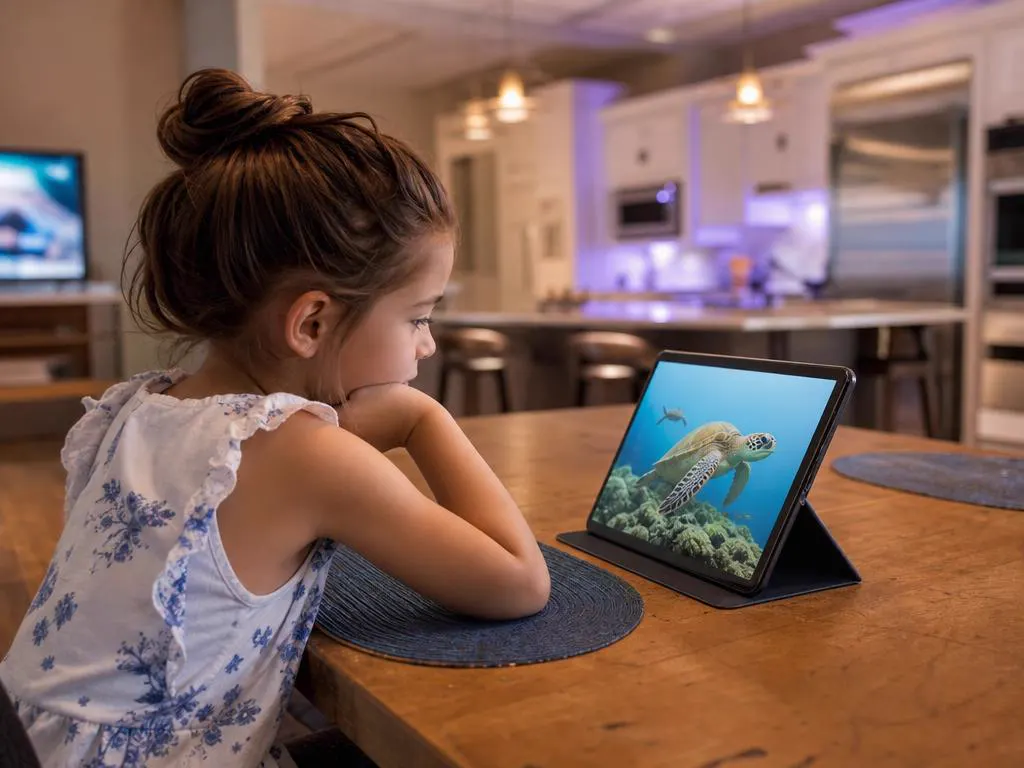
Same login, different screen.

Quick viewing from a phone.
Choose a plan, get your login by email in minutes and sign in on Apple TV, iPhone, iPad and more.

This website is operated by an independent IPTV provider and is not affiliated with Apple or with WHMCS Smarters, the developer of IPTV Smarters Pro and Smarters Player Lite. Apple TV, tvOS and AirPlay are trademarks of Apple Inc.