
1 Month Subscription
One-time · 1 month
- One-time payment
- 20,000+ live channels
- 90,000+ movies & series
- Anti-buffering servers
- TV guide (EPG)
- Instant activation
- 24/7 chat support
The IPTV Smarters failed to authorize message (sometimes shown as "Authorization failed for above host") means the app reached a server but your login was refused. Nine times out of ten it's a typo, a wrong server URL or an expired account, and you can fix it in minutes with the checklist below.
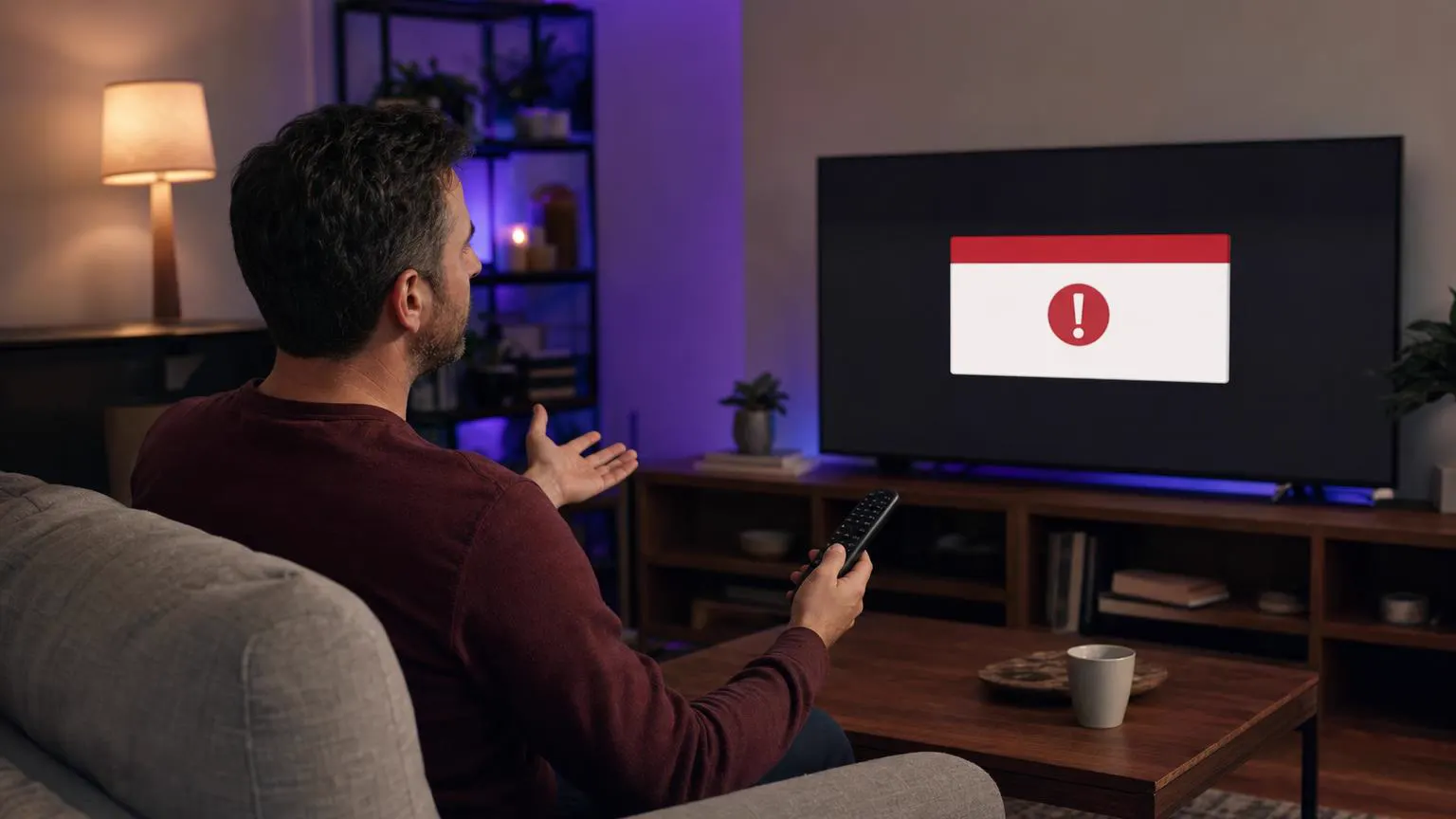 Error fix guide
IPTV Smarters checks your username, password and server URL with your provider's server. When the server rejects that check, the app shows the error. The usual causes are a mistyped username or password (they are case-sensitive), a server URL without http:// or the right port, an expired or suspended subscription, or too many devices signed in at once.
| Cause | How to spot it | Fix |
|---|---|---|
| Typo in username or password | Error appears right after you sign in | Re-type both fields; watch for capital letters, spaces and look-alike characters (0/O, l/1). |
| Wrong server URL format | Error on every attempt, even with correct details | Enter the full URL, e.g. http://example-server.com:8080, with no trailing path. |
| Expired or unpaid subscription | It worked yesterday and stopped today | Check your account status or renewal email with your provider. |
| Too many connections | Works on one device, fails on another | Sign out elsewhere or upgrade to a plan with more screens. |
| Provider server down or moved | Other apps with the same login also fail | Ask your provider for the current server URL or status. |
| Network or DNS blocking | Fails on home Wi-Fi but works on mobile data | Restart the router, change DNS (e.g. 1.1.1.1) or try another network. |
| Outdated or corrupted app | Errors after an update or crash | Update the app, or clear its cache and data, then sign in again. |
| Wrong login type | M3U link pasted into the Xtream form | Use our M3U to Xtream converter to split the link correctly. |
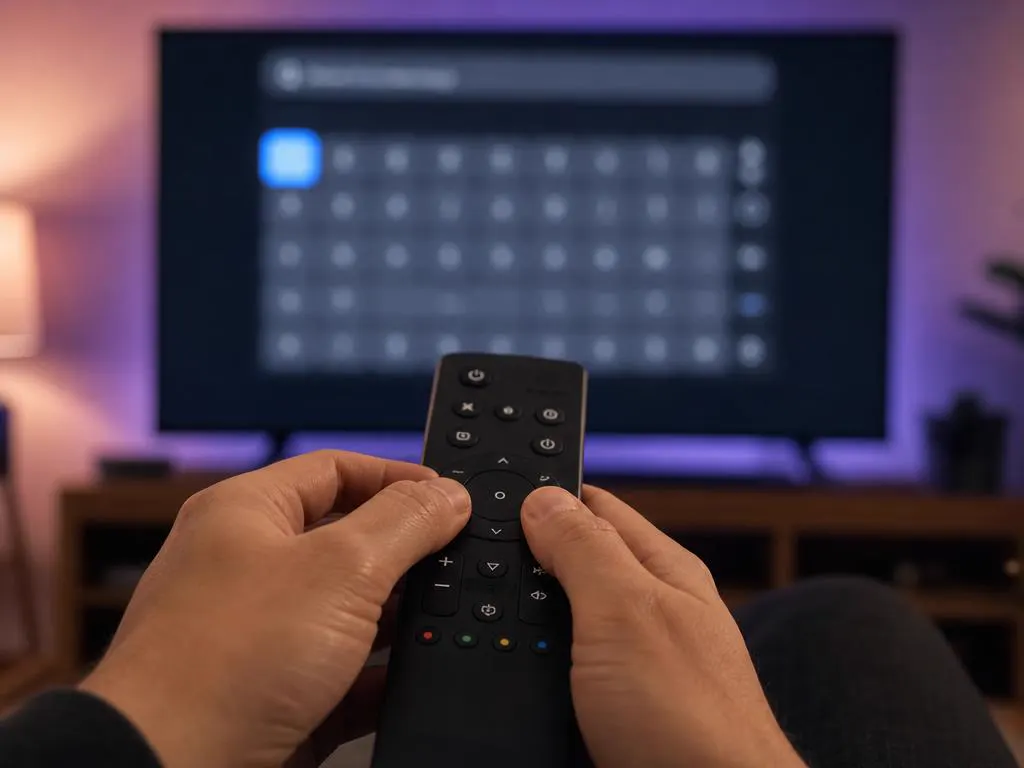
Delete the saved user and type the username and password again from your activation email. Avoid copy-paste, which often adds a hidden space.
It must start with http:// or https:// and usually ends with a port such as :8080. Don't add /get.php or other paths in the Xtream form.
Look at your expiry date in the provider's dashboard or welcome email. Renew if it has lapsed.
Stop streaming on other TVs and phones, wait two minutes, then try again.
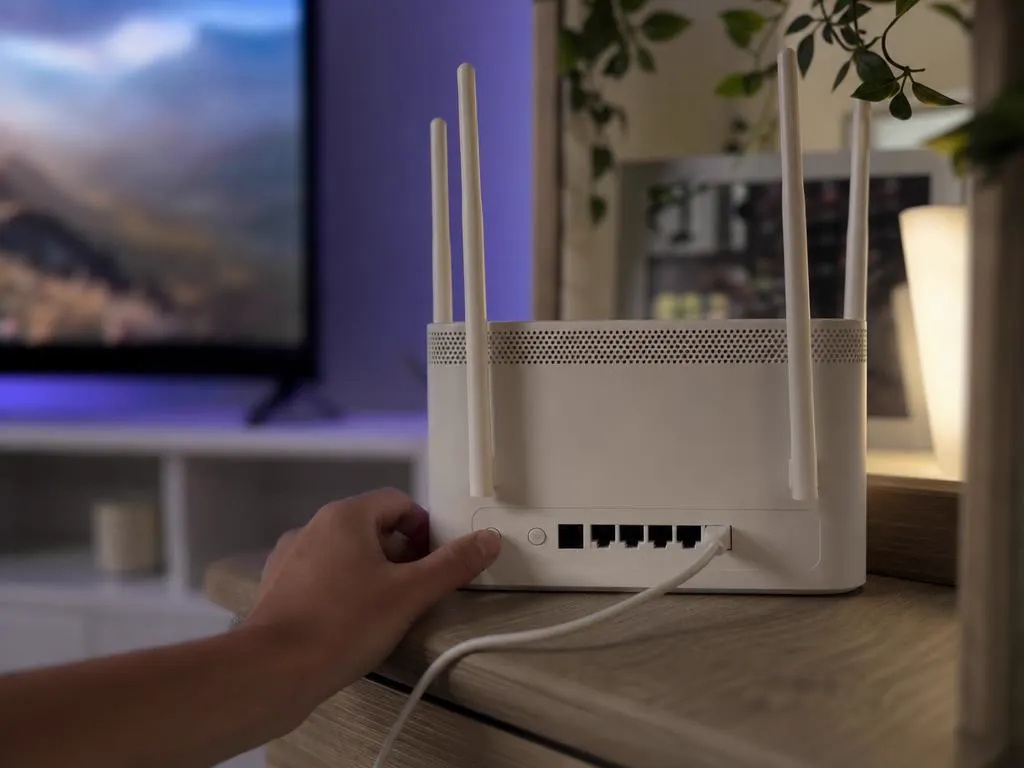
Power off the TV or streaming stick and the router for 30 seconds. It clears stuck connections and DNS cache.
On Android or Fire TV: Settings → Applications → IPTV Smarters → Clear cache, then sign in again.
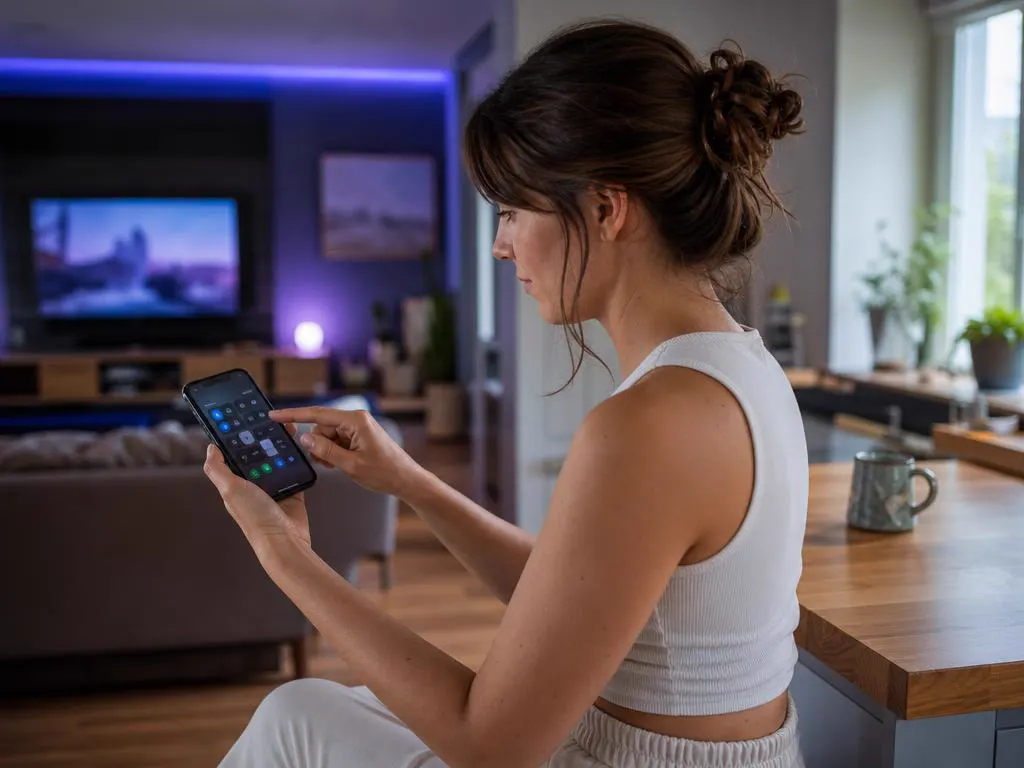
Switch to mobile data or a hotspot. If it works there, your ISP or router is blocking the server.
Send them a photo of the error and the server URL you use. A good provider replies within hours.
If your login is correct and the error keeps coming back, the server is refusing connections, often because the provider is overloaded or has gone offline. Our service includes stable, load-balanced servers, logins that work in IPTV Smarters out of the box and 24/7 support if anything goes wrong.

Most repeat cases of IPTV Smarters failed to authorize come from expired plans or too many devices. A few habits keep it away.
Instant Xtream Codes details, built for IPTV Smarters, with help from real people 24/7.
1 Month Subscription
One-time · 1 month
3 Months Subscription
One-time · 3 months$8.67/mo
6 Months Subscription
One-time · 6 months$6.50/mo
12 Months Subscription
One-time · 12 months$5.75/mo
1 Month Subscription
One-time · 1 month
3 Months Subscription
One-time · 3 months$12.00/mo
6 Months Subscription
One-time · 6 months$11.50/mo
12 Months Subscription
One-time · 12 months$9.92/mo
1 Month Subscription
One-time · 1 month
3 Months Subscription
One-time · 3 months$15.33/mo
6 Months Subscription
One-time · 6 months$14.83/mo
12 Months Subscription
One-time · 12 months$12.42/mo
1 Month Subscription
One-time · 1 month
3 Months Subscription
One-time · 3 months$18.67/mo
6 Months Subscription
One-time · 6 months$19.83/mo
12 Months Subscription
One-time · 12 months$14.08/mo
Secure checkout · One-time payment, no contract · Login details by email in minutes
Subscribe in minutes, receive your Xtream Codes details by email and start watching in IPTV Smarters right away.

This website is operated by an independent IPTV provider. IPTV Smarters Pro and Smarters Player Lite are developed by WHMCS Smarters; we are not affiliated with or endorsed by the developer.