
1 Month Subscription
One-time · 1 month
- One-time payment
- 20,000+ live channels
- 90,000+ movies & series
- Anti-buffering servers
- TV guide (EPG)
- Instant activation
- 24/7 chat support
Getting IPTV Smarters Pro for Samsung TV depends on your model. Samsung Smart TVs run Tizen, not Android, so the Android app can't be installed directly. Instead you have three good options: a Smarters app from the Samsung store where your model lists one, a small streaming stick, or screen mirroring from your phone.
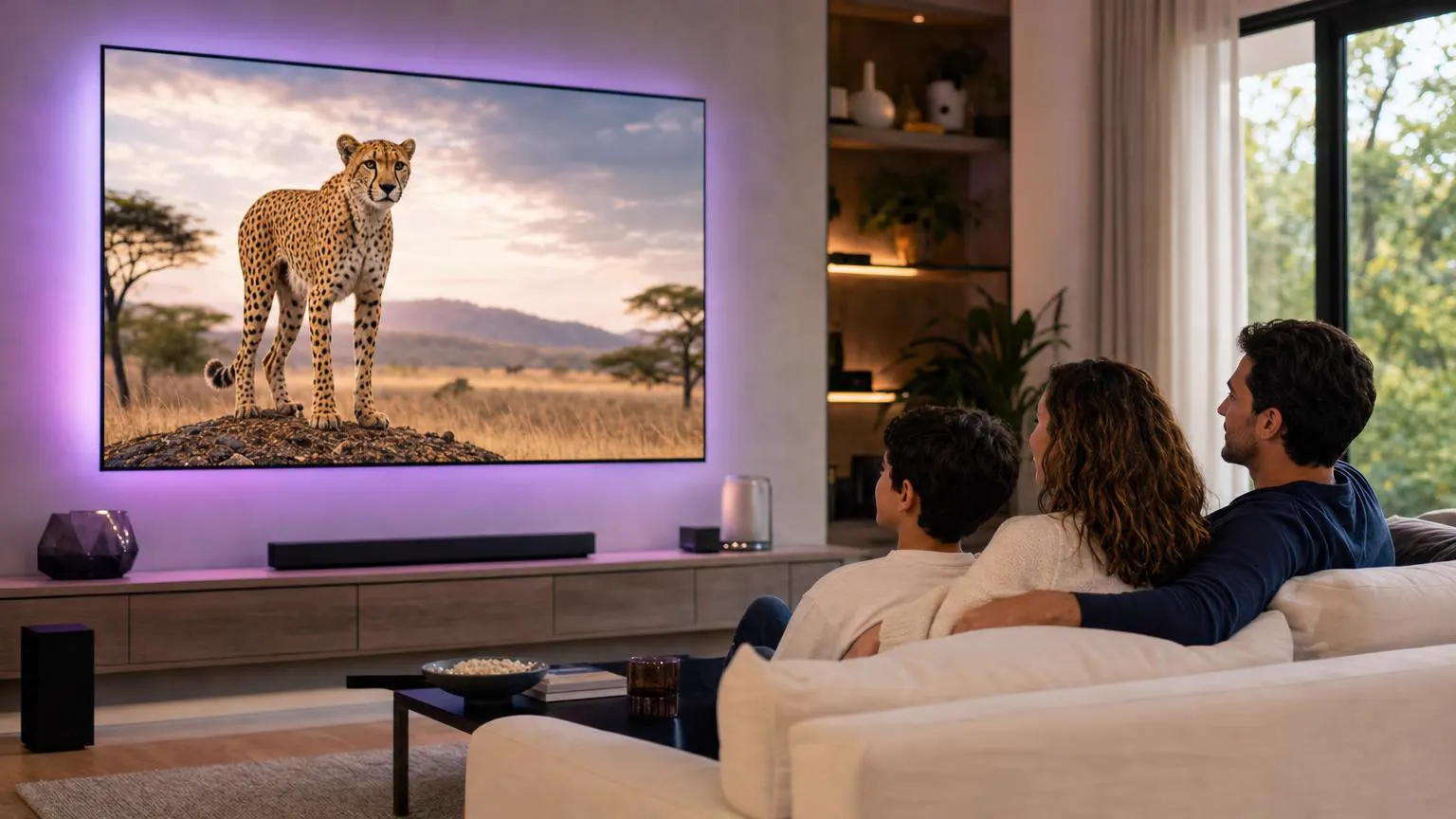 Smart TV setup
Not the Android version, because Samsung TVs use Tizen. Search the Samsung Apps store for Smarters first: on some models and regions a Smarters player from the developer is listed. If yours isn't, plug in an Android TV or Fire TV stick (the most reliable option) or mirror your phone's screen with Smart View.
| Method | Best for | Setup time | Notes |
|---|---|---|---|
| Samsung Apps store | Newer Tizen TVs where it's listed | 5 minutes | Check the developer is WHMCS Smarters before installing. |
| Android TV or Fire TV stick | Every Samsung TV with HDMI | 10 minutes | Full IPTV Smarters Pro features and a dedicated remote. |
| Screen mirroring (Smart View) | Occasional viewing | 2 minutes | Uses your phone's battery and Wi-Fi; quality varies. |
Every step with the standard Samsung remote. If your store doesn't list a Smarters player from the developer, skip to Method 2.
Open Settings → Support → Software Update (under All Settings on newer menus) and select Update Now. Store listings depend on an up-to-date system.
Press Home on the remote and select Apps from the home menu.
Select the magnifying glass at the top of Apps and type Smarters on the on-screen keyboard.
Open the result and confirm the developer is WHMCS Smarters. Select Install, then Add to Home if the TV offers it, so the app sits in your home row.
Launch the app from the home row and choose Login with Xtream Codes API.
Enter a name, then the username, password and server URL from your activation email. A USB keyboard plugged into the TV works in these fields, and so does the keyboard in the SmartThings app's remote on many recent models.
Typing with the remote? Use the keyboard's .com and number keys, and check capitals before you move on.
Smart TVs load large lists more slowly than phones, so allow a minute or two for the first load.
Run the guide refresh from the dashboard so channels show their programs. If times look off, check Settings → General → System Manager → Time on the TV.
Select Live TV, a category and a channel. Use the channel buttons on the remote to move up and down the list.
Screens are illustrations, not captures of Tizen or the app. Menu names vary by model year.
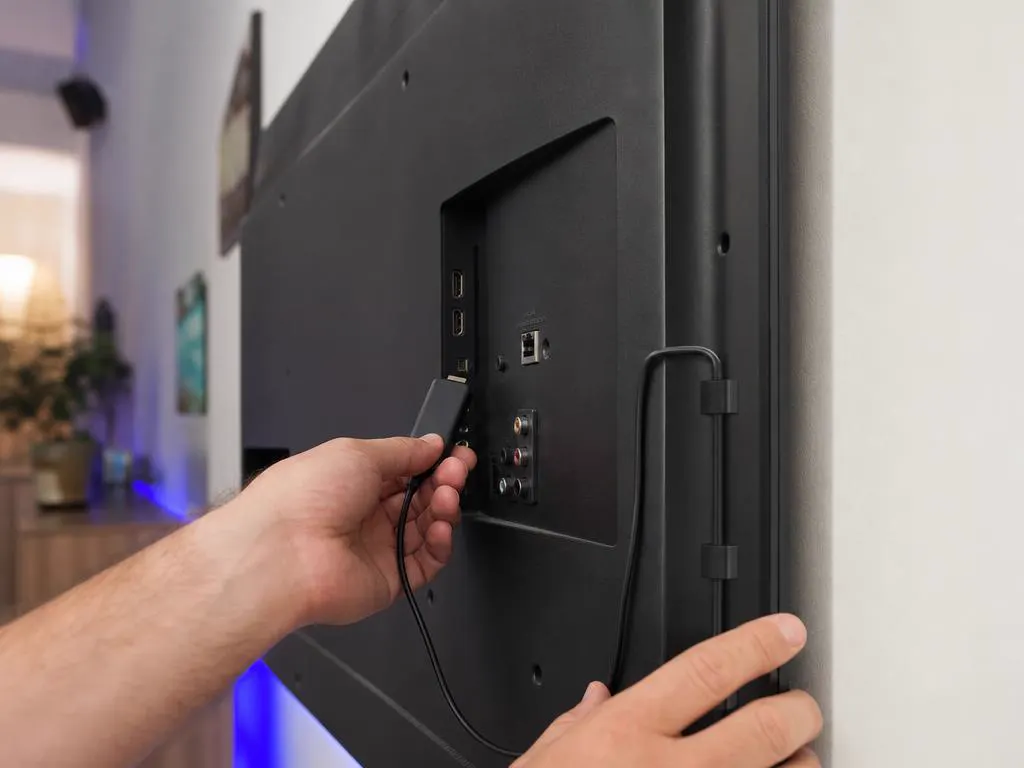
A Fire TV or Android TV stick turns any Samsung TV into a full IPTV Smarters Pro screen, with a responsive remote and the complete feature set, including multi-screen view and catch-up.
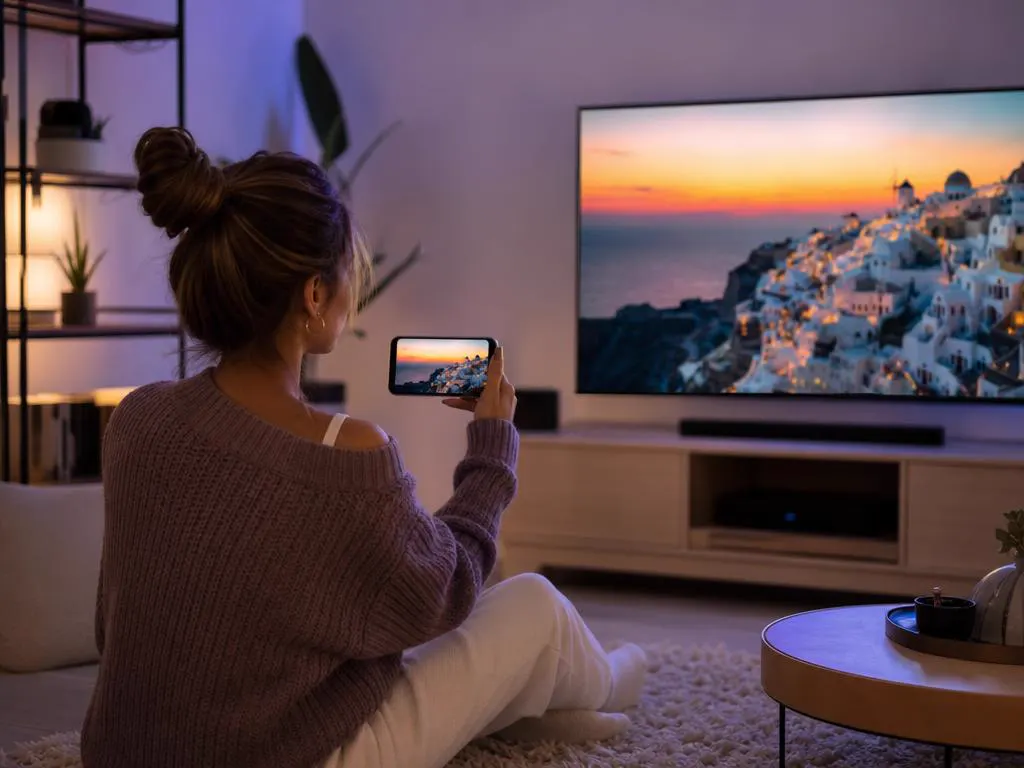
On most Android phones, swipe down from the top, tap Smart View and choose your TV. iPhone users can use AirPlay on Samsung TVs from 2018 onward. Then open the app on your phone and start playing.
Xtream Codes details that work in every method above, by email in minutes.
1 Month Subscription
One-time · 1 month
3 Months Subscription
One-time · 3 months$8.67/mo
6 Months Subscription
One-time · 6 months$6.50/mo
12 Months Subscription
One-time · 12 months$5.75/mo
1 Month Subscription
One-time · 1 month
3 Months Subscription
One-time · 3 months$12.00/mo
6 Months Subscription
One-time · 6 months$11.50/mo
12 Months Subscription
One-time · 12 months$9.92/mo
1 Month Subscription
One-time · 1 month
3 Months Subscription
One-time · 3 months$15.33/mo
6 Months Subscription
One-time · 6 months$14.83/mo
12 Months Subscription
One-time · 12 months$12.42/mo
1 Month Subscription
One-time · 1 month
3 Months Subscription
One-time · 3 months$18.67/mo
6 Months Subscription
One-time · 6 months$19.83/mo
12 Months Subscription
One-time · 12 months$14.08/mo
Secure checkout · One-time payment, no contract · Login details by email in minutes
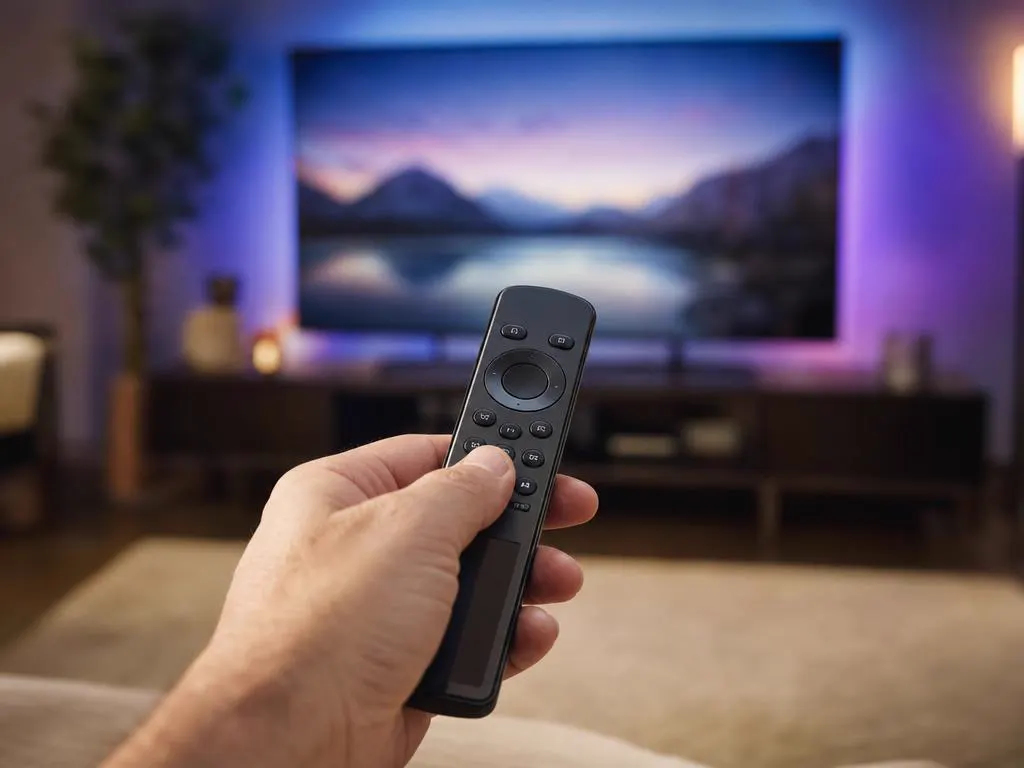
The standard Samsung remote handles every step.
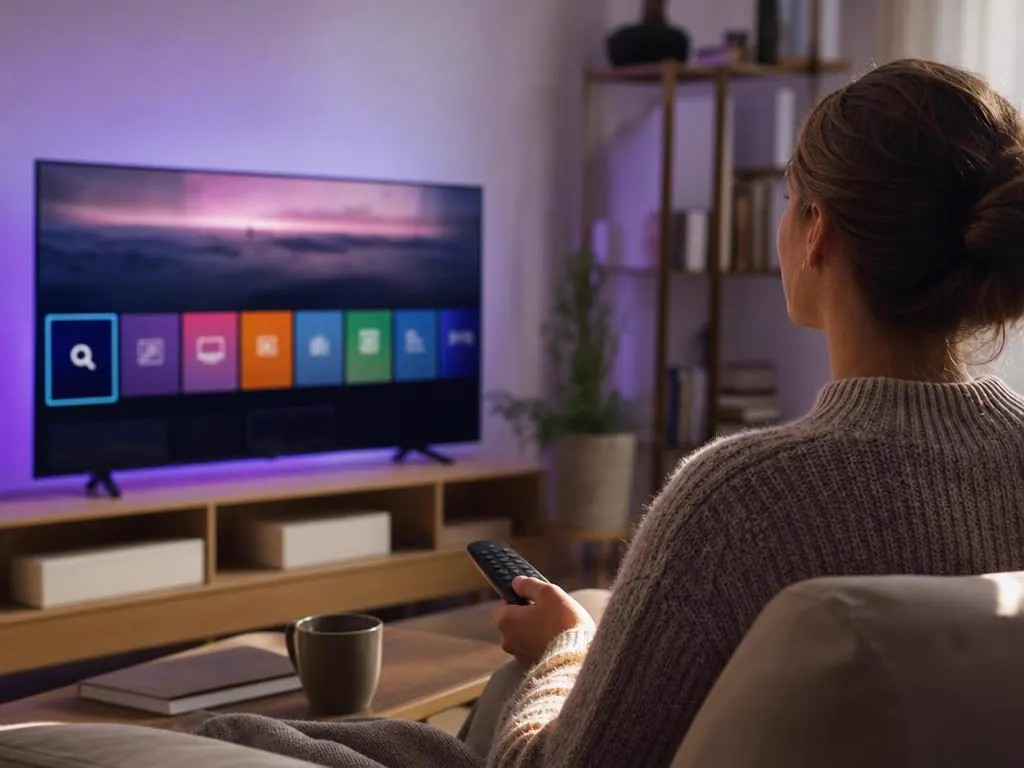
Search once and install in under a minute.
Pick a plan, get your login in minutes and stream live TV, sports and movies on your Samsung Smart TV.
This website is operated by an independent IPTV provider and is not affiliated with Samsung or with WHMCS Smarters, the developer of IPTV Smarters Pro. App availability varies by TV model and region.