
1 Month Subscription
One-time · 1 month
- One-time payment
- 20,000+ live channels
- 90,000+ movies & series
- Anti-buffering servers
- TV guide (EPG)
- Instant activation
- 24/7 chat support
Roku doesn't let you install Android apps, so IPTV Smarters Pro itself won't run on it. The good news: a Roku Smarters Player is available in the Roku Channel Store, and it signs in with the same Xtream Codes details. Here's how to add it, sign in, and what to do if your model can't find it.
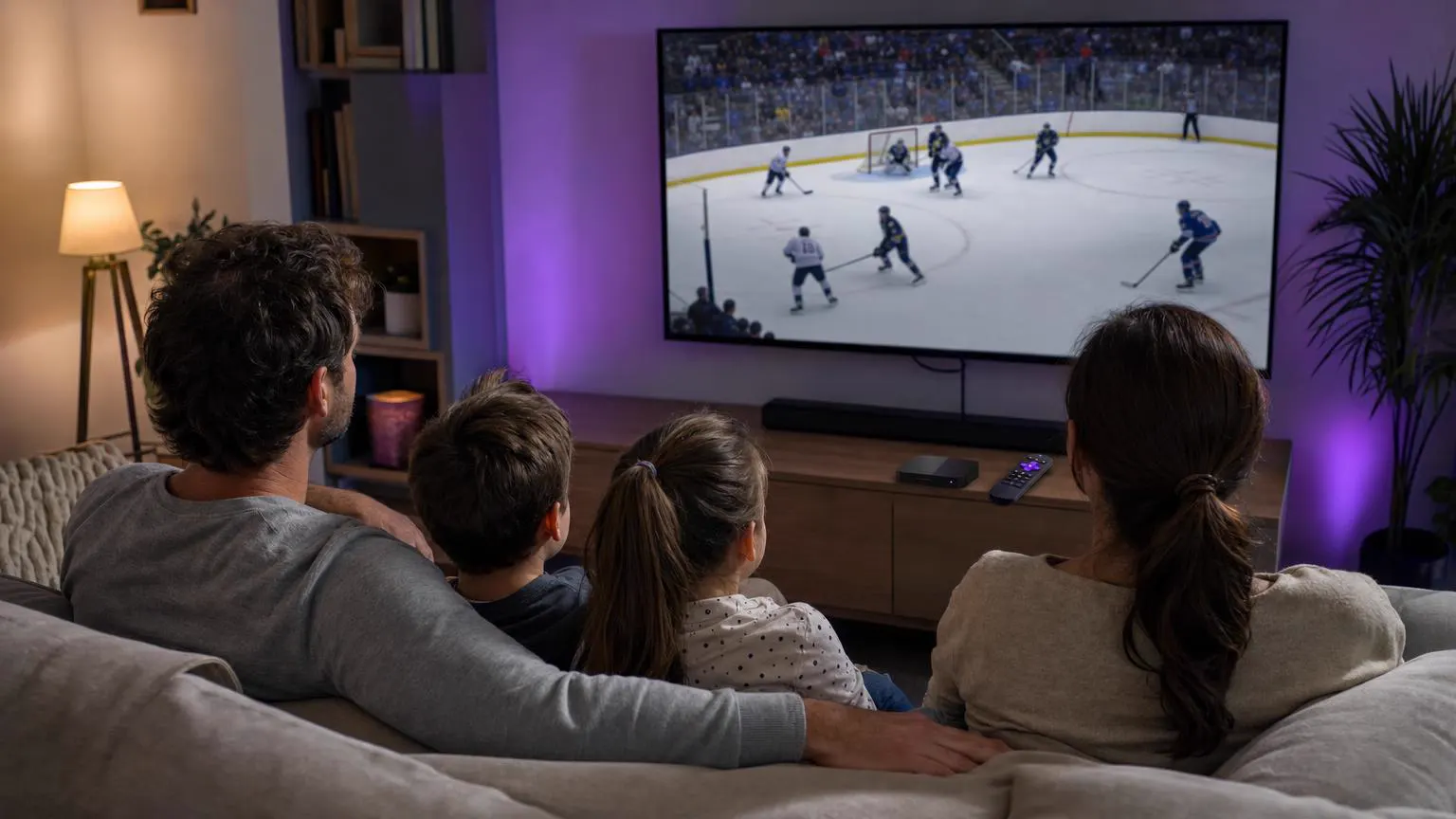 Roku · Living room
Not the Android app, but yes to a Smarters player. Open the Streaming Store on your Roku (called Streaming Channels on older software), search for Smarters, choose the listing from the developer WHMCS Smarters, then add it and sign in with your provider's Xtream Codes username, password and server URL.
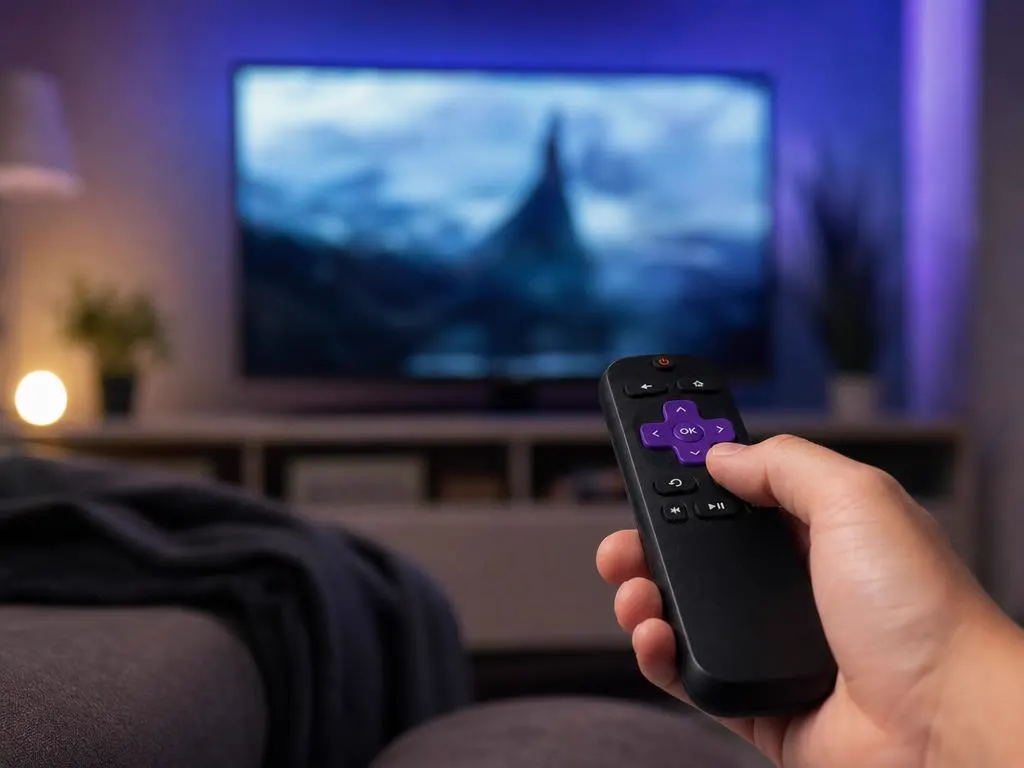
Press Home on the Roku remote, scroll down the left menu and choose Streaming Store (Streaming Channels on older Roku software).
Select Search and type Smarters. You'll see several results with similar names.
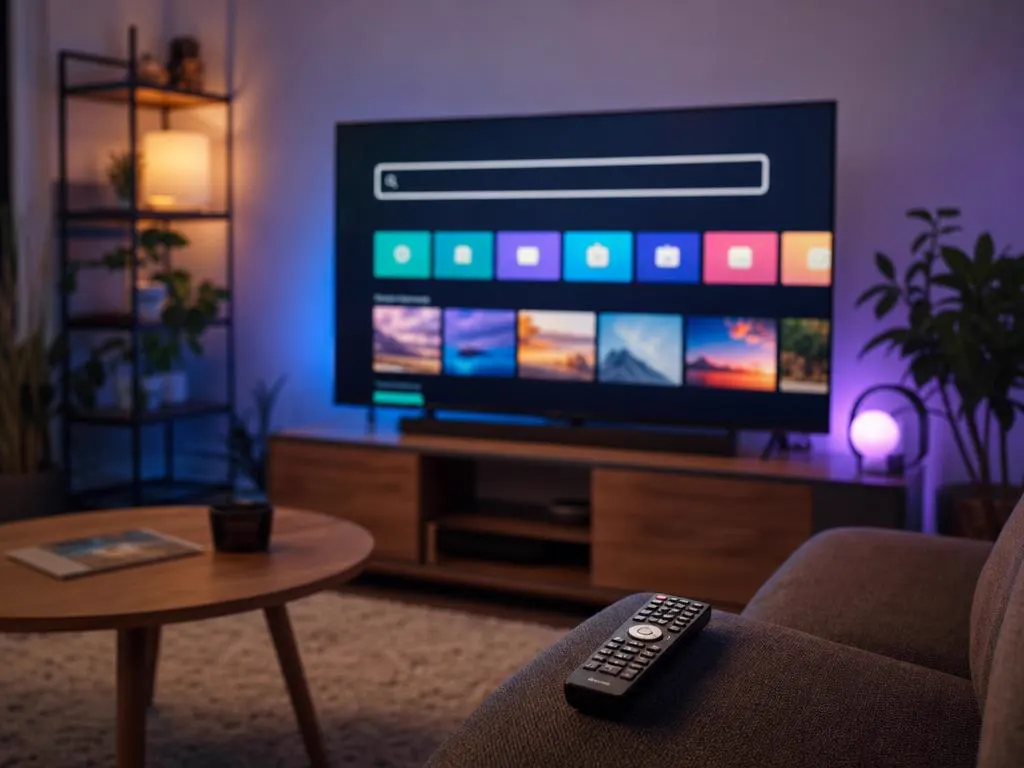
Open the listing details and confirm the developer is WHMCS Smarters before you add it.
Select Add app (or Add channel), wait for it to install, then open it from your Home screen.
Choose the Xtream Codes login and enter the name, username, password and server URL from your activation email.
Have an M3U link instead? Use our free M3U to Xtream converter to split it into the three login fields Roku asks for.
| Option | Best for | Things to know |
|---|---|---|
| Roku Smarters Player from the store | Most Roku TVs and sticks | Easiest option; features can be lighter than the Android app. |
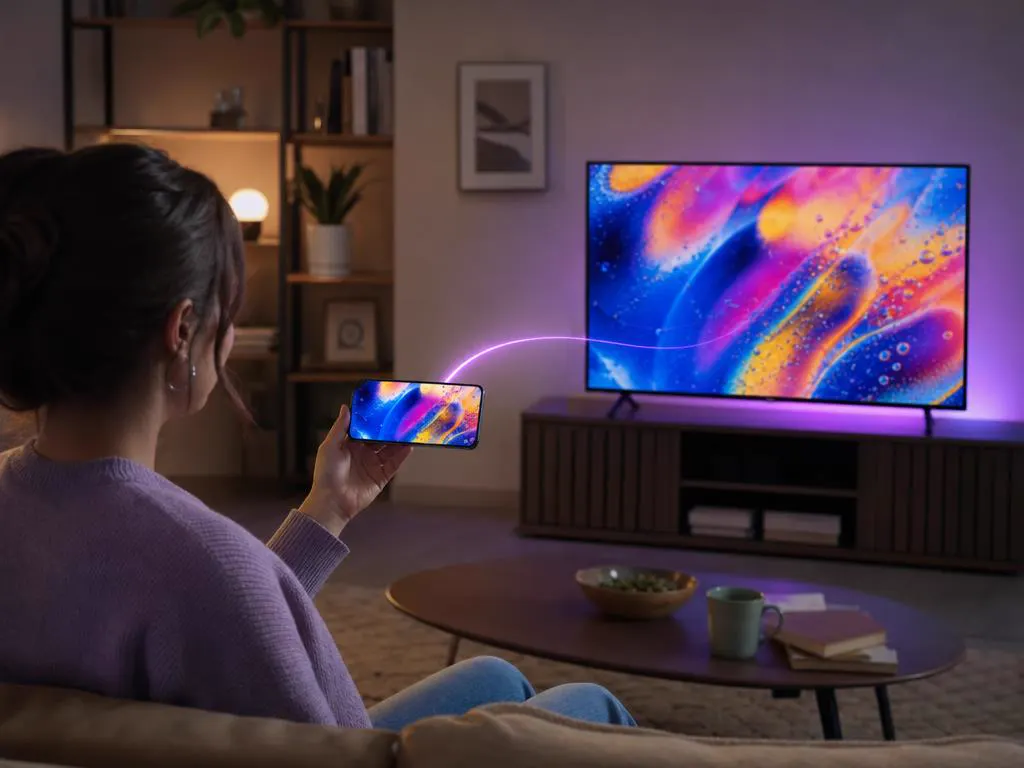
| Screen mirroring from Android or Windows | Occasional viewing | Enable mirroring in Roku settings; quality depends on your Wi-Fi. |
| A Fire TV or Android TV stick in another HDMI port | Full IPTV Smarters Pro features | Costs a little, but unlocks the complete app and a faster remote. |
| Developer mode sideloading | Not recommended | Meant for developers; it doesn't run Android apps and adds complexity. |
Store availability depends on your Roku model, software version and country. Update your Roku first (Settings → System → System update). If the Roku Smarters Player still doesn't appear, use screen mirroring or plug in an inexpensive Android TV or Fire TV stick; your login works on those too.
Roku devices handle HD and 4K streams well, as long as the connection keeps up. A few quick checks make a big difference on game night.
Every plan includes Xtream Codes details that work in the Roku Smarters Player, delivered by email in minutes.
1 Month Subscription
One-time · 1 month
3 Months Subscription
One-time · 3 months$8.67/mo
6 Months Subscription
One-time · 6 months$6.50/mo
12 Months Subscription
One-time · 12 months$5.75/mo
1 Month Subscription
One-time · 1 month
3 Months Subscription
One-time · 3 months$12.00/mo
6 Months Subscription
One-time · 6 months$11.50/mo
12 Months Subscription
One-time · 12 months$9.92/mo
1 Month Subscription
One-time · 1 month
3 Months Subscription
One-time · 3 months$15.33/mo
6 Months Subscription
One-time · 6 months$14.83/mo
12 Months Subscription
One-time · 12 months$12.42/mo
1 Month Subscription
One-time · 1 month
3 Months Subscription
One-time · 3 months$18.67/mo
6 Months Subscription
One-time · 6 months$19.83/mo
12 Months Subscription
One-time · 12 months$14.08/mo
Secure checkout · One-time payment, no contract · Login details by email in minutes
Game days on the biggest screen in the house.
On-demand titles from your subscription.
Choose a plan, get your login in minutes and stream live TV, sports and movies on your Roku in HD and 4K.
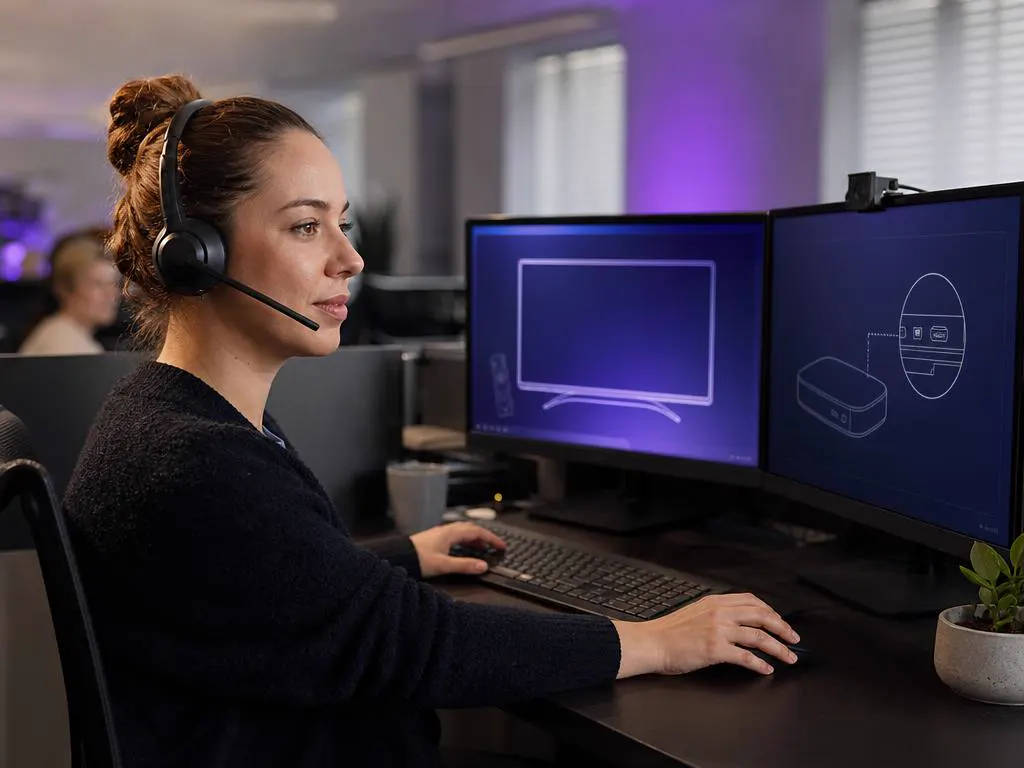
This website is operated by an independent IPTV provider and is not affiliated with Roku or with WHMCS Smarters, the developer of the Smarters apps. Store availability varies by device and region.