
1 Month Subscription
One-time · 1 month
- One-time payment
- 20,000+ live channels
- 90,000+ movies & series
- Anti-buffering servers
- TV guide (EPG)
- Instant activation
- 24/7 chat support
IPTV Smarters vs TiviMate is the most common question from new IPTV viewers. Both are excellent players, and both accept the same Xtream Codes login, so the answer depends on your devices and how you watch. This side-by-side comparison helps you choose, or decide to use both.
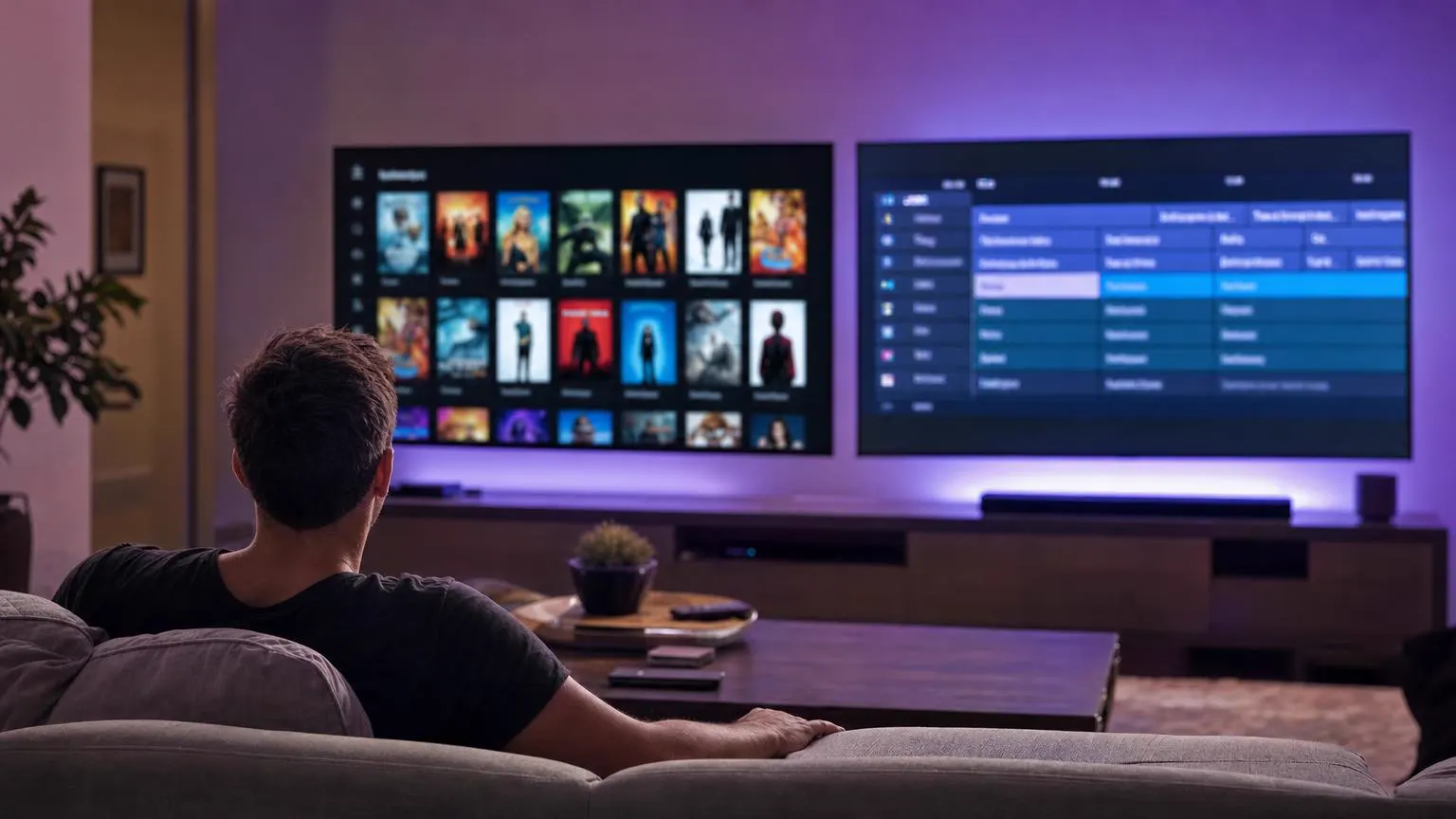 Head to head
Choose IPTV Smarters Pro if you want one free app across Android, Fire TV, Windows and Mac (plus Smarters Player Lite on Apple devices), with live TV, movies and series in tidy sections. Choose TiviMate if you watch mostly live TV on an Android TV or Fire TV device and love a detailed, cable-style guide; its best features are in a paid premium tier.
| IPTV Smarters Pro | TiviMate | |
|---|---|---|
| Platforms | Android, Fire TV, Windows, Mac; Lite for iPhone, iPad and Apple TV | Android TV, Google TV and Fire TV devices |
| Cost | Free | Free, with a paid premium tier for advanced features |
| Main strength | Live TV, movies and series in one tidy app | A detailed, cable-style TV guide |
| Login types | Xtream Codes, M3U | Xtream Codes, M3U |
| Best for | Mixed-device households and VOD lovers | Live-TV fans on one big screen |
Features change with app updates. Check each app's store listing for the latest details.
The IPTV Smarters vs TiviMate choice comes down to your devices and how you like to watch.
Phones, laptops, Fire TV and an Apple TV in one home? IPTV Smarters covers them all.
If you browse the TV guide like cable, TiviMate's grid feels familiar.
IPTV Smarters keeps on-demand content in its own clear sections.
IPTV Smarters is free with no premium tier to buy.
TiviMate's premium tier adds deeper customization.
Install both. Your login works in each.

When it comes to IPTV Smarters vs TiviMate, plenty of viewers simply use both: TiviMate on the living-room Android TV and IPTV Smarters on phones, laptops and the kids' tablets. Each device counts toward your plan's limit only while it's streaming.
Already use IPTV Smarters and want TiviMate on the living-room TV too? The same Xtream Codes details work. Shown on Android TV and Google TV.
On your Android TV or Google TV, open Google Play, search for TiviMate and check that the developer is AR Mobile Dev before you select Install.
On a Fire TV, look in the Amazon Appstore first. If it isn't listed there, install only from the developer's official link.
The first screen asks for a playlist. Select Add playlist.
Of the three playlist types, pick Xtream Codes. It brings the TV guide in automatically, which an M3U link often doesn't.
TiviMate calls the URL the server address. Copy it from your activation email exactly, then add your username and password and select Next.
TiviMate lists the live channels, movies and series it found. Give the playlist a name, such as the name of your plan, and select Done.
The TV guide downloads by itself after the playlist is added. The first update can take a few minutes on a big lineup.
Some TiviMate features, such as several playlists at once and catch-up, need TiviMate Premium, a separate purchase from the app's developer. IPTV Smarters has no paid tier.
Screens are illustrations, not captures of TiviMate. Labels and premium features can change between versions; check the app's store listing for the latest.
Xtream Codes details that work in both players and every other device. One-time payment.
1 Month Subscription
One-time · 1 month
3 Months Subscription
One-time · 3 months$8.67/mo
6 Months Subscription
One-time · 6 months$6.50/mo
12 Months Subscription
One-time · 12 months$5.75/mo
1 Month Subscription
One-time · 1 month
3 Months Subscription
One-time · 3 months$12.00/mo
6 Months Subscription
One-time · 6 months$11.50/mo
12 Months Subscription
One-time · 12 months$9.92/mo
1 Month Subscription
One-time · 1 month
3 Months Subscription
One-time · 3 months$15.33/mo
6 Months Subscription
One-time · 6 months$14.83/mo
12 Months Subscription
One-time · 12 months$12.42/mo
1 Month Subscription
One-time · 1 month
3 Months Subscription
One-time · 3 months$18.67/mo
6 Months Subscription
One-time · 6 months$19.83/mo
12 Months Subscription
One-time · 12 months$14.08/mo
Secure checkout · One-time payment, no contract · Login details by email in minutes

Browse like cable.

On-demand in one tap.

Desktop apps too.
Choose a plan, get your Xtream Codes details by email in minutes and try IPTV Smarters, TiviMate or both.
This website is operated by an independent IPTV provider and is not affiliated with WHMCS Smarters (developer of IPTV Smarters Pro) or with the developer of TiviMate. App features and prices are set by their developers and may change.