
1 Month Subscription
One-time · 1 month
- One-time payment
- 20,000+ live channels
- 90,000+ movies & series
- Anti-buffering servers
- TV guide (EPG)
- Instant activation
- 24/7 chat support
Learning how to use IPTV Smarters Pro takes about five minutes. Download the free player, sign in with the login details from your IPTV provider, and your live channels, movies and series are organized with a full TV guide. This hub walks you through every step and links to a detailed guide for each device and error.
 Start here
IPTV Smarters Pro is a free media player developed by WHMCS Smarters. It doesn't come with channels. You connect it to an IPTV subscription by signing in with Xtream Codes API details (username, password and server URL) or an M3U playlist link. The app then shows Live TV, Movies and Series sections, a TV guide and catch-up, depending on what your provider includes.
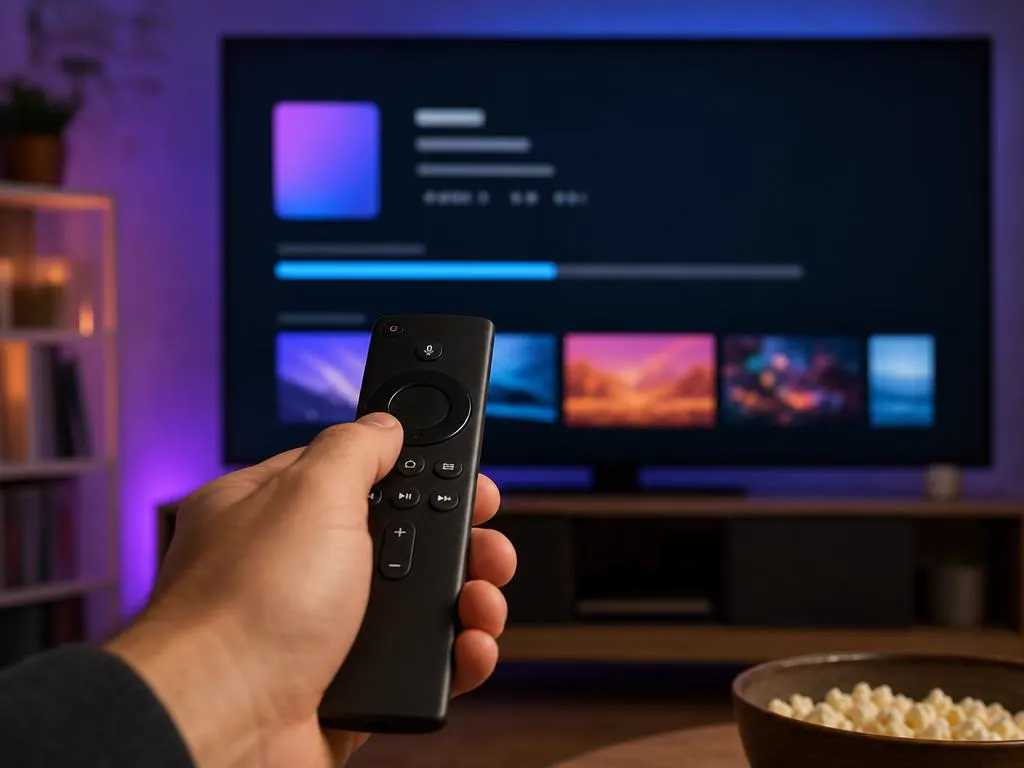
Get it from your device's app store or the developer's website. Our download guide covers every device.
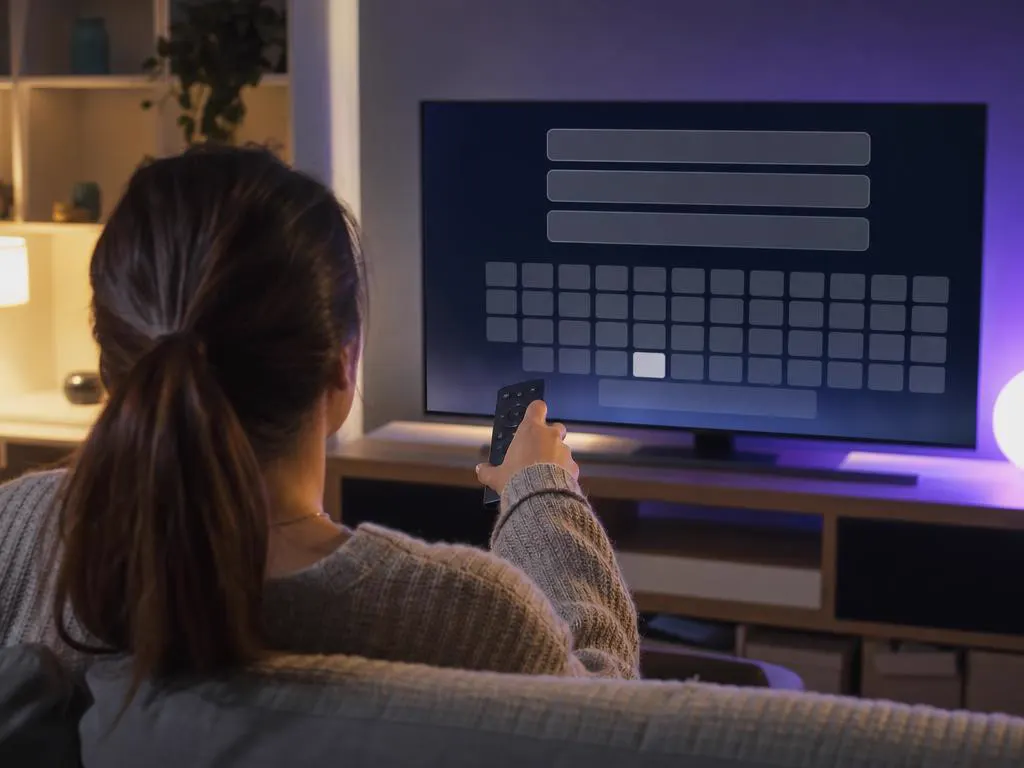
Choose Login with Xtream Codes API and enter the name, username, password and server URL from your provider's email.

Open Live TV and pick a category, or jump into Movies and Series. Press OK on a channel to start watching.
In Live TV, open the guide (EPG) to see what's on now and next, and use catch-up to replay recent shows where available.
Long-press a channel to add it to Favorites, so your go-to channels are one click away.
Only have an M3U link? Our free M3U to Xtream converter turns it into the three Xtream login fields.
| Guide | What you'll learn |
|---|---|
| IPTV Smarters Pro download | Where to get the official app on every device, and how to avoid fake APKs. |
| Login, field by field | What goes in the username, password and server URL fields. |
| Firestick and Fire TV | Full setup, sign-in and the settings that stop buffering. |
| Downloader code for Fire TV | Install on Fire TV with the Downloader app, safely. |
| Android and Android TV | Phones, tablets, Google TV and TV boxes. |
| Windows PC | The desktop app for Windows 10 and 11. |
| Mac | The right version for Apple silicon and Intel Macs. |
| Samsung TV setup | Three ways to watch on a Samsung Smart TV. |
| LG TV setup | Store app, stick or AirPlay on webOS TVs. |
| Android TV and Google TV | Install right on Sony, TCL, Hisense and Philips TVs. |
| iPhone and iPad | The Apple version and how to sign in. |
| Apple TV | tvOS install and the best picture settings. |
| Web player | Watching in a browser, safely. |
| IPTV Smarters vs TiviMate | Which player suits your home. |
| Smarters Player Lite | The lighter app for iPhone, iPad, Apple TV and Android. |
| Roku Smarters Player | Add the player from the Roku Channel Store. |
| Fix "failed to authorize" | Causes and 8 fixes for the most common login error. |
| Is IPTV Smarters Pro down? | Tell if it's the app, provider or network, and fix it. |
| M3U playlist setup | Load a playlist URL or file and get the TV guide working. |
| M3U to Xtream converter | Free tool to switch between login formats. |
| IPTV Smarters Pro subscription | Plans built for the app, with login details by email. |
Channels by category with a now-and-next guide.
On-demand libraries with posters, seasons and episodes.
A full grid of what's on, refreshed from your provider.
Replay recent shows on channels that support it.
Watch several channels at once on supported devices.
PIN-lock categories for kids' profiles.
Knowing how to use IPTV Smarters Pro well starts with one fact: the app is the player, and your provider is the TV service. Picture quality, channel lineup, stability and support all come from the provider you choose.
Xtream Codes login details by email in minutes, stable servers and 24/7 help.
1 Month Subscription
One-time · 1 month
3 Months Subscription
One-time · 3 months$8.67/mo
6 Months Subscription
One-time · 6 months$6.50/mo
12 Months Subscription
One-time · 12 months$5.75/mo
1 Month Subscription
One-time · 1 month
3 Months Subscription
One-time · 3 months$12.00/mo
6 Months Subscription
One-time · 6 months$11.50/mo
12 Months Subscription
One-time · 12 months$9.92/mo
1 Month Subscription
One-time · 1 month
3 Months Subscription
One-time · 3 months$15.33/mo
6 Months Subscription
One-time · 6 months$14.83/mo
12 Months Subscription
One-time · 12 months$12.42/mo
1 Month Subscription
One-time · 1 month
3 Months Subscription
One-time · 3 months$18.67/mo
6 Months Subscription
One-time · 6 months$19.83/mo
12 Months Subscription
One-time · 12 months$14.08/mo
Secure checkout · One-time payment, no contract · Login details by email in minutes
Add a subscription built for it: instant activation, HD and 4K streams and support from real people, day or night.
This website is operated by an independent IPTV provider. IPTV Smarters Pro and Smarters Player Lite are developed by WHMCS Smarters; we are not affiliated with or endorsed by the developer.