
1 Month Subscription
One-time · 1 month
- One-time payment
- 20,000+ live channels
- 90,000+ movies & series
- Anti-buffering servers
- TV guide (EPG)
- Instant activation
- 24/7 chat support
Your IPTV Smarters Pro login has four parts: a name you choose, plus the username, password and server URL from your IPTV provider. Get one character wrong and the app won't connect. This guide shows exactly what goes where, how Xtream Codes and M3U logins differ, and how to switch between accounts.
 Sign-in help
From your IPTV provider, not from the app. IPTV Smarters Pro is a player with no built-in channels or accounts, so there's no default username or password. When you buy a plan, your provider emails a username, password and server URL (the Xtream Codes details), and often an M3U link too. Ours arrive by email within minutes of checkout.
Labels can differ slightly between app versions, but the four fields are always the same.
A label for this account on your device. Type anything you like; the server never checks it.
Exactly as written in your activation email. Usernames are case-sensitive, so Jane2026 and jane2026 are different.
Case-sensitive too. Type it rather than pasting it, because copied text often carries a hidden space.
The full address, starting with http:// or https:// and ending with the port number. Nothing goes after the port.
Have an M3U link instead? Split it into these fields with our free M3U to Xtream converter.

Everything you need is in the email your provider sent after checkout. Look for a block with the username, password and a web address that ends in a port number, such as :8080.
| Xtream Codes API | M3U playlist link | |
|---|---|---|
| What you enter | Username, password and server URL | One long link |
| TV guide | Loads automatically | Often needs a separate EPG link |
| Movies and series | Organized with posters and seasons | May arrive as one long list |
| Catch-up | Works where the provider offers it | Limited |
| Best for | Everyday use on any device | Players that only accept playlists |
Both formats use the same account. You can switch any time without paying again.
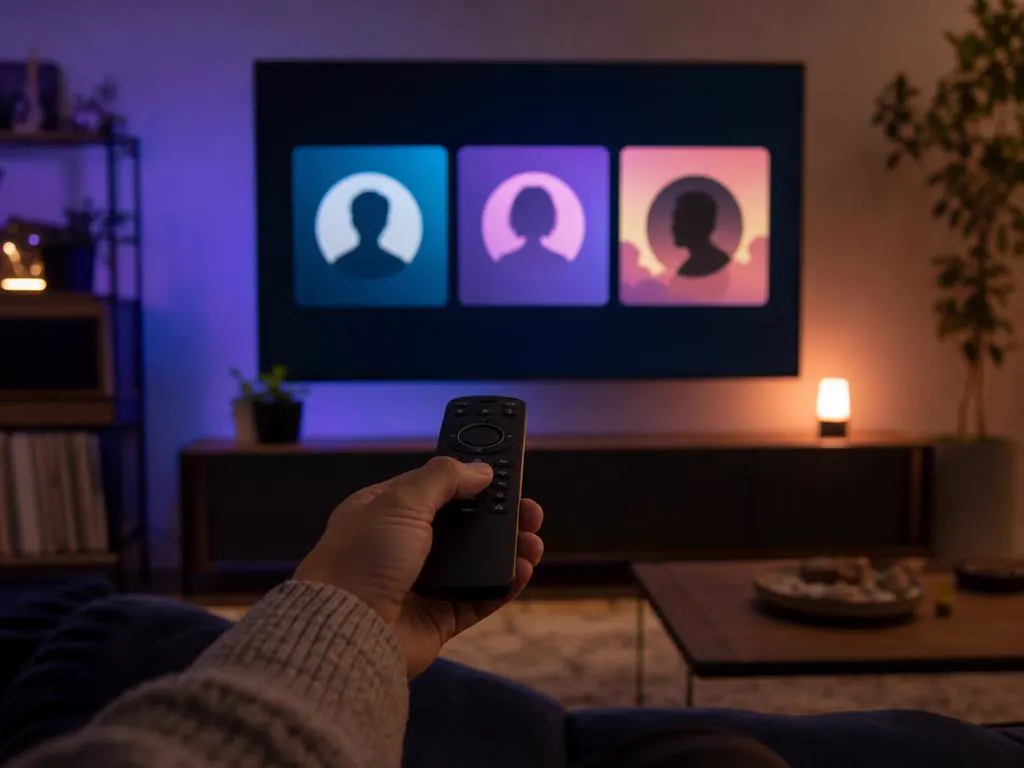
From the app's home screen, open the list of saved accounts (often labeled List Users, or shown as a profile icon).
Choose to add a user, pick Xtream Codes, and enter the new details.
Select the account you want to watch. Each one keeps its own favorites and history.

Delete expired accounts so the app doesn't keep trying to connect with them.
Sites and videos that post free usernames and passwords are sharing accounts that belong to someone else, or accounts set up to collect your data. They stop working within hours, can connect your device to unknown servers, and come with no support when they fail.

Most sign-in errors come down to a typo, a wrong URL format or an expired plan. Work through these checks first.
http:// and the portChoose a plan and your Xtream Codes details arrive by email, ready to type into the app.
1 Month Subscription
One-time · 1 month
3 Months Subscription
One-time · 3 months$8.67/mo
6 Months Subscription
One-time · 6 months$6.50/mo
12 Months Subscription
One-time · 12 months$5.75/mo
1 Month Subscription
One-time · 1 month
3 Months Subscription
One-time · 3 months$12.00/mo
6 Months Subscription
One-time · 6 months$11.50/mo
12 Months Subscription
One-time · 12 months$9.92/mo
1 Month Subscription
One-time · 1 month
3 Months Subscription
One-time · 3 months$15.33/mo
6 Months Subscription
One-time · 6 months$14.83/mo
12 Months Subscription
One-time · 12 months$12.42/mo
1 Month Subscription
One-time · 1 month
3 Months Subscription
One-time · 3 months$18.67/mo
6 Months Subscription
One-time · 6 months$19.83/mo
12 Months Subscription
One-time · 12 months$14.08/mo
Secure checkout · One-time payment, no contract · Login details by email in minutes
http://line.example.com:8080. It's in your activation email and must include the port number.Choose a plan and get Xtream Codes details by email in minutes, plus 24/7 help if anything doesn't connect.

This website is operated by an independent IPTV provider. IPTV Smarters Pro is developed by WHMCS Smarters; we are not affiliated with or endorsed by the developer. Example login details on this page are placeholders.