
1 Month Subscription
One-time · 1 month
- One-time payment
- 20,000+ live channels
- 90,000+ movies & series
- Anti-buffering servers
- TV guide (EPG)
- Instant activation
- 24/7 chat support
Samsung Smart TVs run Tizen, so you can't install Android apps on them directly. IPTV for Samsung TV still works well: use an IPTV player from the Samsung app store, plug in a small streaming stick, or mirror your phone. This guide explains each option, how IPTV fits alongside Samsung TV Plus, and the picture settings that make live TV look its best.
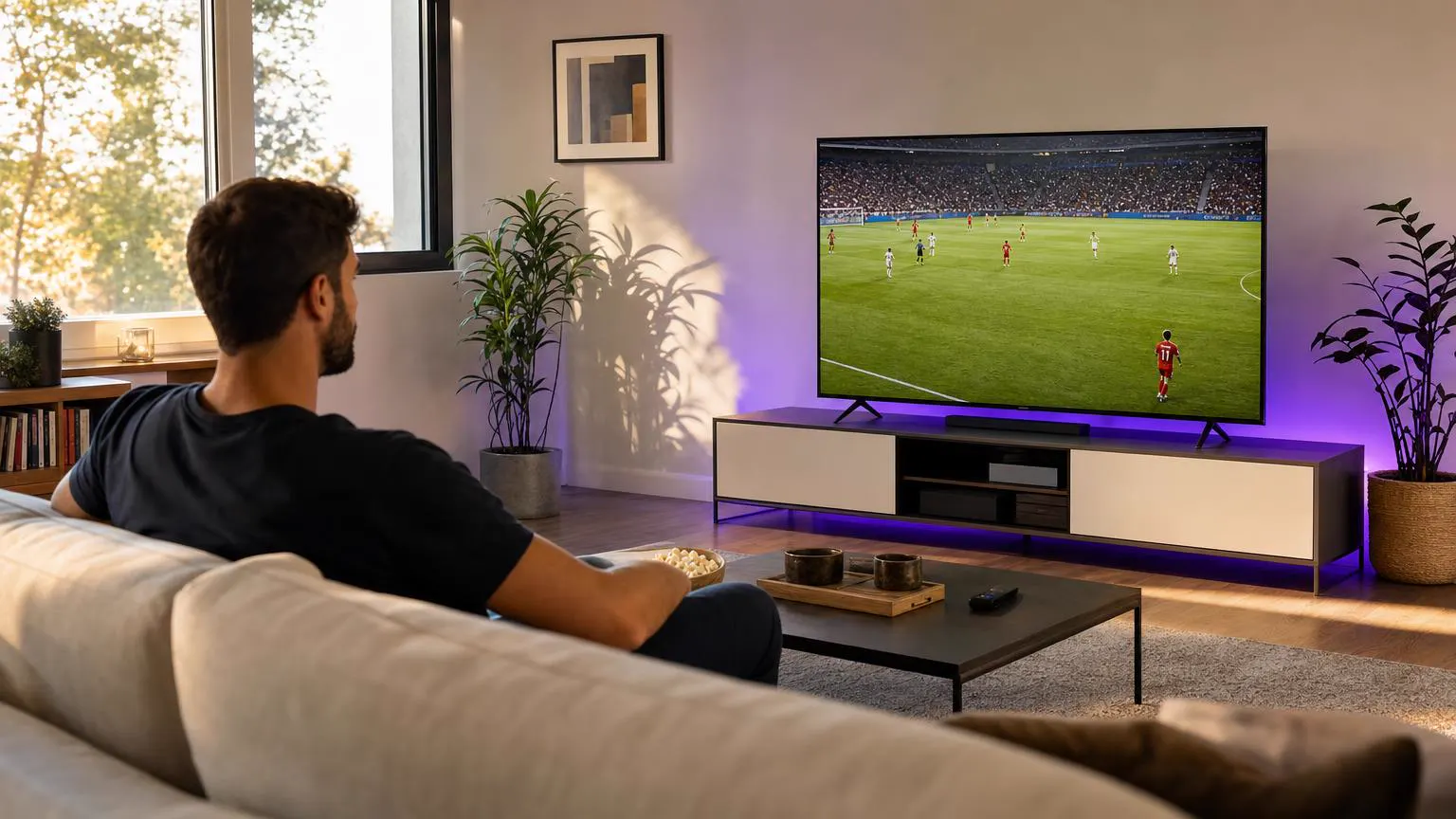 Tizen guide
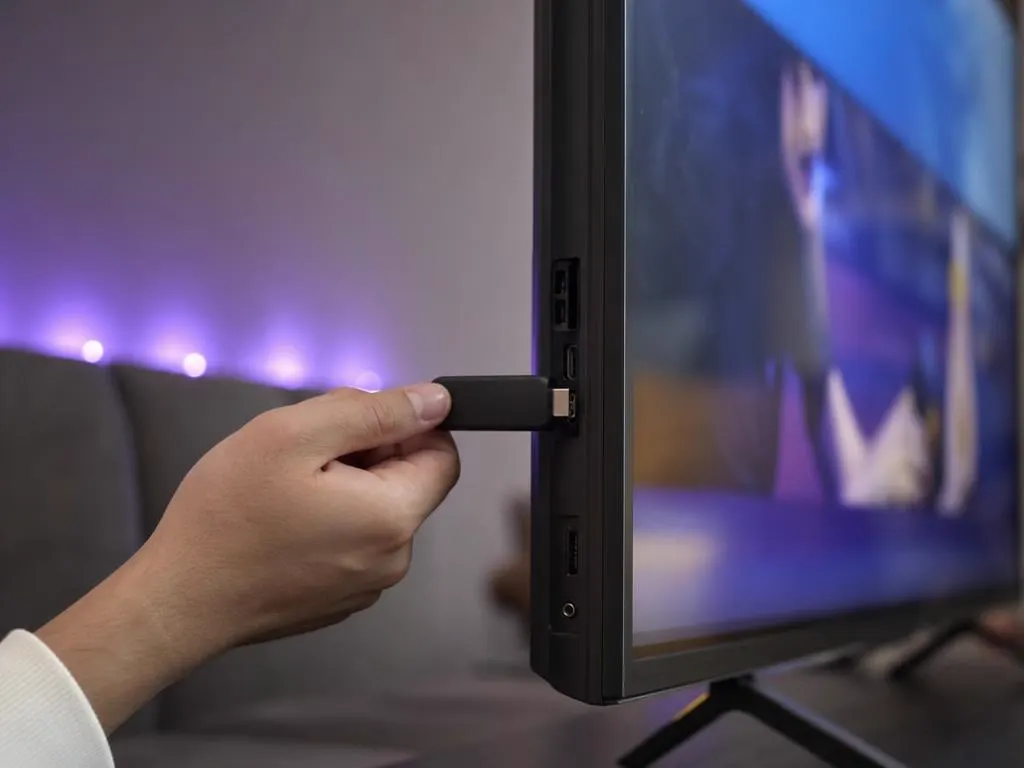
Yes. Search the Samsung Apps store on your TV for an IPTV player that supports Xtream Codes or M3U logins; several are listed on many models, and some charge a small activation fee after a free period. For the full IPTV Smarters Pro experience, plug a Fire TV or Android TV stick into a spare HDMI port instead.
| Option | Pros | Cons |
|---|---|---|
| IPTV player from the Samsung store | Nothing extra to buy; uses the TV remote | Choice varies by model; some apps charge an activation fee |
| Fire TV or Android TV stick | Full IPTV Smarters Pro features, fast menus | A small extra device |
| Screen mirroring with Smart View | Instant, no setup | Ties up your phone; quality depends on Wi-Fi |
Want IPTV Smarters Pro specifically? See our IPTV Smarters Pro for Samsung TV guide.

Samsung TV Plus is Samsung's free, ad-supported service with a selection of streaming channels built into the TV. It's a nice extra, but it doesn't carry most mainstream live channels, local news or premium sports. IPTV fills those gaps with a full live lineup, a TV guide, catch-up and an on-demand library.
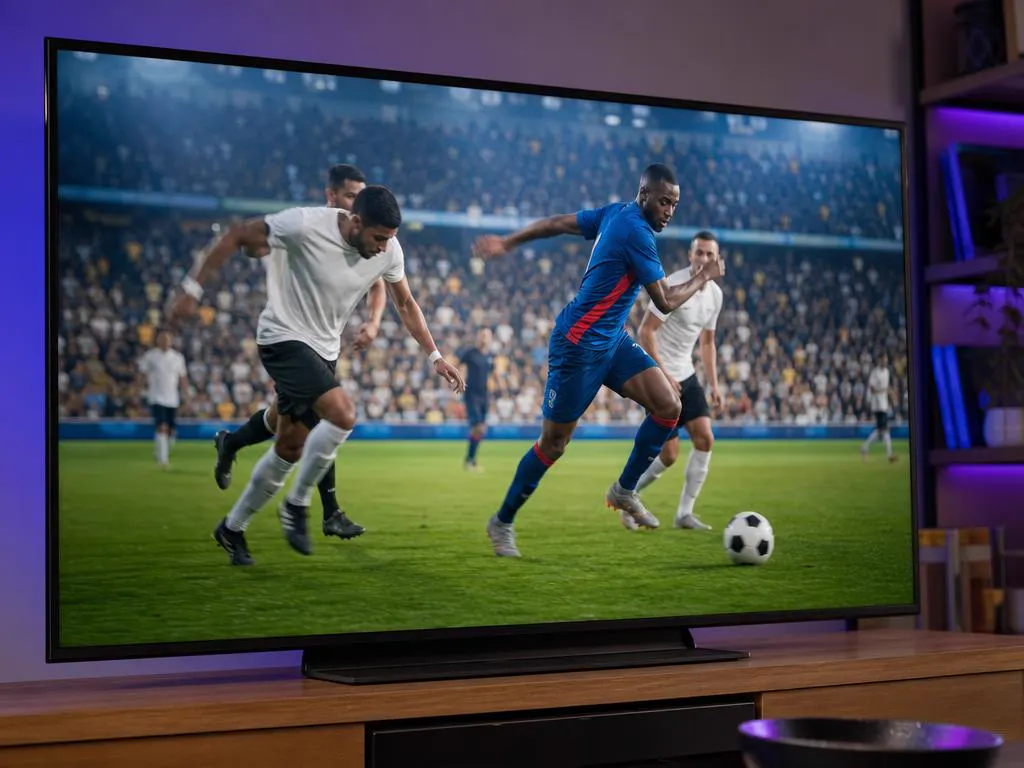
A few settings make live TV look noticeably better on a Samsung screen, especially for sports.
One login works in a Samsung store player, on a stick or on a mirrored phone. One-time payment.
1 Month Subscription
One-time · 1 month
3 Months Subscription
One-time · 3 months$8.67/mo
6 Months Subscription
One-time · 6 months$6.50/mo
12 Months Subscription
One-time · 12 months$5.75/mo
1 Month Subscription
One-time · 1 month
3 Months Subscription
One-time · 3 months$12.00/mo
6 Months Subscription
One-time · 6 months$11.50/mo
12 Months Subscription
One-time · 12 months$9.92/mo
1 Month Subscription
One-time · 1 month
3 Months Subscription
One-time · 3 months$15.33/mo
6 Months Subscription
One-time · 6 months$14.83/mo
12 Months Subscription
One-time · 12 months$12.42/mo
1 Month Subscription
One-time · 1 month
3 Months Subscription
One-time · 3 months$18.67/mo
6 Months Subscription
One-time · 6 months$19.83/mo
12 Months Subscription
One-time · 12 months$14.08/mo
Secure checkout · One-time payment, no contract · Login details by email in minutes
Live TV, beautifully.
News while you cook.
The full app experience.
Pick a plan, get your login by email in minutes and watch live TV, sports and movies on your Samsung and every other screen.
This website is operated by an independent IPTV provider and is not affiliated with Samsung or with WHMCS Smarters, the developer of IPTV Smarters Pro. Samsung, Tizen and Samsung TV Plus are trademarks of Samsung. App availability varies by model and region.