
1 Month Subscription
One-time · 1 month
- One-time payment
- 20,000+ live channels
- 90,000+ movies & series
- Anti-buffering servers
- TV guide (EPG)
- Instant activation
- 24/7 chat support
LG TVs run webOS, not Android, so the Android version of IPTV Smarters Pro won't install on them. You still have three solid routes to IPTV Smarters Pro for LG TV: a Smarters player in the LG Content Store where your model lists one, a small streaming stick with the full app, or AirPlay from an iPhone on recent models.
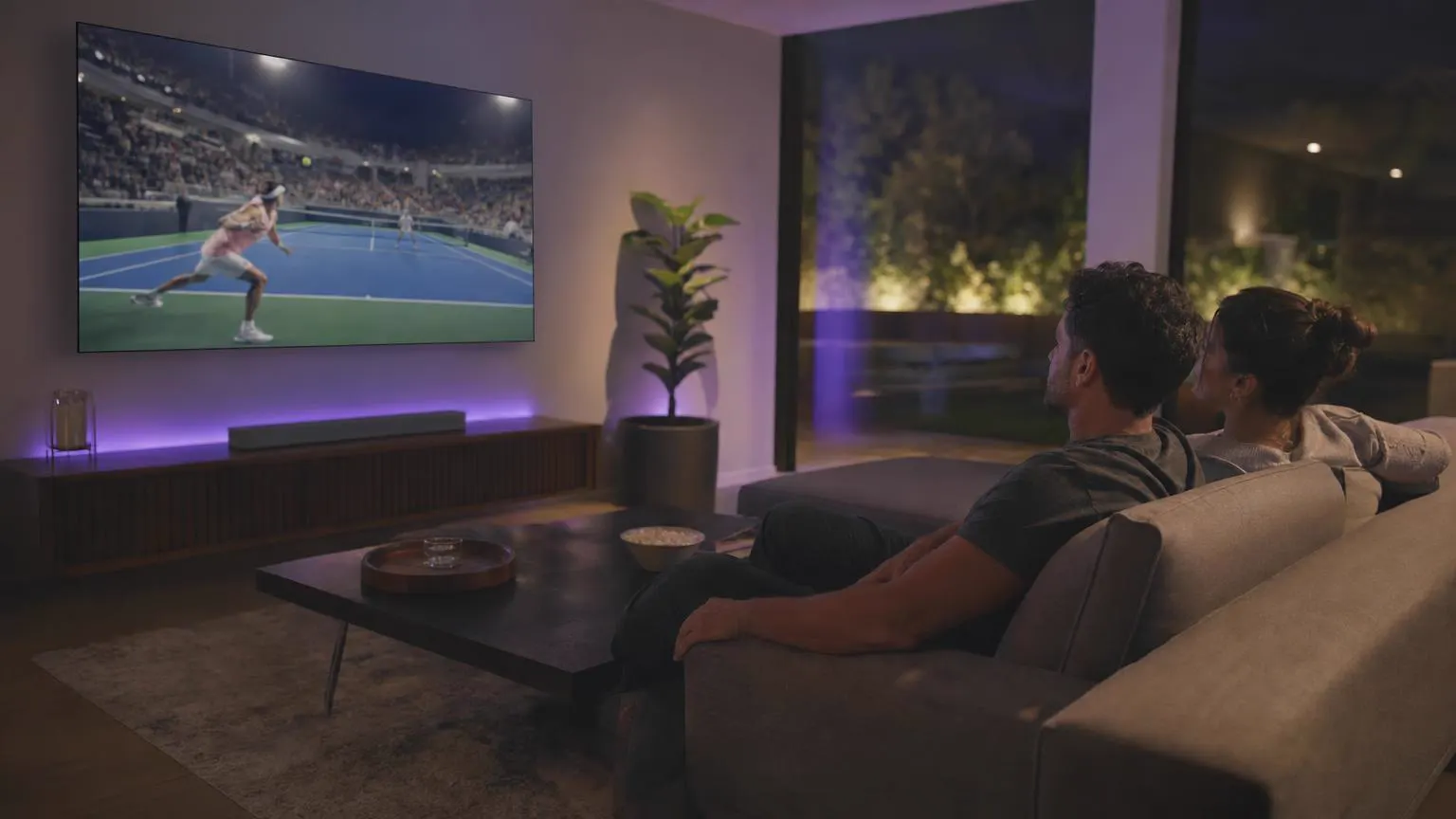 LG setup
Not the Android app, because LG uses webOS. Search the LG Content Store for Smarters first; on some models and regions a Smarters player from the developer is listed. If yours isn't, a Fire TV or Android TV stick in a spare HDMI port gives you the complete IPTV Smarters Pro app.
| Method | Best for | Setup time |
|---|---|---|
| LG Content Store (where listed) | No extra hardware | 5 minutes |
| Fire TV or Android TV stick | The full Pro app on any LG TV | 10 minutes |
| AirPlay from an iPhone | Quick viewing on 2018-and-later models | 2 minutes |
Point, click and type with the Magic Remote. No Smarters player from the developer in your store? Method 2 below works on every LG TV.
Open Settings → All Settings → Support → Software Update (on older models: General → About This TV) and install anything waiting.
Press Home and open Apps, the store's name on recent models. Older TVs call it LG Content Store.
Point the remote at the search icon and click, then type Smarters. You can also hold the microphone button and say it.
Open the listing, make sure the developer is WHMCS Smarters, then select Install and Launch when it's done.
In the app, select Login with Xtream Codes API rather than a playlist link, so the guide and on-demand sections come with it.
Fill in a name, your username, password and server URL. The Magic Remote's pointer makes the on-screen keyboard quick; a USB keyboard plugged into the TV is quicker still.
The LG ThinQ app on your phone includes a remote with a keyboard on many recent models.
Select Add user. The first load of channels, movies and series takes a minute or two on a TV.
Use the guide refresh on the dashboard. Wrong times? Set the TV's clock to automatic in Settings → All Settings → General → System → Time & Timer.
Select Live TV, then a category and a channel. Point and scroll with the remote's wheel to move through long lists.
Screens are illustrations, not captures of webOS or the app. Menu paths vary by webOS version.
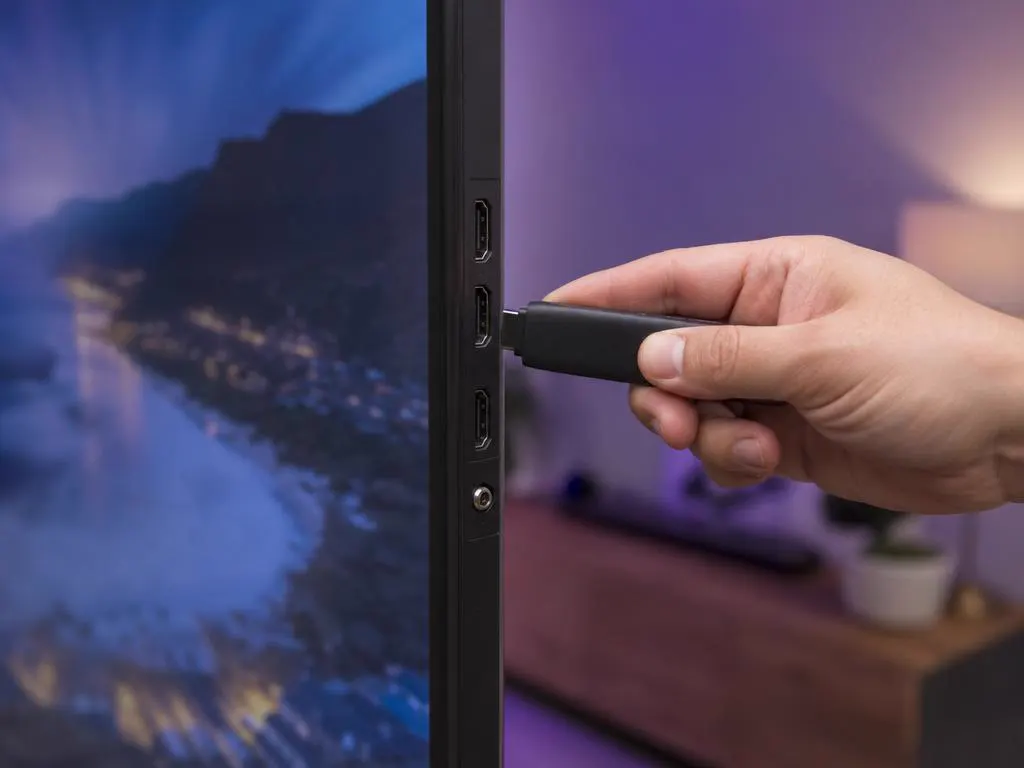
A Fire TV or Android TV stick plugged into your LG TV runs the complete IPTV Smarters Pro app, with multi-screen, catch-up and fast menus. Switch to its HDMI input with the LG remote.
One login works with every method above, and on your other devices. One-time payment.
1 Month Subscription
One-time · 1 month
3 Months Subscription
One-time · 3 months$8.67/mo
6 Months Subscription
One-time · 6 months$6.50/mo
12 Months Subscription
One-time · 12 months$5.75/mo
1 Month Subscription
One-time · 1 month
3 Months Subscription
One-time · 3 months$12.00/mo
6 Months Subscription
One-time · 6 months$11.50/mo
12 Months Subscription
One-time · 12 months$9.92/mo
1 Month Subscription
One-time · 1 month
3 Months Subscription
One-time · 3 months$15.33/mo
6 Months Subscription
One-time · 6 months$14.83/mo
12 Months Subscription
One-time · 12 months$12.42/mo
1 Month Subscription
One-time · 1 month
3 Months Subscription
One-time · 3 months$18.67/mo
6 Months Subscription
One-time · 6 months$19.83/mo
12 Months Subscription
One-time · 12 months$14.08/mo
Secure checkout · One-time payment, no contract · Login details by email in minutes

Big games on a big screen.
Everyday TV.
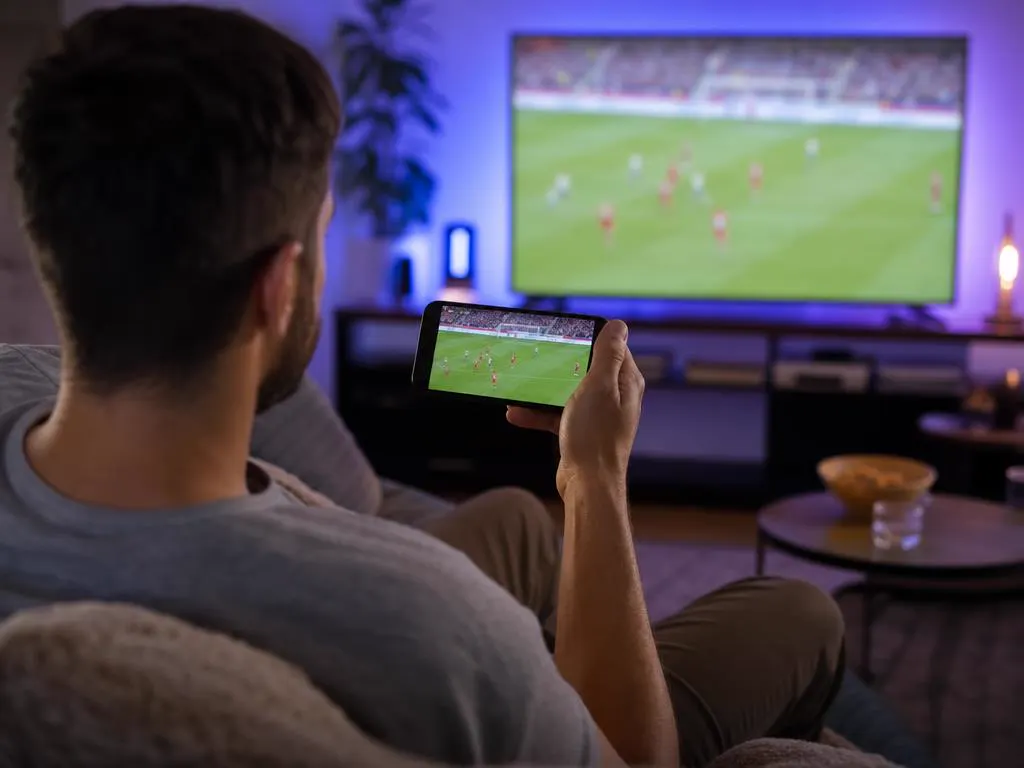
AirPlay from iPhone.
Pick a plan, get your login by email in minutes and stream live TV, sports and movies on your LG TV.

This website is operated by an independent IPTV provider and is not affiliated with LG Electronics or with WHMCS Smarters, the developer of IPTV Smarters Pro. LG and webOS are trademarks of LG Electronics. App availability varies by model and region.