
1 Month Subscription
One-time · 1 month
- One-time payment
- 20,000+ live channels
- 90,000+ movies & series
- Anti-buffering servers
- TV guide (EPG)
- Instant activation
- 24/7 chat support
A Fire TV Stick is the most popular way to watch IPTV on a big screen, and the IPTV Smarters Pro Firestick setup takes about ten minutes. You'll prepare the stick, install the official app, sign in with your Xtream Codes details, then change a few settings that make a real difference to buffering.
 Fire TV ready
Yes. Check the Amazon Appstore first, because availability changes by region and over time. If the app isn't listed, install it with the free Downloader app and the developer's official link, the method most Fire TV owners use. Either way, the app is free and you sign in with the details from your IPTV plan.
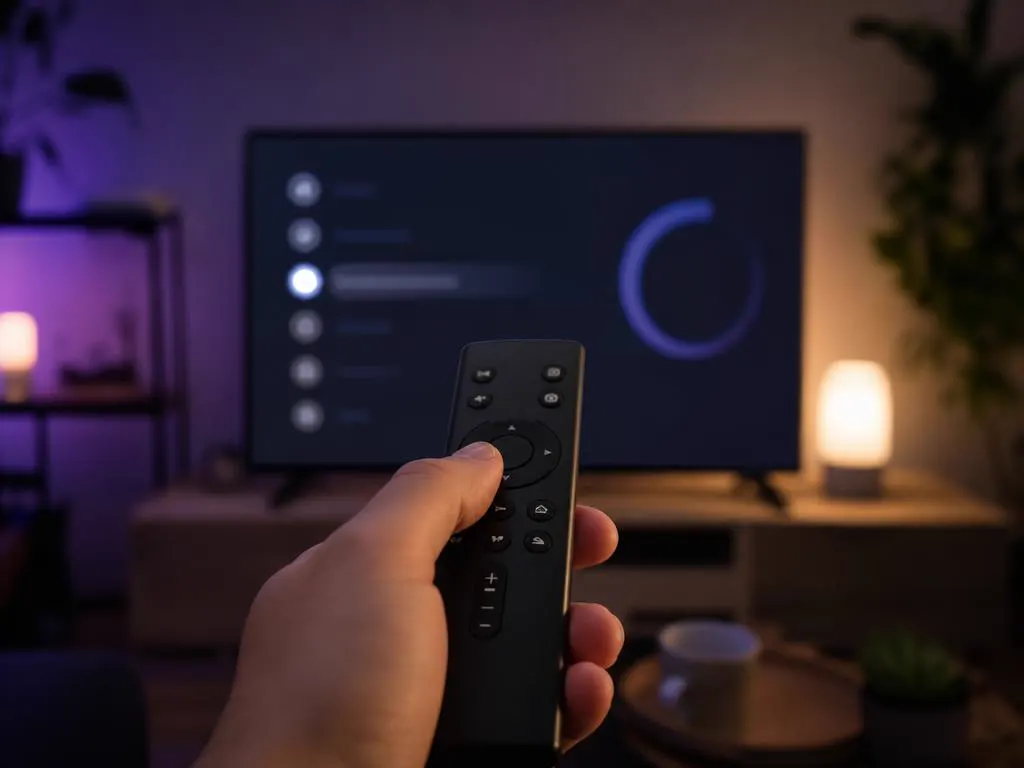
Open Settings → My Fire TV → About → Check for Updates. Newer software installs apps faster and fixes playback bugs.
Go to Settings → Applications → Manage Installed Applications and remove apps you don't use, so at least 1 GB is free.
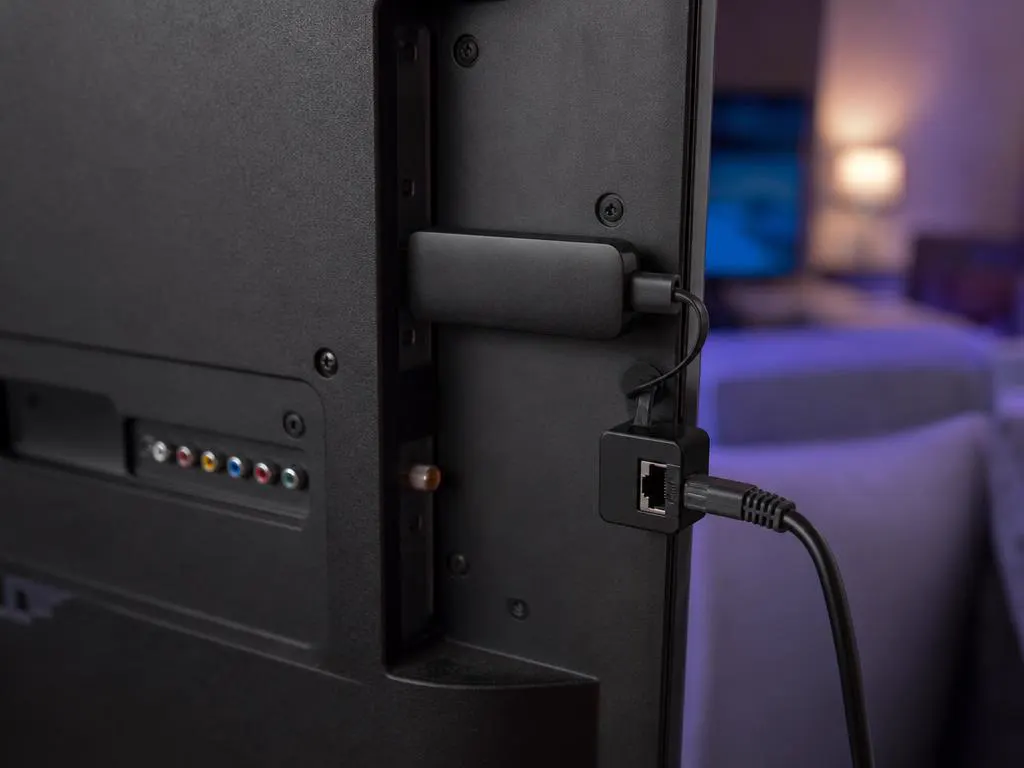
Connect to 5 GHz Wi-Fi, or plug in an Ethernet adapter. HD needs about 10 Mbps; 4K needs about 25 Mbps.
Use the Appstore when the app is listed for your region. Otherwise, the Downloader method takes a few extra minutes.
| Method | When to use it | Time | How |
|---|---|---|---|
| Amazon Appstore | When it's listed in your region | 3 minutes | Open Find → Search, type Smarters, check the developer is WHMCS Smarters, then select Get. |
| Downloader app | When it isn't in the Appstore | 10 minutes | Follow the step-by-step walkthrough below, which installs from the developer's official link. |
Never install a Fire TV app that comes with channels already loaded. That's a modified copy, not the real player.
Every click from a fresh Fire TV home screen to your first live channel. Keep your activation email nearby for Part 4.
Downloader is a free, well-known Fire TV app that fetches files from a web address. You only install it once.
Press Home on the remote, move to Find in the top menu and select the Search tile.
Type Downloader with the on-screen keyboard, or hold the voice button and say it. Select it from the suggestions.
Open the listing (the publisher is AFTVnews) and select Get or Download. It's free and installs in a few seconds.
Fire OS blocks apps from outside the Appstore until you give one app permission. You'll allow Downloader only.
Back on the home screen, select the gear icon at the right end of the top menu, then My Fire TV.
Newer sticks hide this menu. Open About, highlight your device name at the top and press the center button seven times, until you see that you're now a developer. Press Back once.
Already see Developer Options under My Fire TV? Skip this step.
Select Developer Options, then Install unknown apps.
Select Downloader so it reads ON. Leave every other app off.
Older Fire OS versions show a single switch called Apps from Unknown Sources instead. Turn it on, then off again after this guide.
Launch Downloader from Your Apps & Channels. Select Allow when it asks for access to files, then OK on the welcome notes.
Select the address box, enter https://www.iptvsmarters.com/smarters4-0.apk and select Go. That's the developer's own download link, the same one on our homepage.
Prefer a short code? Our Downloader code guide explains how to check where a code leads before you install anything.
The file is small, so this takes a few seconds on a normal connection. Don't press Back while the bar is moving.
Fire OS asks whether you want to install the app. Scroll down if needed and select Install.
Select Done (not Open). Downloader then offers to delete the file you downloaded: choose Delete, then Delete again. The app stays; only the leftover file goes.
Open your activation email. You need four things from it: a name of your choice, the username, the password and the server URL.
Hold Home, choose Apps and select IPTV Smarters Pro. To keep it on the home screen, press the menu button (three lines) on it and choose Move to front.
The first launch shows the app's terms of use. Read them and select Accept to continue.
Of the sign-in options, pick Login with Xtream Codes API. It loads the guide, movies and series faster than a playlist link.
Any name is a label you pick, such as Living Room. Type the username and password exactly, minding capitals. The URL starts with http:// and usually ends with a colon and a port number.
The free Amazon Fire TV app on your phone has a keyboard that types straight into these fields. Much faster than the remote.
The first load downloads every channel, movie and series list. Give it up to a minute and don't press anything until the dashboard appears.
On the dashboard, select Install EPG (called Refresh EPG in some versions). It fills each channel with what's on now and next.
If programs show at the wrong hour, check Settings → Preferences → Time Zone on the Fire TV, then refresh the guide in the app.
Select Live TV, choose a category, then a channel. It plays in a preview window; press the center button again for full screen.
Screens are illustrations, not captures of the real apps. Menu names can differ slightly by Fire OS and app version. Typing a long M3U link with a remote? Split it into three short fields with our M3U to Xtream converter.
Fire TV sticks are small computers with limited memory, so a little maintenance goes a long way. These habits keep the IPTV Smarters Pro Firestick app fast and stable, even during big live games.
Still buffering on every channel? Run a speed test on the stick itself, not on your phone. Wi-Fi behind a TV is often much slower.
| Device | Picture | Good to know |
|---|---|---|
| Fire TV Stick & Stick Lite | Full HD | Fine for HD channels; menus are slower with big playlists. |
| Fire TV Stick 4K & 4K Max | 4K HDR | The best value for 4K. The Max is faster and has newer Wi-Fi. |
| Fire TV Cube | 4K HDR | The fastest option; recent models include an Ethernet port. |
| Fire TV smart TVs | Depends on the TV | Same app, same steps as a stick. |
Xtream Codes details that type easily with a remote, by email in minutes.
1 Month Subscription
One-time · 1 month
3 Months Subscription
One-time · 3 months$8.67/mo
6 Months Subscription
One-time · 6 months$6.50/mo
12 Months Subscription
One-time · 12 months$5.75/mo
1 Month Subscription
One-time · 1 month
3 Months Subscription
One-time · 3 months$12.00/mo
6 Months Subscription
One-time · 6 months$11.50/mo
12 Months Subscription
One-time · 12 months$9.92/mo
1 Month Subscription
One-time · 1 month
3 Months Subscription
One-time · 3 months$15.33/mo
6 Months Subscription
One-time · 6 months$14.83/mo
12 Months Subscription
One-time · 12 months$12.42/mo
1 Month Subscription
One-time · 1 month
3 Months Subscription
One-time · 3 months$18.67/mo
6 Months Subscription
One-time · 6 months$19.83/mo
12 Months Subscription
One-time · 12 months$14.08/mo
Secure checkout · One-time payment, no contract · Login details by email in minutes
A stick turns any HDMI TV into a smart one.
Take your stick and your login on vacation.
Multi-device plans cover several rooms at once.
Get Xtream Codes login details in minutes and stream live TV, sports and movies in HD and 4K on every Fire TV in your home.
This website is operated by an independent IPTV provider and is not affiliated with Amazon or with WHMCS Smarters, the developer of IPTV Smarters Pro. Fire TV and Firestick are trademarks of Amazon. App availability varies by region.