
1 Month Subscription
One-time · 1 month
- One-time payment
- 20,000+ live channels
- 90,000+ movies & series
- Anti-buffering servers
- TV guide (EPG)
- Instant activation
- 24/7 chat support
An Android TV box can turn any HDMI TV into a smart IPTV screen, but not all boxes are equal. This guide to IPTV for Android box setups explains which boxes to trust, the specs that make a real difference and how to get from unboxing to live TV in about fifteen minutes.
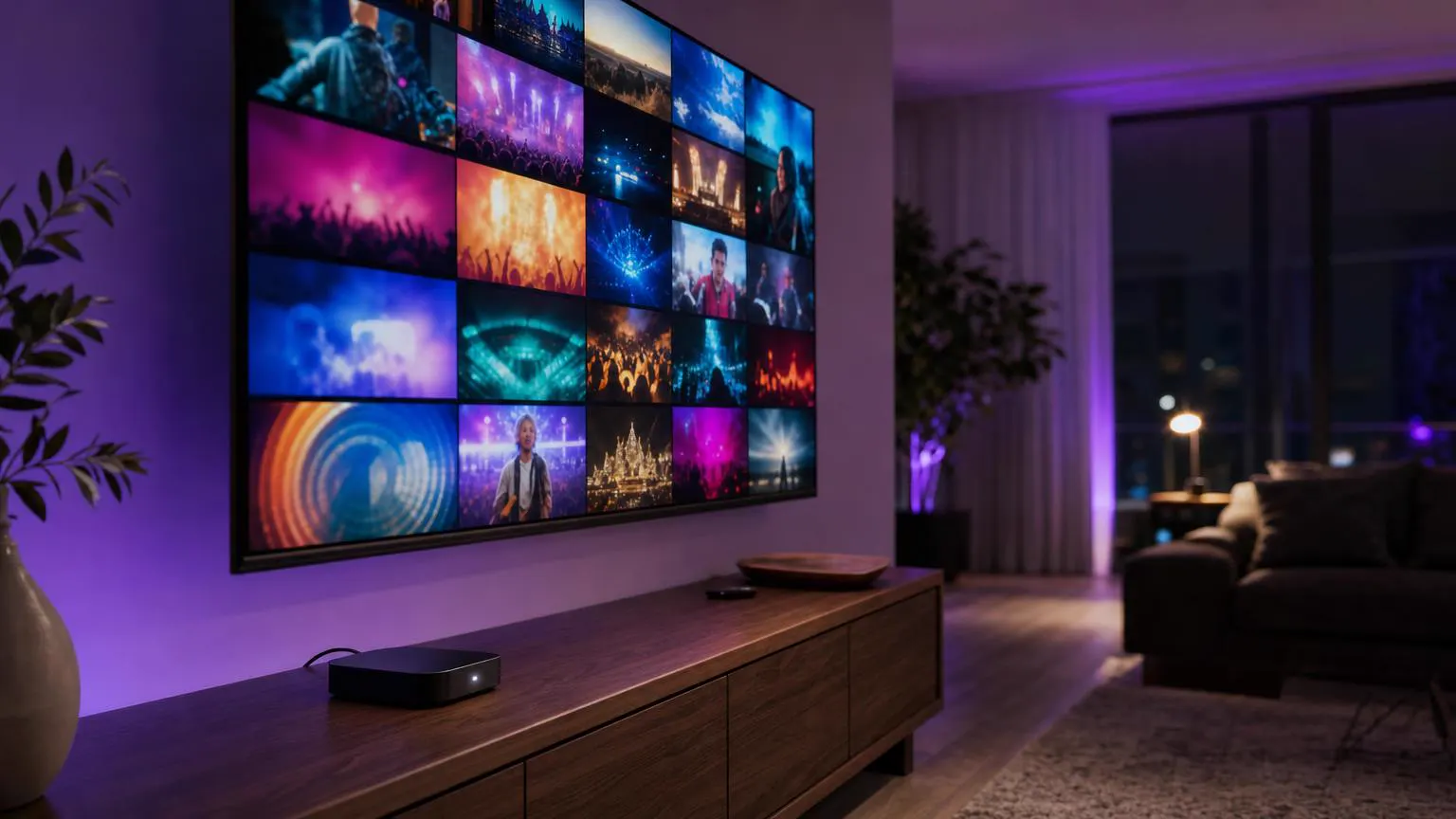 Box buyer's guide
Choose a certified Android TV or Google TV box with at least 2 GB of RAM, hardware H.265 (HEVC) decoding and an Ethernet port. Install IPTV Smarters Pro from Google Play, sign in with Xtream Codes details and connect the box by cable. That combination avoids most buffering and security problems.
| Certified Android TV / Google TV | Uncertified (generic) box | |
|---|---|---|
| App store | Google Play built in | Often missing or unofficial |
| Security updates | Regular updates from the maker | Rare or never |
| Interface | TV-friendly, works with the remote | Phone-style menus, often needs a mouse |
| Risk | Low | Some cheap boxes have shipped with malware preinstalled |
| Best for IPTV | Yes | Avoid, even if it's cheaper |
"Fully loaded" boxes sold with free channels are a red flag. The box should arrive empty.
Large playlists and the TV guide load faster and stay smooth.
Needed for efficient 4K and many HD streams.
The single best defense against buffering.
If you can't run a cable, a strong 5 GHz connection helps.
Voice search and a responsive remote make typing logins easier.
Newer software runs current apps and gets fixes.
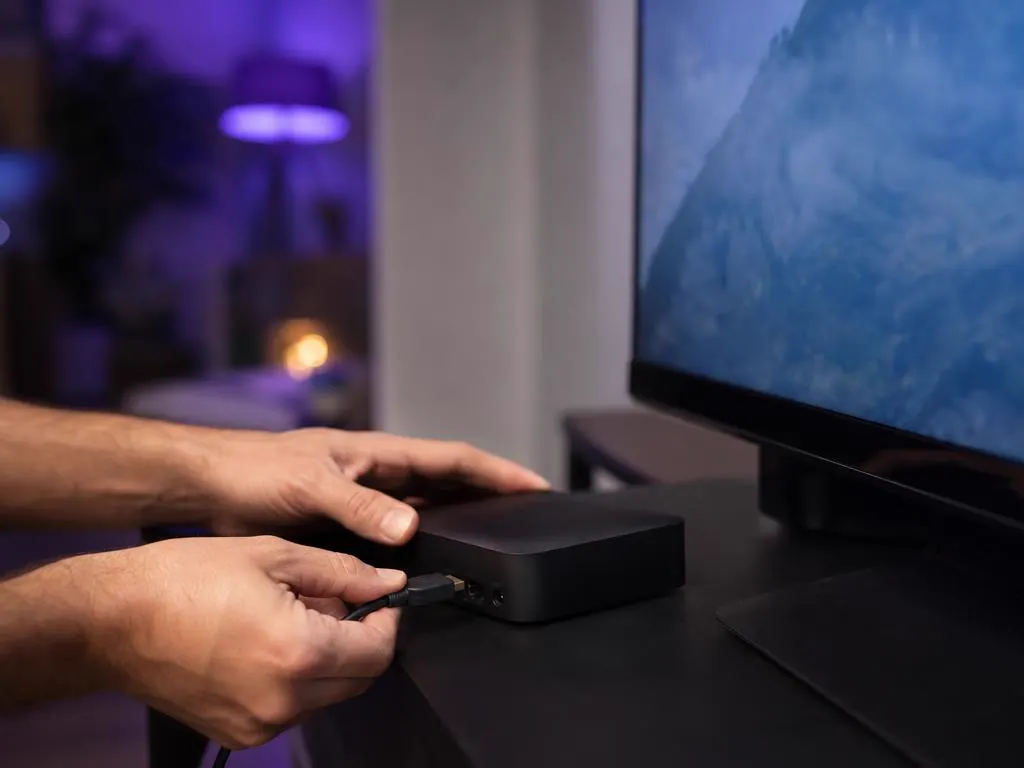
Plug it into the TV's HDMI port and your router's Ethernet port, then power it on and sign in to Google.
Open Settings, check for system updates and install them before adding apps.
Open Google Play, search for the app and check the publisher. Our Android guide has the details.
Choose Xtream Codes login, enter your details and open a live channel.
One login works on every box, stick and TV in the house. Choose your devices, then your plan length.
1 Month Subscription
One-time · 1 month
3 Months Subscription
One-time · 3 months$8.67/mo
6 Months Subscription
One-time · 6 months$6.50/mo
12 Months Subscription
One-time · 12 months$5.75/mo
1 Month Subscription
One-time · 1 month
3 Months Subscription
One-time · 3 months$12.00/mo
6 Months Subscription
One-time · 6 months$11.50/mo
12 Months Subscription
One-time · 12 months$9.92/mo
1 Month Subscription
One-time · 1 month
3 Months Subscription
One-time · 3 months$15.33/mo
6 Months Subscription
One-time · 6 months$14.83/mo
12 Months Subscription
One-time · 12 months$12.42/mo
1 Month Subscription
One-time · 1 month
3 Months Subscription
One-time · 3 months$18.67/mo
6 Months Subscription
One-time · 6 months$19.83/mo
12 Months Subscription
One-time · 12 months$14.08/mo
Secure checkout · One-time payment, no contract · Login details by email in minutes
The main screen.
Make them smart again.
A second screen, sorted.
Pick a plan, get your login by email in minutes and stream live TV, sports and movies on every box in your home.
This website is operated by an independent IPTV provider and is not affiliated with Google or with WHMCS Smarters, the developer of IPTV Smarters Pro. Android TV and Google TV are trademarks of Google LLC.