
1 Month Subscription
One-time · 1 month
- One-time payment
- 20,000+ live channels
- 90,000+ movies & series
- Anti-buffering servers
- TV guide (EPG)
- Instant activation
- 24/7 chat support
Every smart TV can show live IPTV channels; the method just depends on the brand and its system. This guide shows which route suits your TV, then walks through the one that confuses most people: player apps that activate with your TV's MAC address.
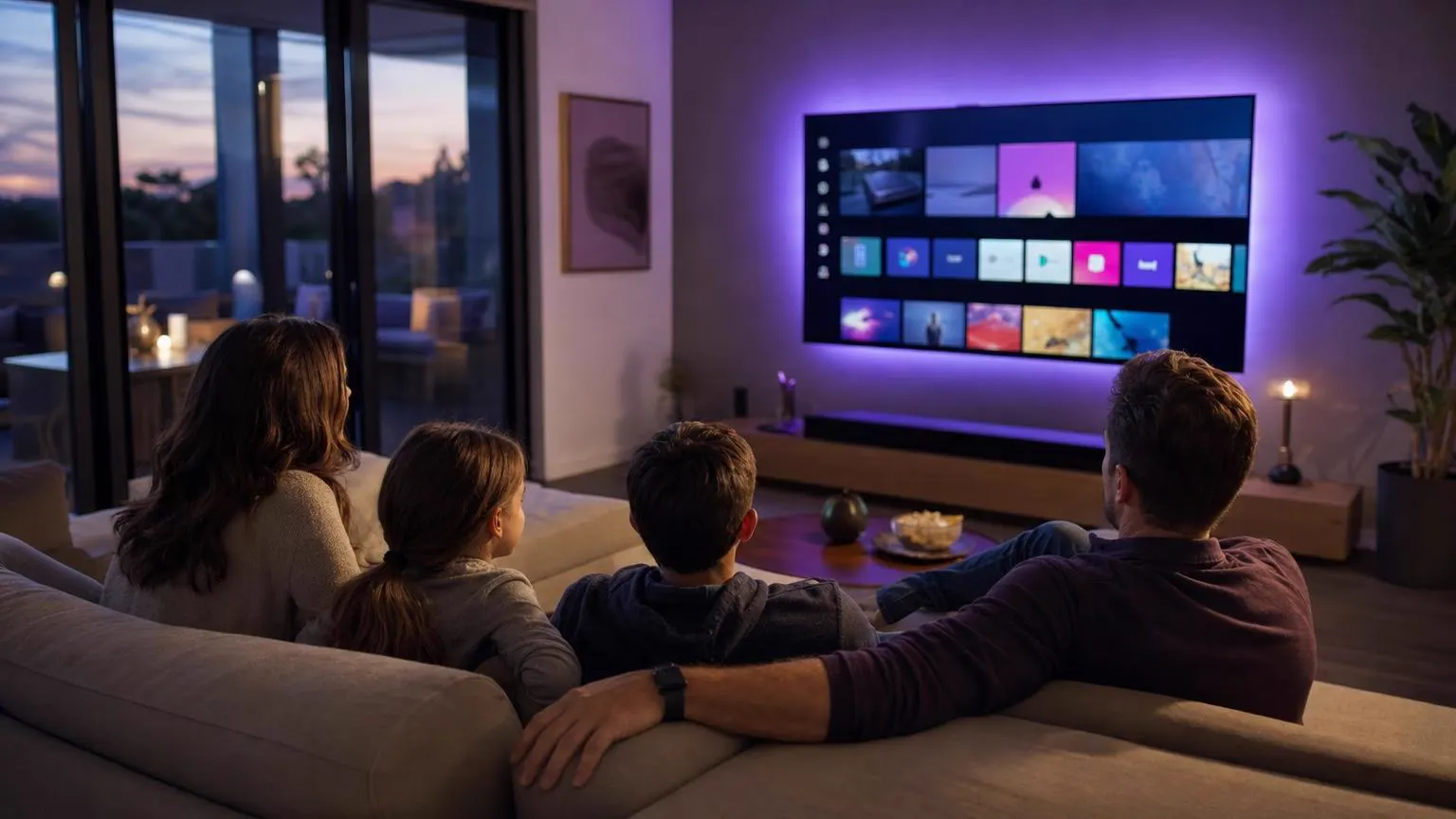 Any brand
Three ways. On Google TV and Android TV sets, install IPTV Smarters Pro from Google Play. On Samsung, LG and other TVs with their own systems, install a player from the TV's store; some sign in with Xtream Codes details, others activate with the TV's MAC address. On any TV with HDMI, a streaming stick gives you the full app.
| TV brand or system | Best method | Guide |
|---|---|---|
| Sony, TCL, Philips and others with Google TV or Android TV | IPTV Smarters Pro from Google Play | Android TV guide |
| Samsung (Tizen) | A Smarters player from Samsung Apps where listed, or a stick | Samsung guide |
| LG (webOS) | A Smarters player from the LG store where listed, or a stick | LG guide |
| Hisense (VIDAA) | A store player, or a stick | Hisense guide |
| TVs with Fire TV built in | Same steps as a Fire TV Stick | Firestick guide |
| Roku TV models | A streaming stick or a mirrored phone | Roku guide |
| Any brand, any year | A player app that activates by MAC address | The walkthrough below |
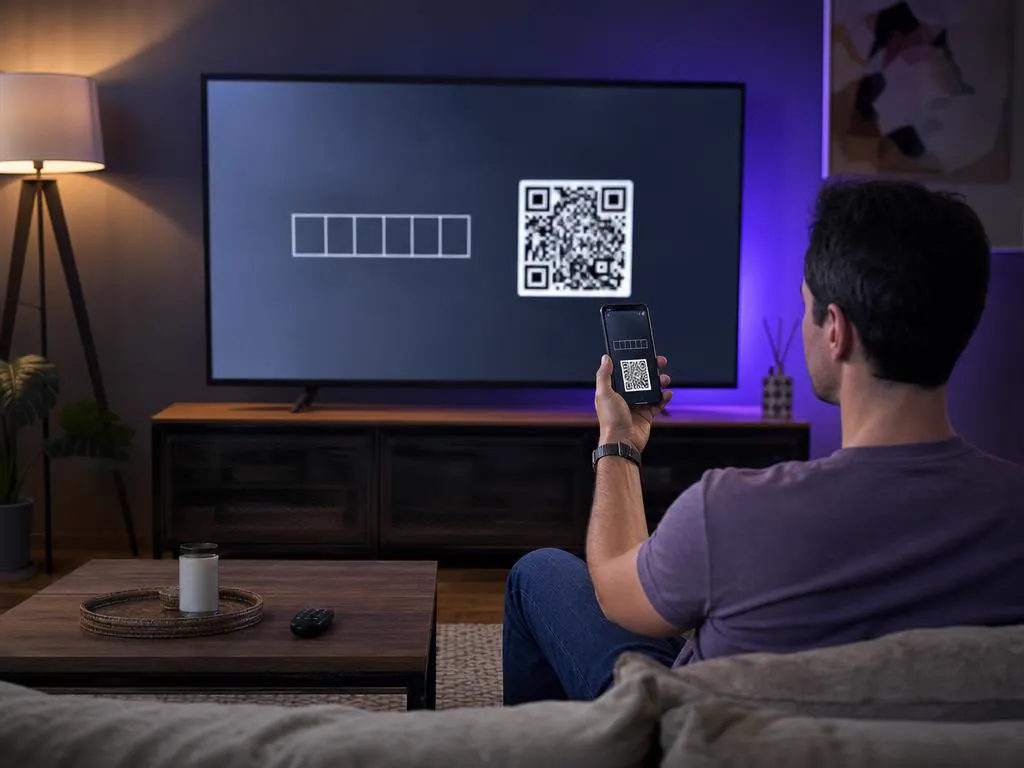
Some players for IPTV on smart TV sets have no login screen. Instead, each TV gets an ID, usually called its MAC address, sometimes with a device key. You open the player's website on your phone or computer, enter that ID and paste in your playlist. The app on the TV then downloads it by itself.
Players that work this way include IBO Player, Smart IPTV, SET IPTV and Flix IPTV, listed on many Samsung, LG and other smart TVs. Most run free for a trial period, then charge a one-time activation fee paid to the app's developer.
The most common route to IPTV on smart TV models without a Smarters app. These are the steps every MAC-based player shares. Button names differ between apps, but the order doesn't. You'll need your phone or a computer for Part 2.
Open your TV's app store and search for an IPTV player. Read the description: you want one that mentions playlist upload or MAC activation.
The first screen shows the TV's MAC address and, in some apps, a device key and the website to visit. Take a photo of the screen with your phone so nothing gets mistyped.
Use the website address the app shows. Type it yourself rather than searching for it, so you land on the developer's real site and not a copycat.
On your phone or computer, open the address from the TV screen and find the page for adding or managing a playlist.
Type the MAC address exactly as shown, including the colons, plus the device key if the app gave you one.
Rather not do this part yourself? Send us the app's name and the MAC address through our contact form and we'll guide you through it.
Choose to add a playlist, give it a name and paste your M3U link from your activation email. If the site offers Xtream Codes fields instead, enter the server URL, username and password there.
Only have Xtream Codes details and the site wants an M3U link? Build one in seconds with our converter, on the Xtream → M3U tab.
Close the player completely and open it again, or use its reload option. It downloads the playlist you just added.
When the player's trial ends, it asks for its one-time activation fee on the developer's website. Pay only on the address the app shows. That fee goes to the app's maker and is separate from your plan with us.
Choose a category and a channel. If guide times look wrong, set the TV's clock to automatic and reload the playlist.
Screens are illustrations, not captures of any specific player. We're not affiliated with these apps; their trials, fees and menus are set by their developers.
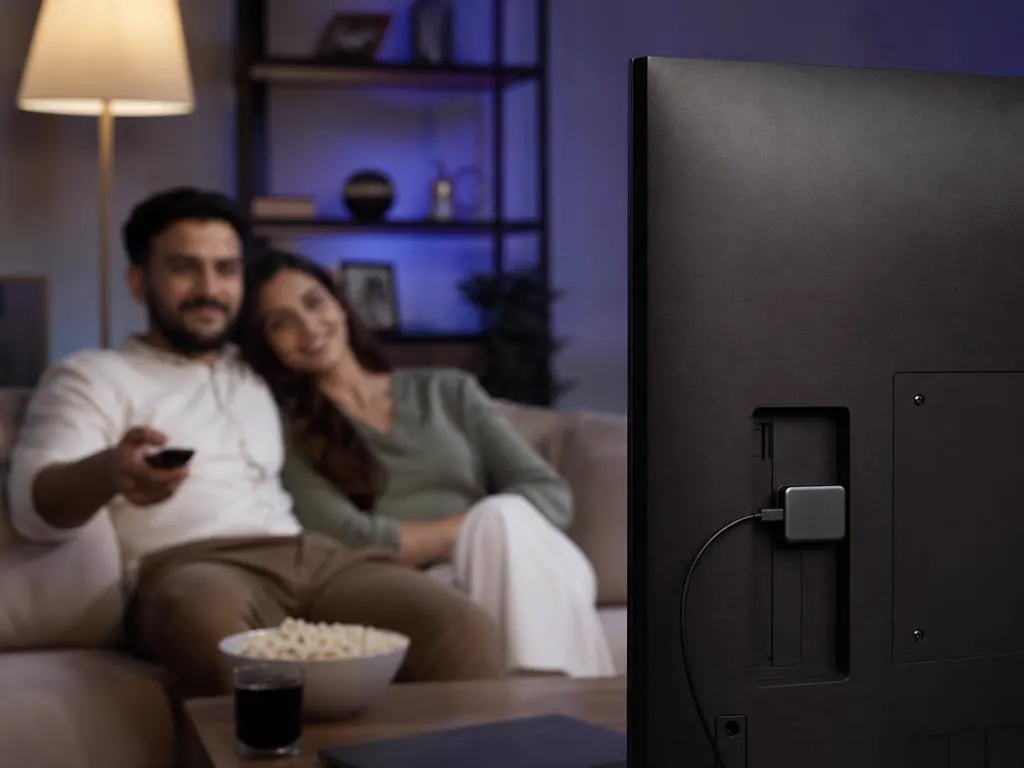
If your TV's store has no suitable player, or you want the full IPTV Smarters Pro experience, plug a Fire TV or Android TV stick into a spare HDMI port. It takes about ten minutes, needs no per-TV activation fee and moves with you to the next TV.
An M3U link and Xtream Codes details in one email, ready for any player. One-time payment.
1 Month Subscription
One-time · 1 month
3 Months Subscription
One-time · 3 months$8.67/mo
6 Months Subscription
One-time · 6 months$6.50/mo
12 Months Subscription
One-time · 12 months$5.75/mo
1 Month Subscription
One-time · 1 month
3 Months Subscription
One-time · 3 months$12.00/mo
6 Months Subscription
One-time · 6 months$11.50/mo
12 Months Subscription
One-time · 12 months$9.92/mo
1 Month Subscription
One-time · 1 month
3 Months Subscription
One-time · 3 months$15.33/mo
6 Months Subscription
One-time · 6 months$14.83/mo
12 Months Subscription
One-time · 12 months$12.42/mo
1 Month Subscription
One-time · 1 month
3 Months Subscription
One-time · 3 months$18.67/mo
6 Months Subscription
One-time · 6 months$19.83/mo
12 Months Subscription
One-time · 12 months$14.08/mo
Secure checkout · One-time payment, no contract · Login details by email in minutes
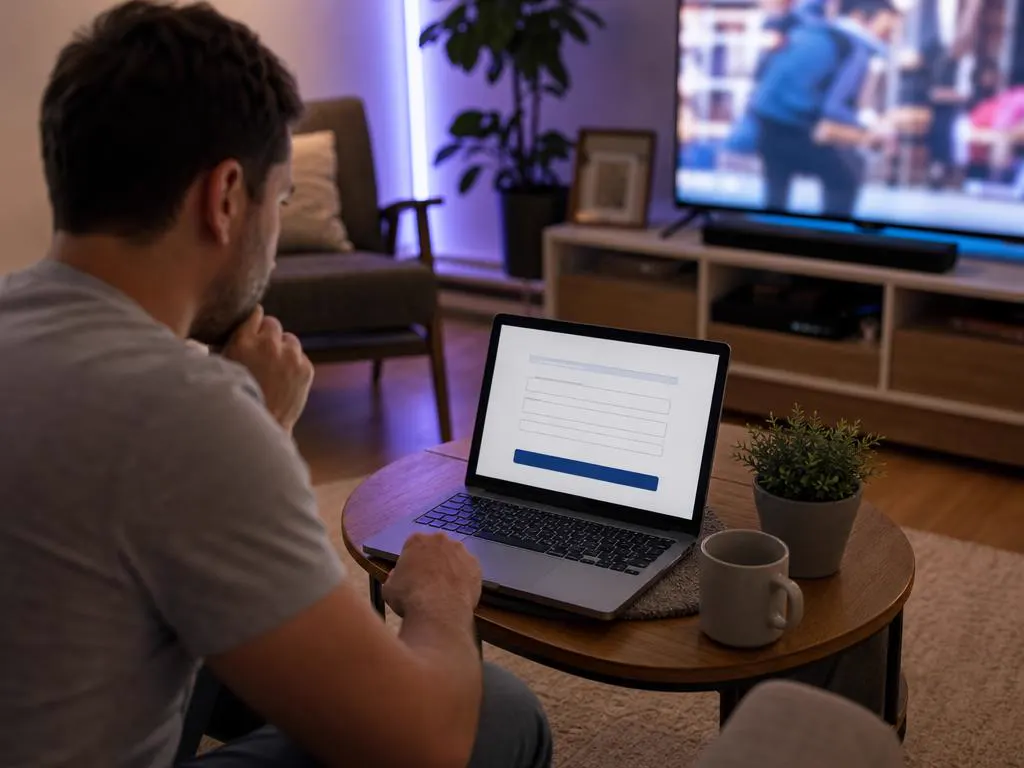
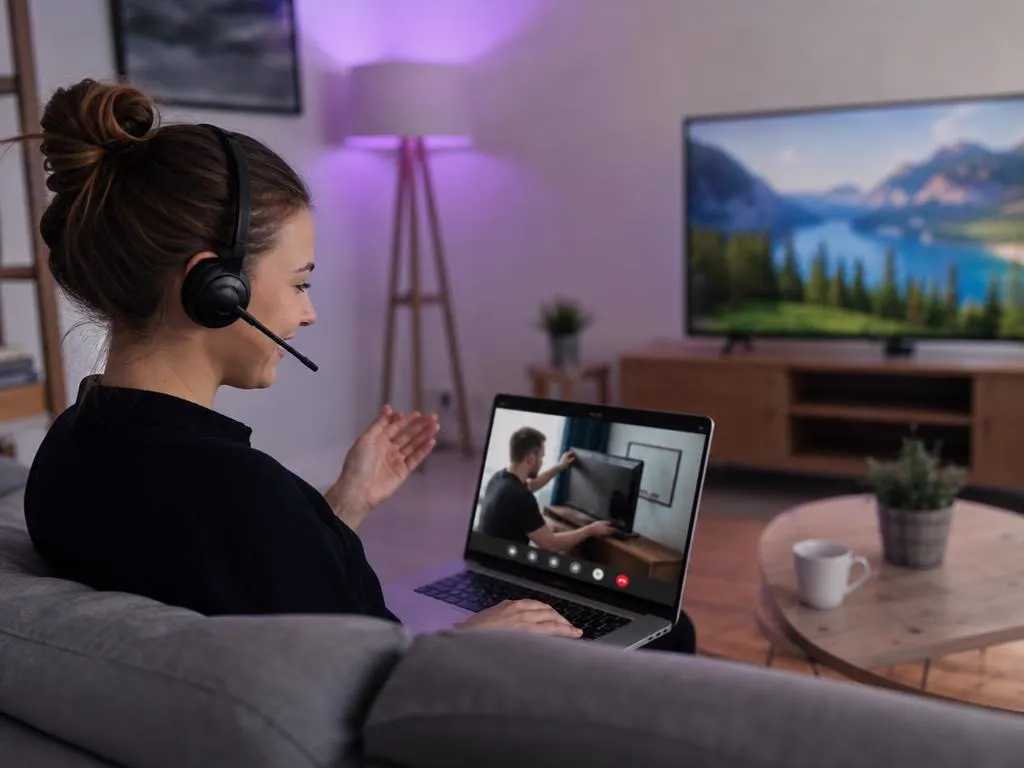
Add your playlist from a laptop or phone.
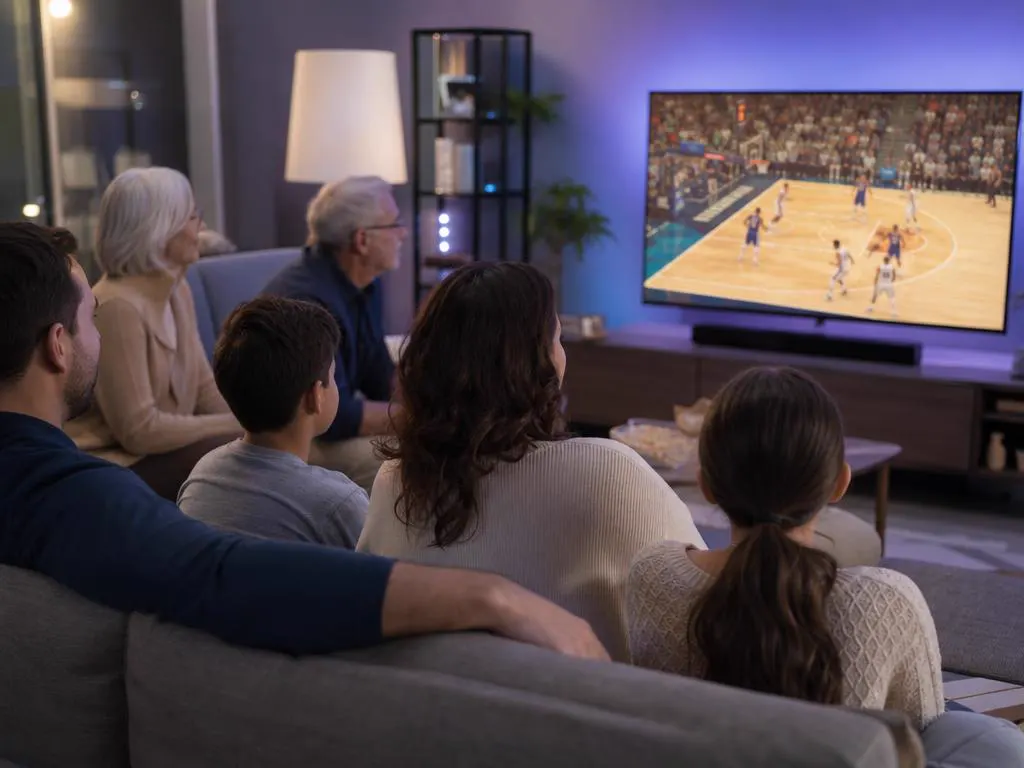
One plan covers several TVs at once.
Get an M3U link and Xtream Codes details by email in minutes, ready for whichever player your TV uses.
This website is operated by an independent IPTV provider and is not affiliated with any TV maker or with the developers of the player apps named here, including WHMCS Smarters, IBO Player, Smart IPTV, SET IPTV and Flix IPTV. All trademarks belong to their owners.