
1 Month Subscription
One-time · 1 month
- One-time payment
- 20,000+ live channels
- 90,000+ movies & series
- Anti-buffering servers
- TV guide (EPG)
- Instant activation
- 24/7 chat support
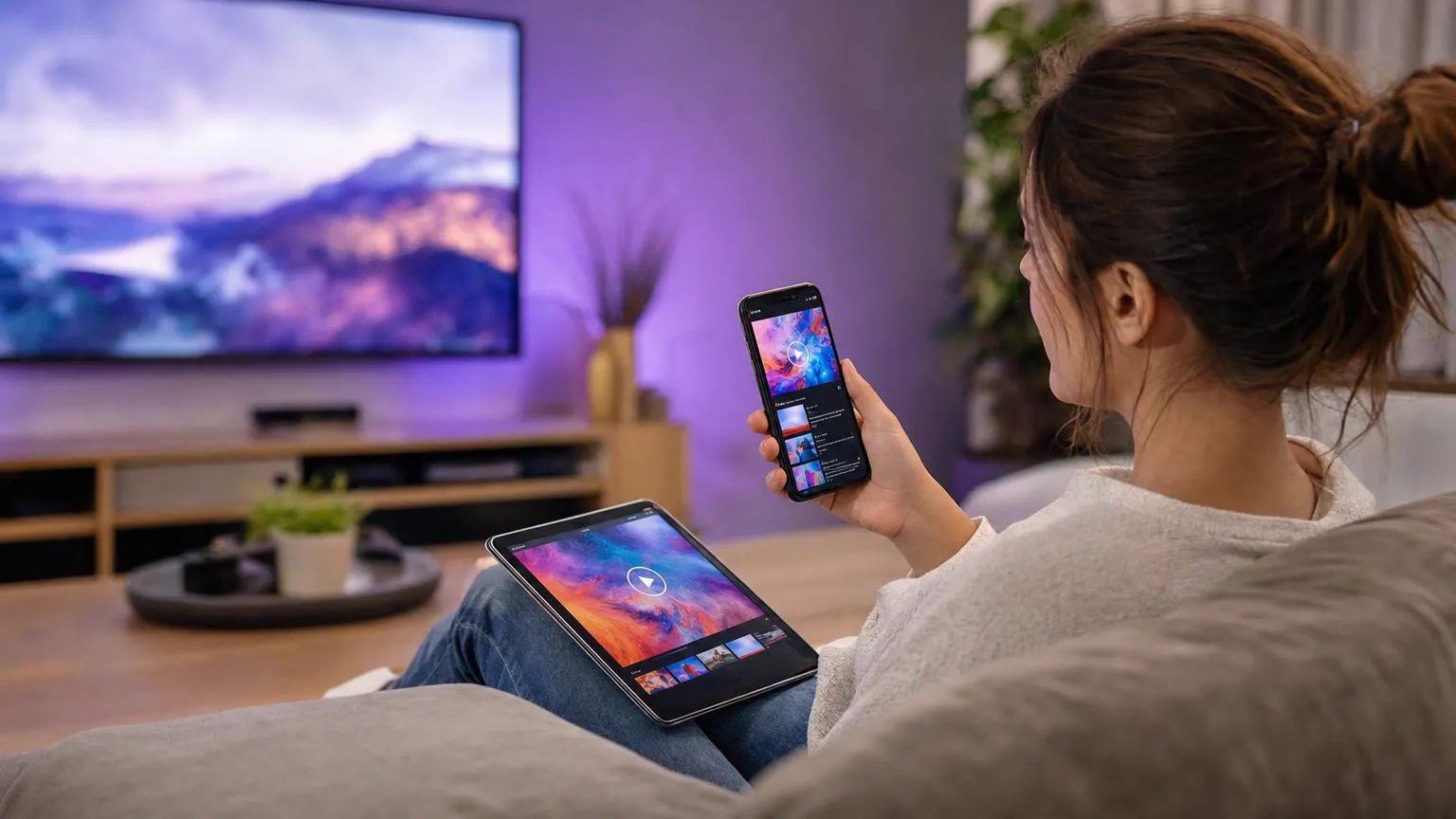
The right IPTV app for Android makes all the difference: a clear TV guide, fast channel switching and a layout that fits your screen. This guide compares the most popular Android players, explains the features worth caring about and shows how to install them safely on phones, tablets and Android TV.
 App comparison
For most people, IPTV Smarters Pro: it's free, works on phones, tablets and Android TV, and organizes live TV, movies, series and the TV guide well. Smarters Player Lite is a lighter option from the same developer. On Android TV, TiviMate is popular with viewers who live in the guide. All of them accept the same Xtream Codes login.
| App | Best on | Cost | Stand-out feature |
|---|---|---|---|
| IPTV Smarters Pro | Phones, tablets and Android TV | Free | Live TV, movies and series in one tidy app |
| Smarters Player Lite | Phones and tablets | Free | A simpler, lighter interface |
| TiviMate | Android TV | Free, with a paid premium tier | A cable-style TV guide |
Short to type and loads categories, posters and the guide properly.
Now-and-next on every channel and a full grid view.
Replay recent shows on channels that support it.
PIN-protect categories on shared devices.
Matters most for sports and news.
An interface that fits the screen you're using.
Install from Google Play whenever the app is listed, and check the publisher name before you tap Install. If you need an APK, download it only from the developer's official website, never from mirror sites.
Xtream Codes details that work in IPTV Smarters Pro, Smarters Player Lite and other players. One-time payment.
1 Month Subscription
One-time · 1 month
3 Months Subscription
One-time · 3 months$8.67/mo
6 Months Subscription
One-time · 6 months$6.50/mo
12 Months Subscription
One-time · 12 months$5.75/mo
1 Month Subscription
One-time · 1 month
3 Months Subscription
One-time · 3 months$12.00/mo
6 Months Subscription
One-time · 6 months$11.50/mo
12 Months Subscription
One-time · 12 months$9.92/mo
1 Month Subscription
One-time · 1 month
3 Months Subscription
One-time · 3 months$15.33/mo
6 Months Subscription
One-time · 6 months$14.83/mo
12 Months Subscription
One-time · 12 months$12.42/mo
1 Month Subscription
One-time · 1 month
3 Months Subscription
One-time · 3 months$18.67/mo
6 Months Subscription
One-time · 6 months$19.83/mo
12 Months Subscription
One-time · 12 months$14.08/mo
Secure checkout · One-time payment, no contract · Login details by email in minutes

Live games on the go.

A personal big screen.

The full living-room setup.
Get Xtream Codes details by email in minutes that work in every Android player on every screen.

This website is operated by an independent IPTV provider and is not affiliated with Google, WHMCS Smarters (developer of IPTV Smarters Pro and Smarters Player Lite) or the developers of other apps mentioned.